User Manual of VDR-300NU
5.2.18 Interface Grouping
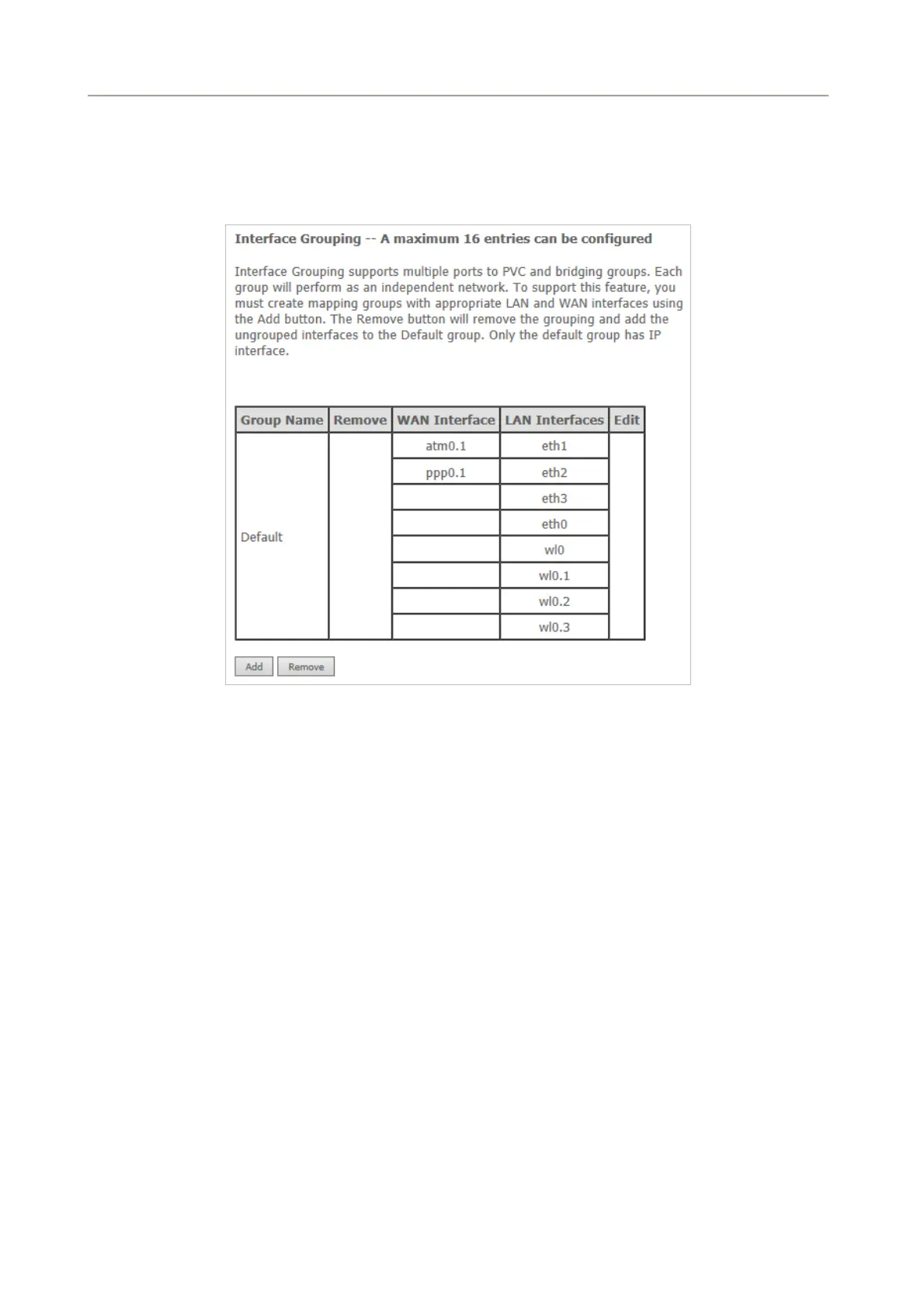
Choose Advanced Setup > Interface Grouping and the following page appears.
Figure 5-2-79
Interface grouping supports multiple ports to PVC and bridging groups. Each group will perform as an
independent network. To support this feature, you must create mapping groups with the appropriate LAN
and WAN interfaces using the Add button. The Remove button will remove the grouping and add the
ungrouped interfaces to the default group. Only the default group has IP interface.
Click the Add button to display the following page.
87



 To Next Page