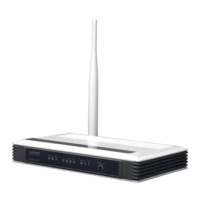
User Manual of VDR-300NU
5.2.3 3G WAN Service
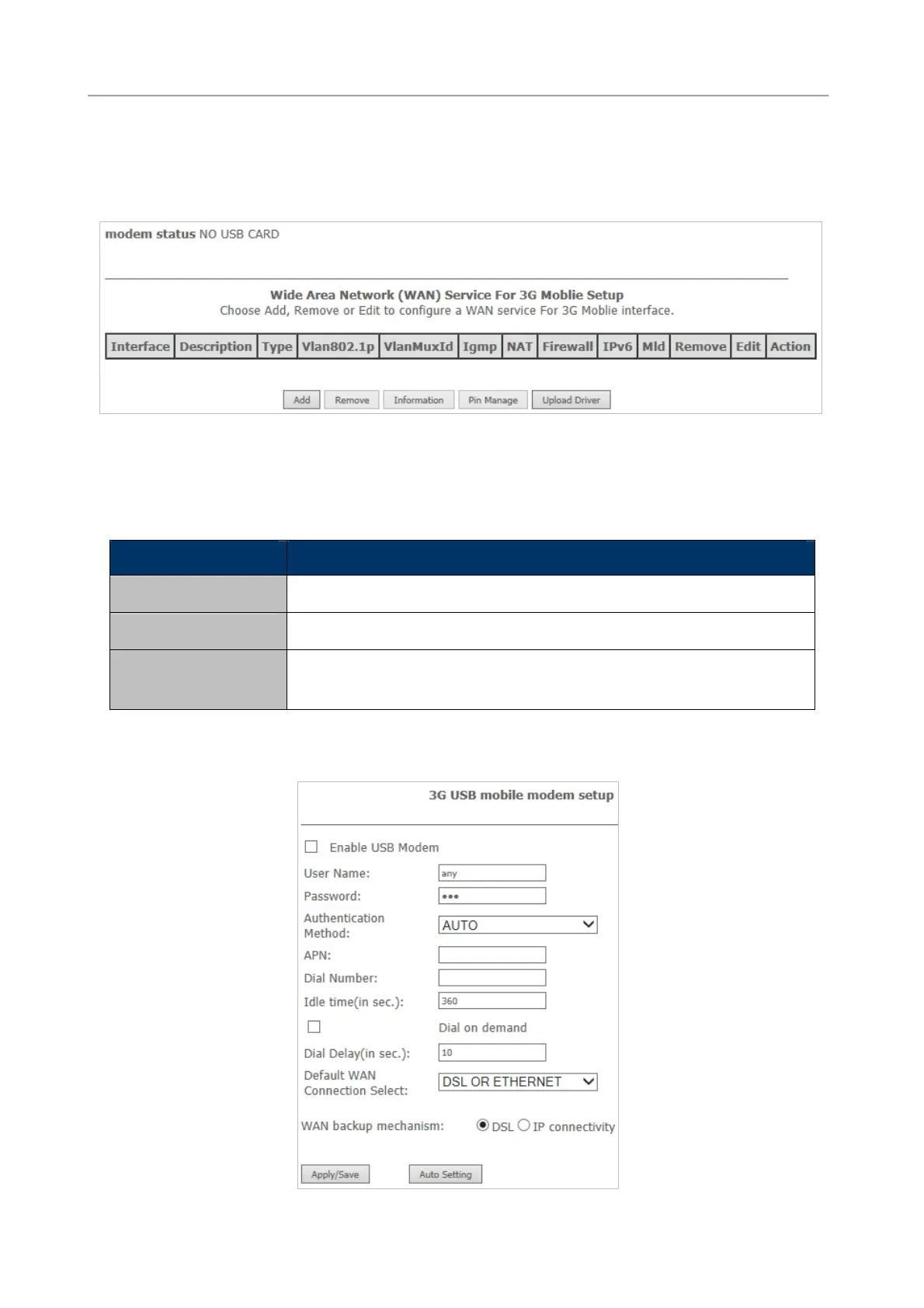
Choose Advanced Setup > 3G WAN Service and the following page appears.
Figure 5-2-38
This page is used to configure 3G connection. If you want to access the Internet through 3G connection, a
3G network card is required. Connect the 3G network card to the USB interface of the Router.
Object Description
Information
Click it to display the information of the 3G network card.
Pin Manage
Click it to configure the 3G PIN.
Upload Driver
For an un-support USB dongle, click it to upload the new driver for
supporting the USB. The driver is a text file.
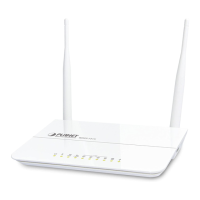
Click Add in the WAN Service for 3 G Mobile Setup to display the following page.
Figure 5-2-39
57


 To Next Page