User Manual of VDR-300NU
5.2.17 Storage Service
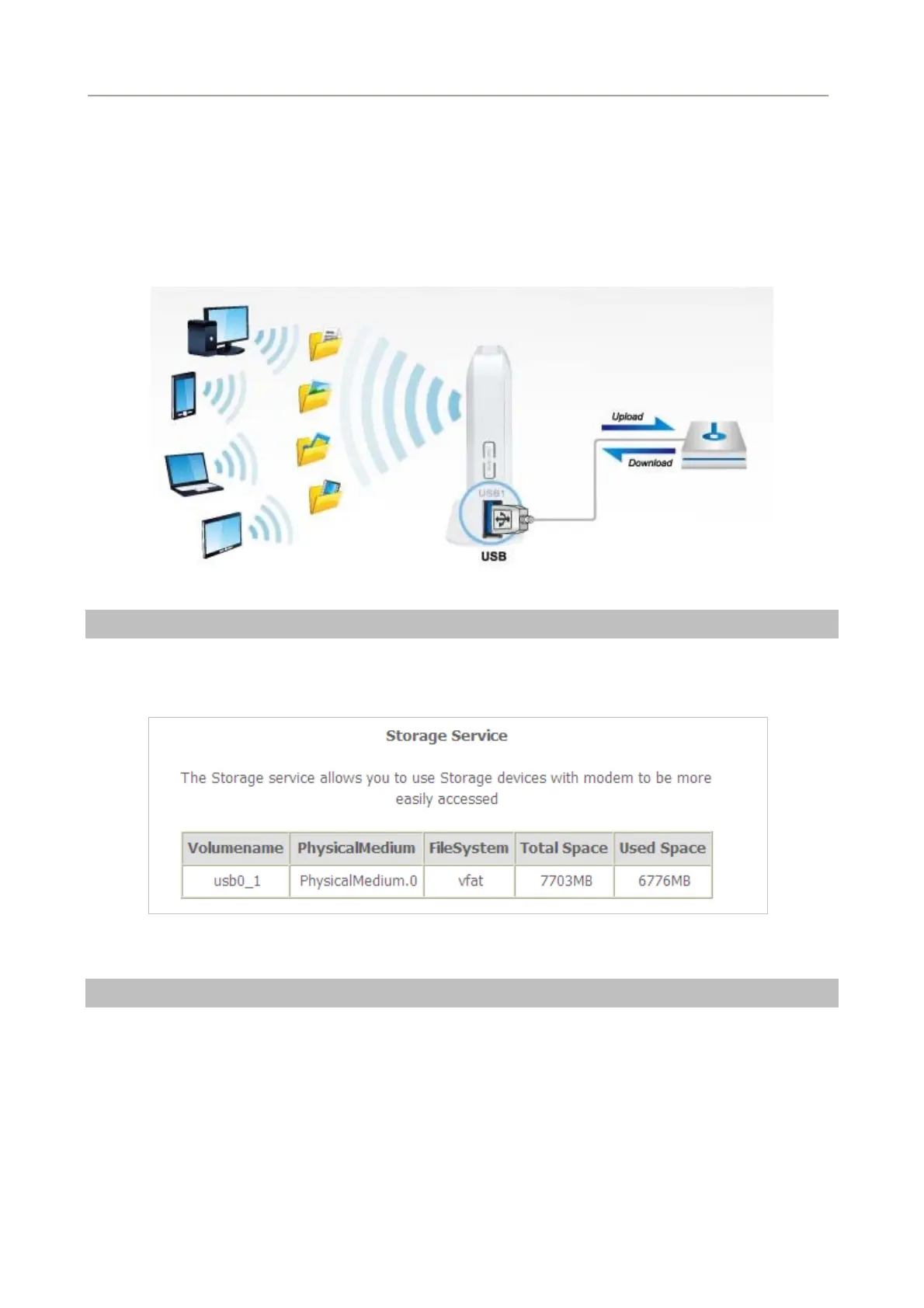
Share a USB storage device with PC/Laptop on the local network of the VDRT-300NU.
Insert a USB storage device, such as a flash drive or external hard drive, into the USB port on the right side or
rear side of the VDR-300NU. The VDR-300NU can automatically identify attached storage and load its root
directory folder. Follow the directions below for your operating system.
Storage Device Info
Choose Advanced Setup > Storage Service > Storage Device Info and the following page appears.
This page is used to display the information of the storage device that connects to the DSL router.
Figure 5-2-77
User Accounts
Choose Advanced Setup > Storage Service > User Accounts and the following page appears
You can Choose Add, or Remove to configure User Accounts.
83



 To Next Page