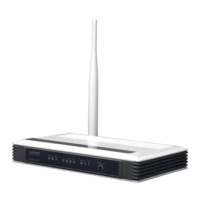
User Manual of VDR-300NU
5.1.2 WAN
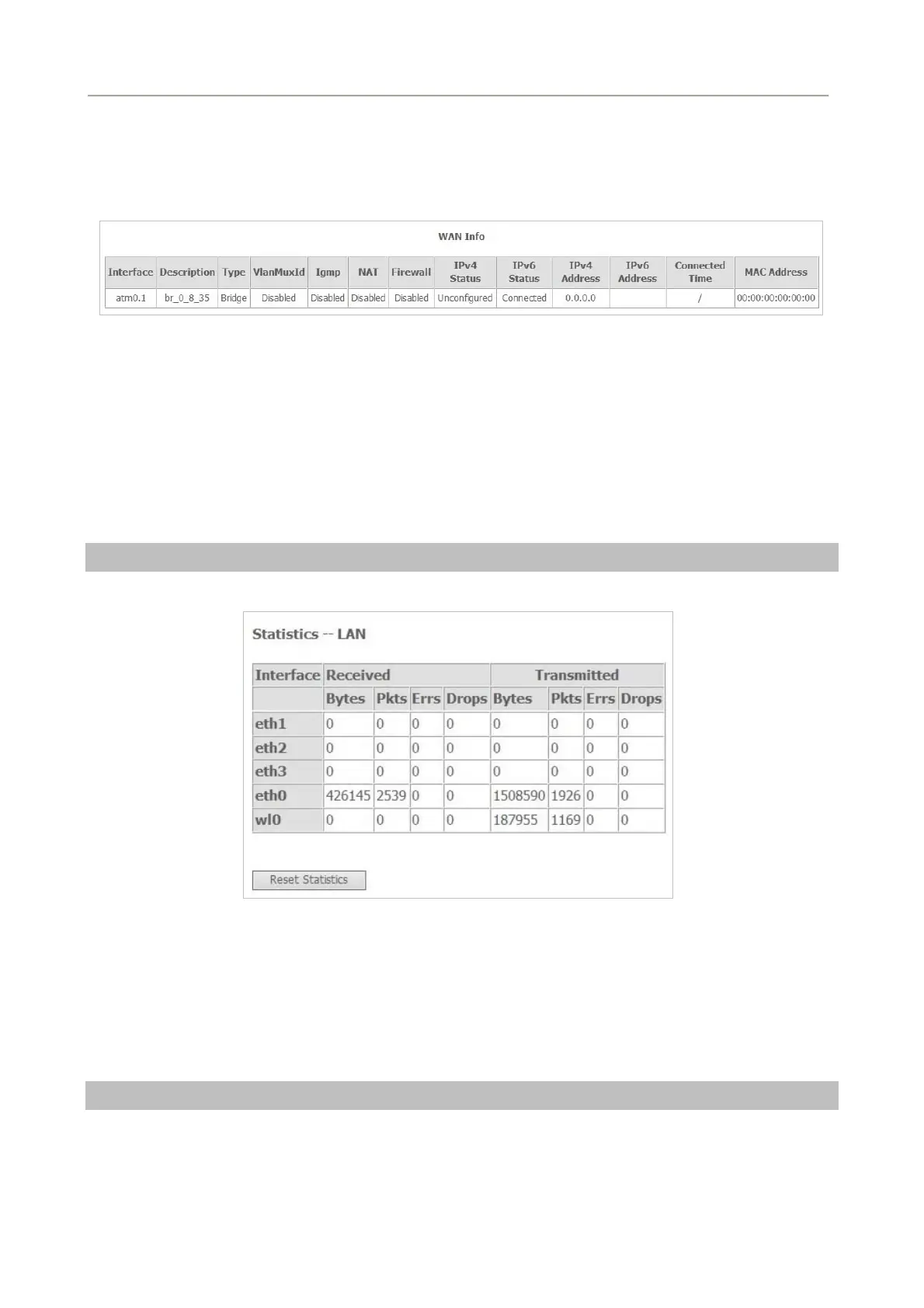
Choose Device Info > WAN and the following page appears.
Figure 5-1-3
This page displays the information of the WAN interface. You can select from Advanced Setup > Layer2
Interface to choose the type you need.
5.1.3 Statistics
Choose Device Info > Statistics, and the following page appears.
LAN
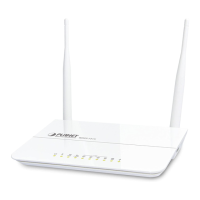
Choose Device Info > Statistics > LAN and the following page appears.
Figure 5-1-4
On this page, you can view the statistical information about the received and transmitted data packets of
the Ethernet and wireless interfaces.
Click Reset Statistics to restore the values to zero and recount them.
WAN Service
Choose Device Info > Statistics > WAN Service and the following page appears.
31


 To Next Page