User Manual of VDR-300NU
www.mydomain.com). Browsers use this information to identify your
Web site. Some browsers will refuse to establish a secure connection
with your site if the server name does not match the common name in
the certificate. Please do not include the protocol symbol "http://" or any
port numbers or pathnames in the common name. Do not use wildcard
characters such as * or ?, and do not use an IP address
Organization
Name
The name of the organization to which the entity belongs (such as the
name of a company).
State/Province
Name
This is the name of the state or province where your organization's
head office is located. Please enter the full name of the state or
province.
Country/Region
Name
This is the two-letter ISO abbreviation for your country (for example,
GB for the United Kingdom).
After finishing setting, click the Apply button to apply the settings.
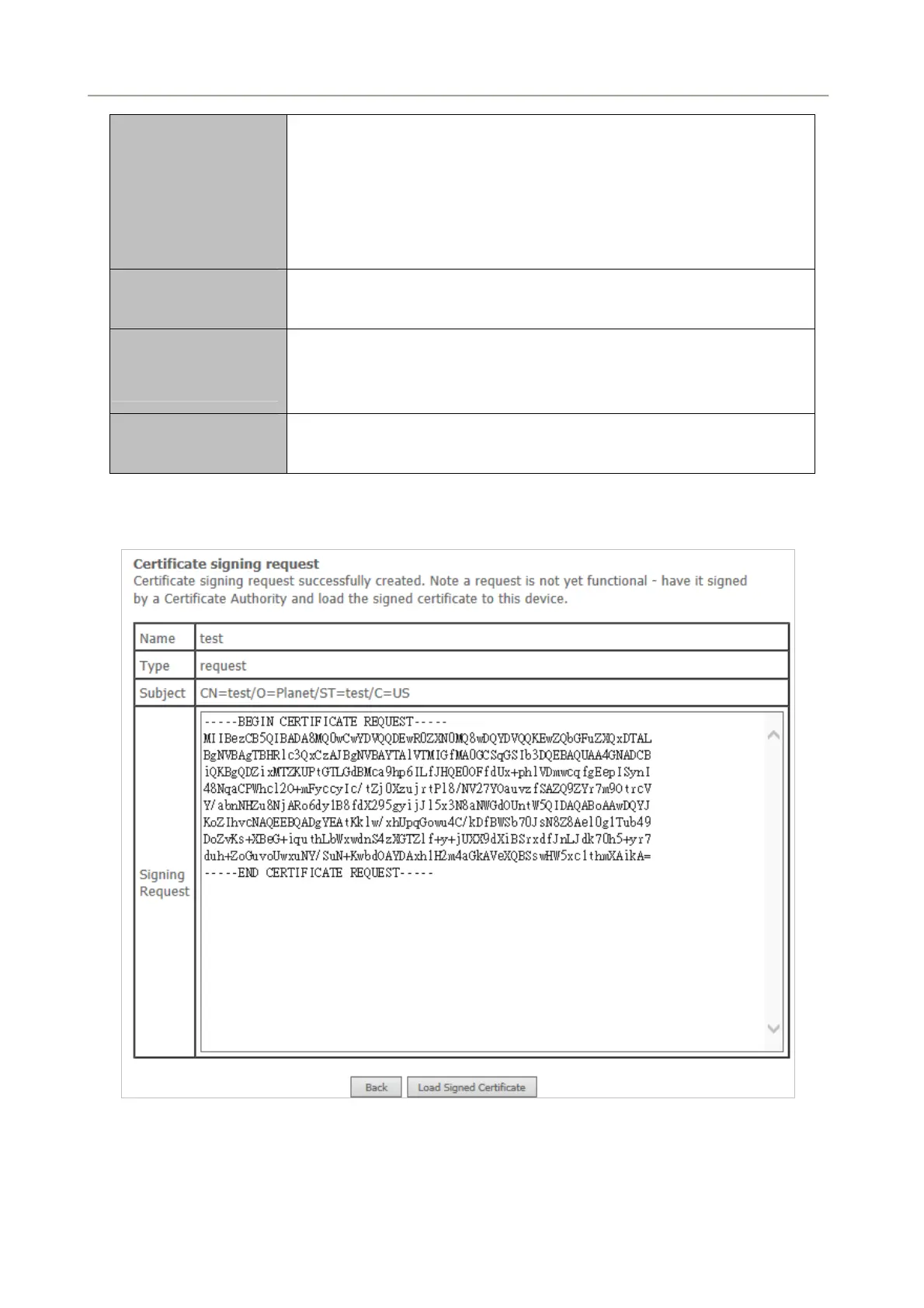
Figure 5-2-89
92



 To Next Page