User Manual of VDR-301N
Interface
By default, all ports are selected; click it to unselect and those ports cannot
function with the IP address.
IP Pool Range
Specify the lowest and highest addresses in the pool. It specifies the first IP
address in the IP address pool. The router assigns IP address based on the
IP pool range to the host.
Show Client
Click it and the Active DHCP Client Table appears. It shows IP addresses
assigned to clients.
Subnet Mask Enter the subnet mask.
Default Gateway Enter the default gateway of the IP address pool.
Max. Lease Time
The Lease Time is the amount of time that a network user is allowed to
maintain a network connection to the device using the current dynamic IP
address. At the end of the Lease Time, the lease is either renewed or a new
IP is issued by the DHCP server. The amount of time is in units of seconds.
The default value is 1440 minutes (1 day).
Domain Name
Domain Name is the most recognized system for assigning addresses to
Internet web servers.
DNS Servers You can configure the DNS server IP addresses for DNS Relay.
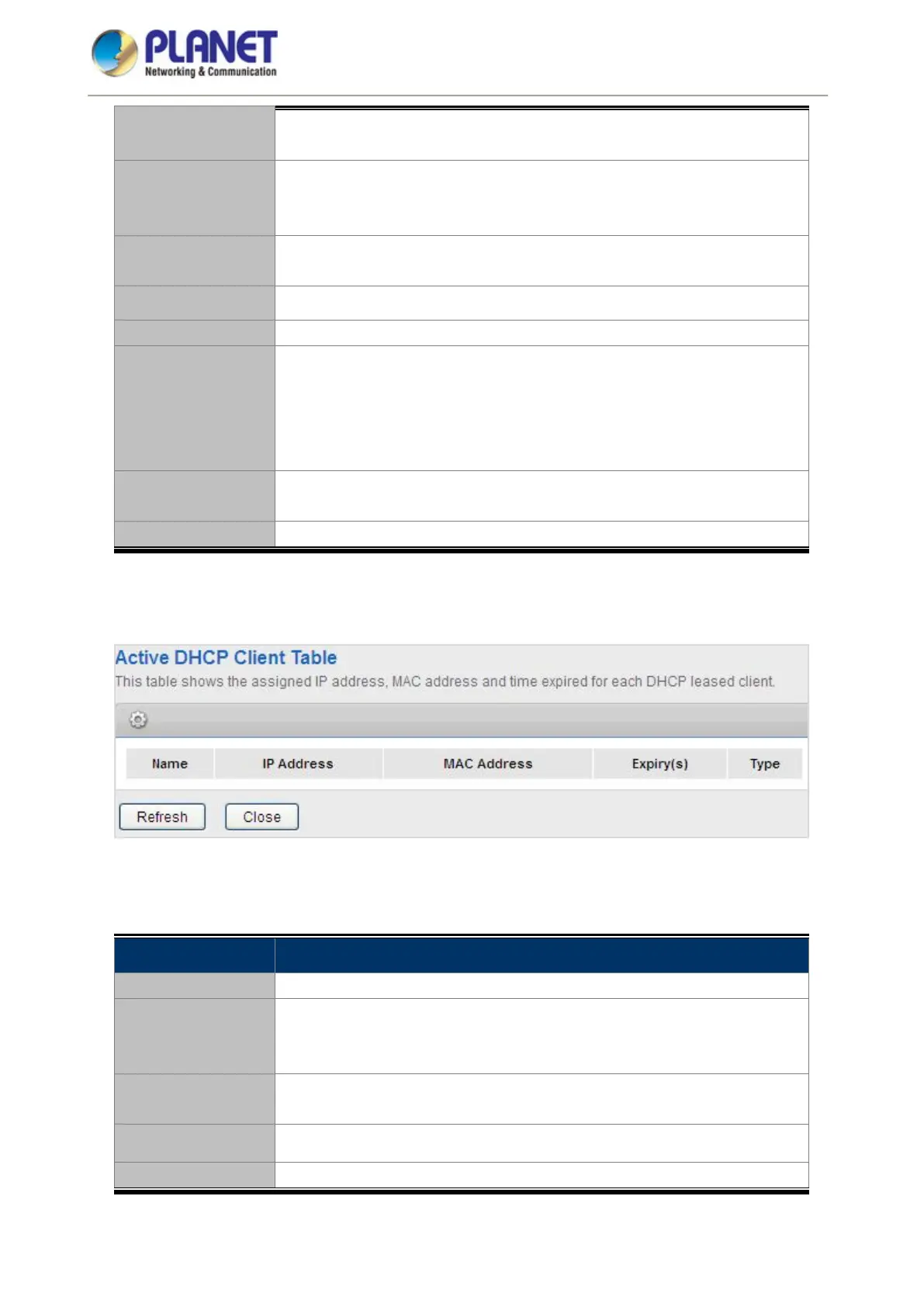
Click Show Client on the DHCP Mode page and the page shown in the following figure appears. You can view
the IP address assigned to each DHCP client.
Figure 5-27 DHCP Table
The following table describes the parameters:
Field Description
IP Address It displays the IP address assigned to the DHCP client from the router.
MAC Address
It displays the MAC address of the DHCP client. Each Ethernet device has
a unique MAC address. The MAC address is assigned at the factory and it
consists of six pairs of hexadecimal character, for example,
Expiry(s)
It displays the lease time. The lease time determines the period that the
host retains the assigned IP addresses before the IP addresses change.
Refresh Click it to refresh this page.
Close Click it to close this page.














 To Next Page