User Manual of VDR-301N
Channel Width
Select channel width to 20MHz, 40MHz or 20/40MHz.
Control Sideband
Select Upper or Lower sideband.
Channel Number
Select the appropriate channel from the list provided to correspond with your
network settings. You will assign a different channel for each AP to avoid
signal interference.
WLAN Domain
Select FCC 1~11 or ETSI 1~13.
Radio Power (Percent) 100%, 80%, 50%, 25%, 10%.
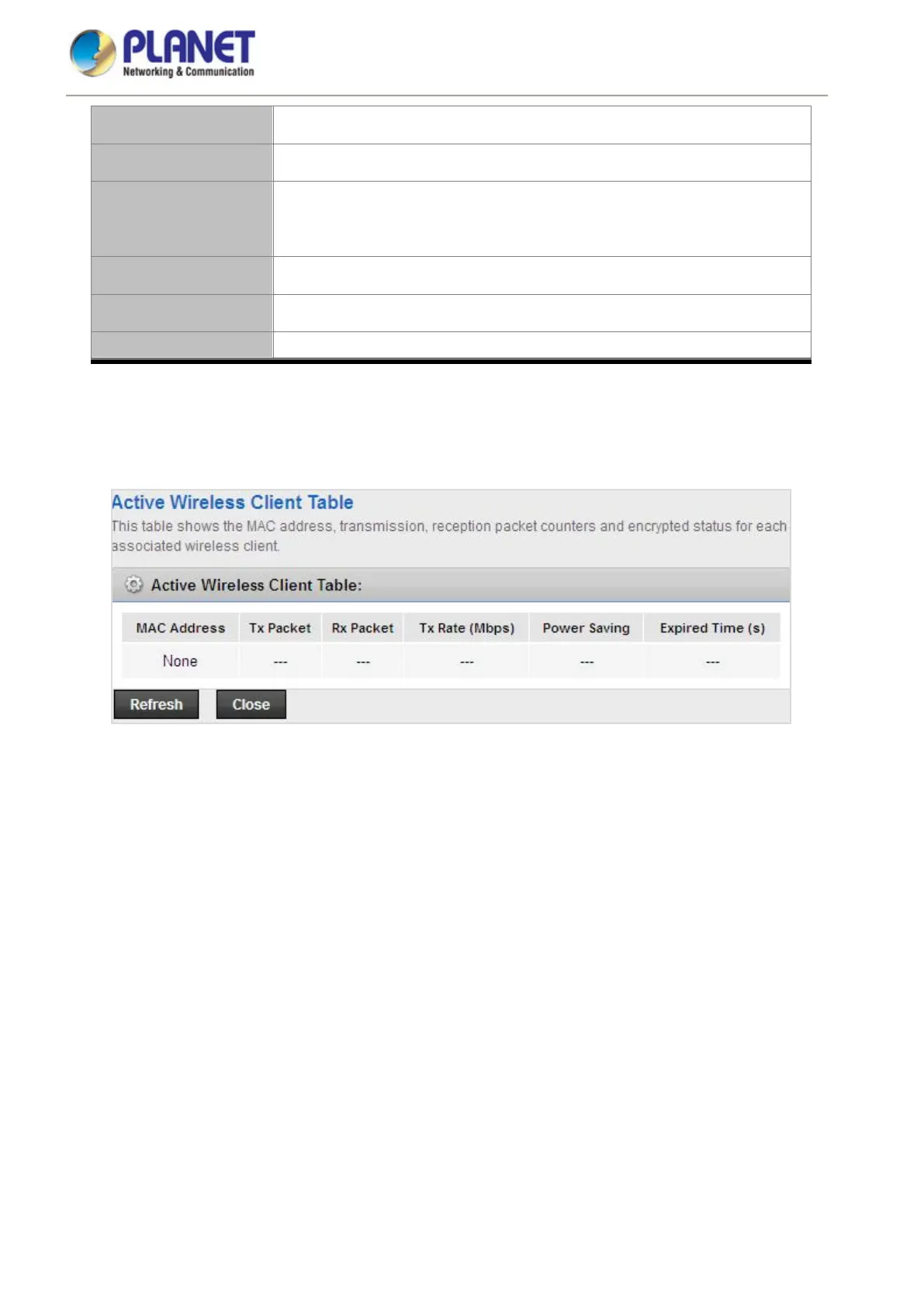
Associated Clients Click it to see the clients currently associated with VDR-301N.
Click Show Active Client and the page shown in the following figure appears. You can view the information of the
clients connected to the VDSL2 Router.
Figure 5-34 Active Wireless Client Table














 To Next Page