User Manual of VDR-301N
Update
Update the selected destination route on the Static Route Table.
Delete Selected
Delete a selected destination route on the Static Route Table.
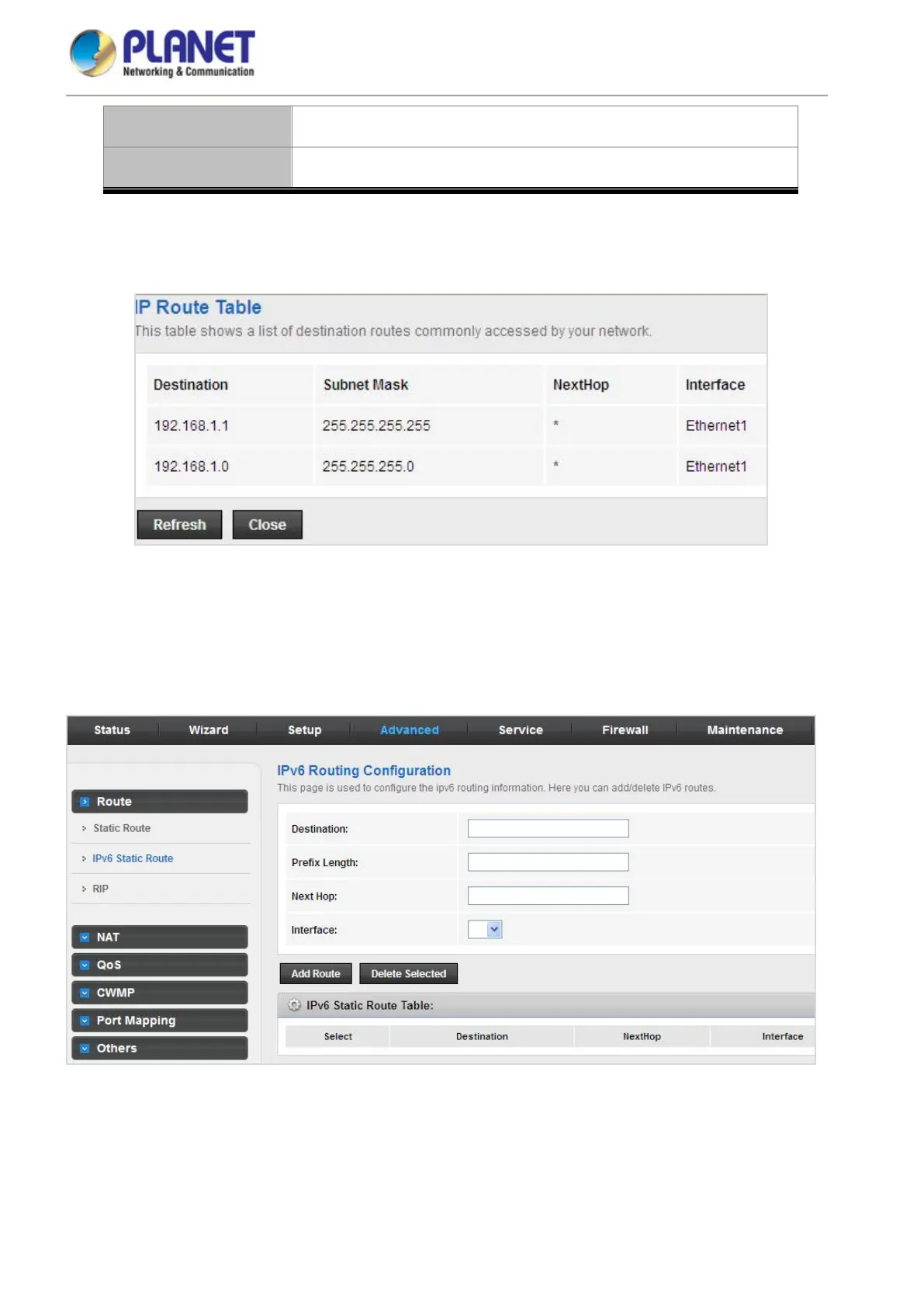
Click Show Routes and the page shown in the following figure appears. You can view the information of the
clients connected to the VDSL2 Router.
Figure 5-42 IP Route Table
5.4.1.2 IPv6 Static Route
Click IPv6 Static Route in the left pane and the page shown in the following figure appears. This page is used to
configure the routing information. You can add or delete IP routes.
Figure 5-43 IPv6 Static Route














 To Next Page