User Manual of VDR-301N
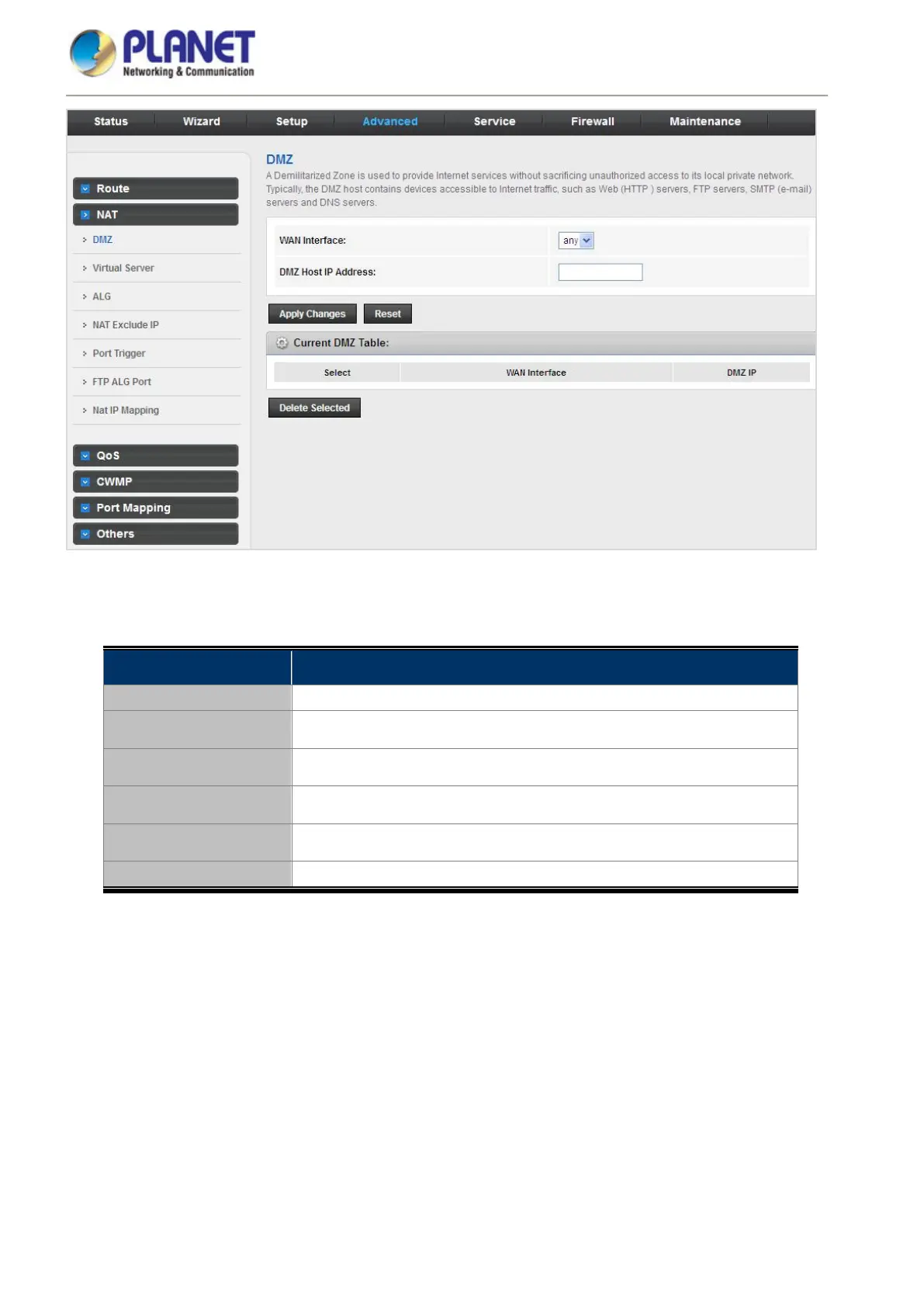
Figure 5-45 DMZ
The following table describes the parameters:
Field Description
WAN Interface Choose a WAN Interface.
DMZ Host IP Address Enter an IP address of the DMZ host.
Current DMZ Table A list of the previously configured DMZ information.
Apply Changes Click Apply Changes to add new settings.
Reset Clear the settings.
Delete the Selected Select the number of rows from the Current DMZ Table to be deleted.














 To Next Page