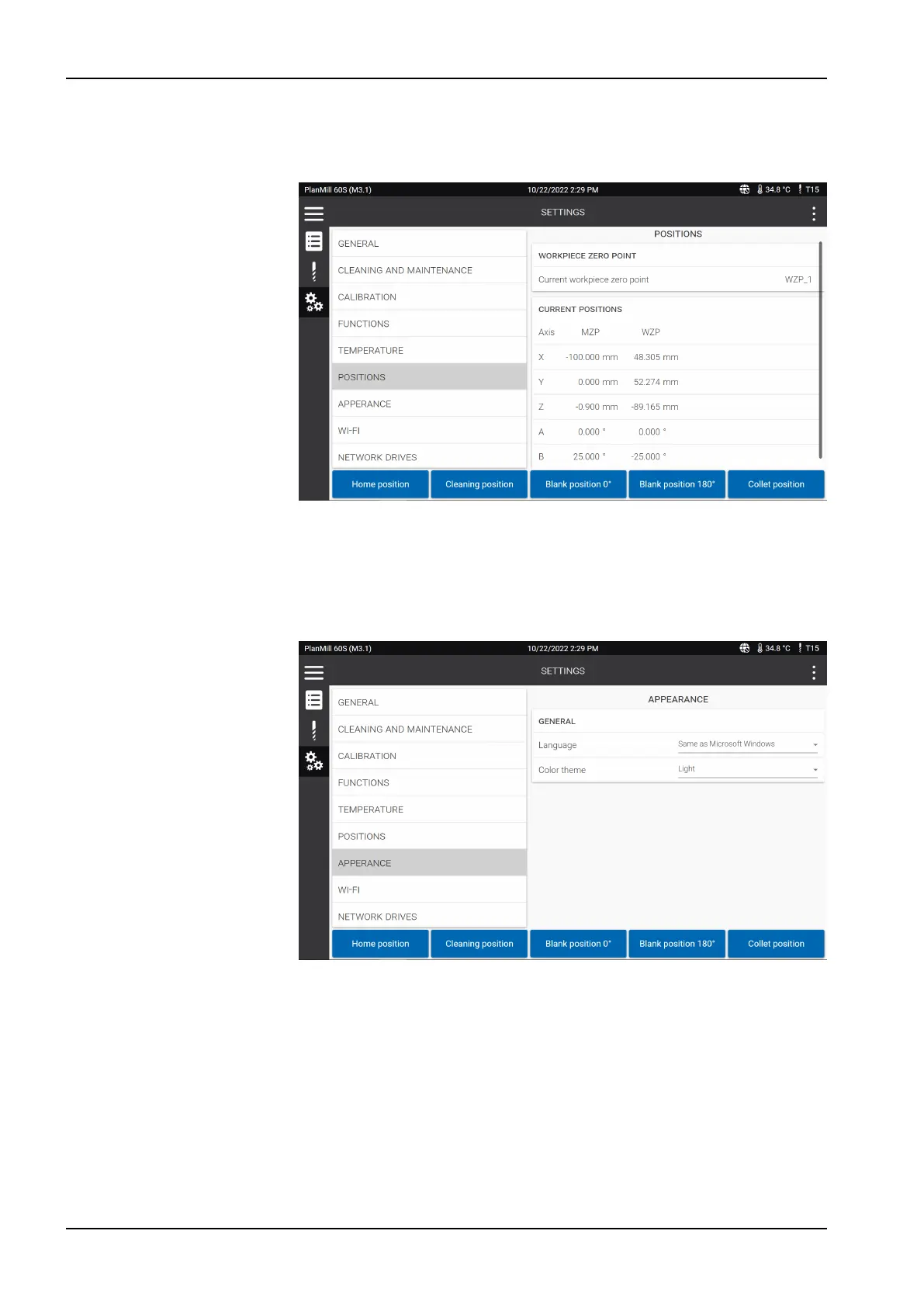
13.5.7 Positions
The
Settings
>
Positions
menu shows the current machine position and the
workpiece zero point position of the axes.
13.5.8 Appearance
The
Settings
>
Appearance
menu lets you change the language and colour
theme of the touch screen.
The language can either be the same as in Microsoft Windows, or English or
German, and the available colour themes are light and dark.
13.5.9 Wi-fi
NOTE
We recommend that the milling unit is connected to the network via an
Ethernet cable as it provides a more stable connection than wi-fi.
13 Control software
48 Planmeca PlanMill 60 S User's manual














 To Next Page