15 Adapters
15.1 Attaching C-clamp adapter
Steps
1. Drive the milling unit into the home position.
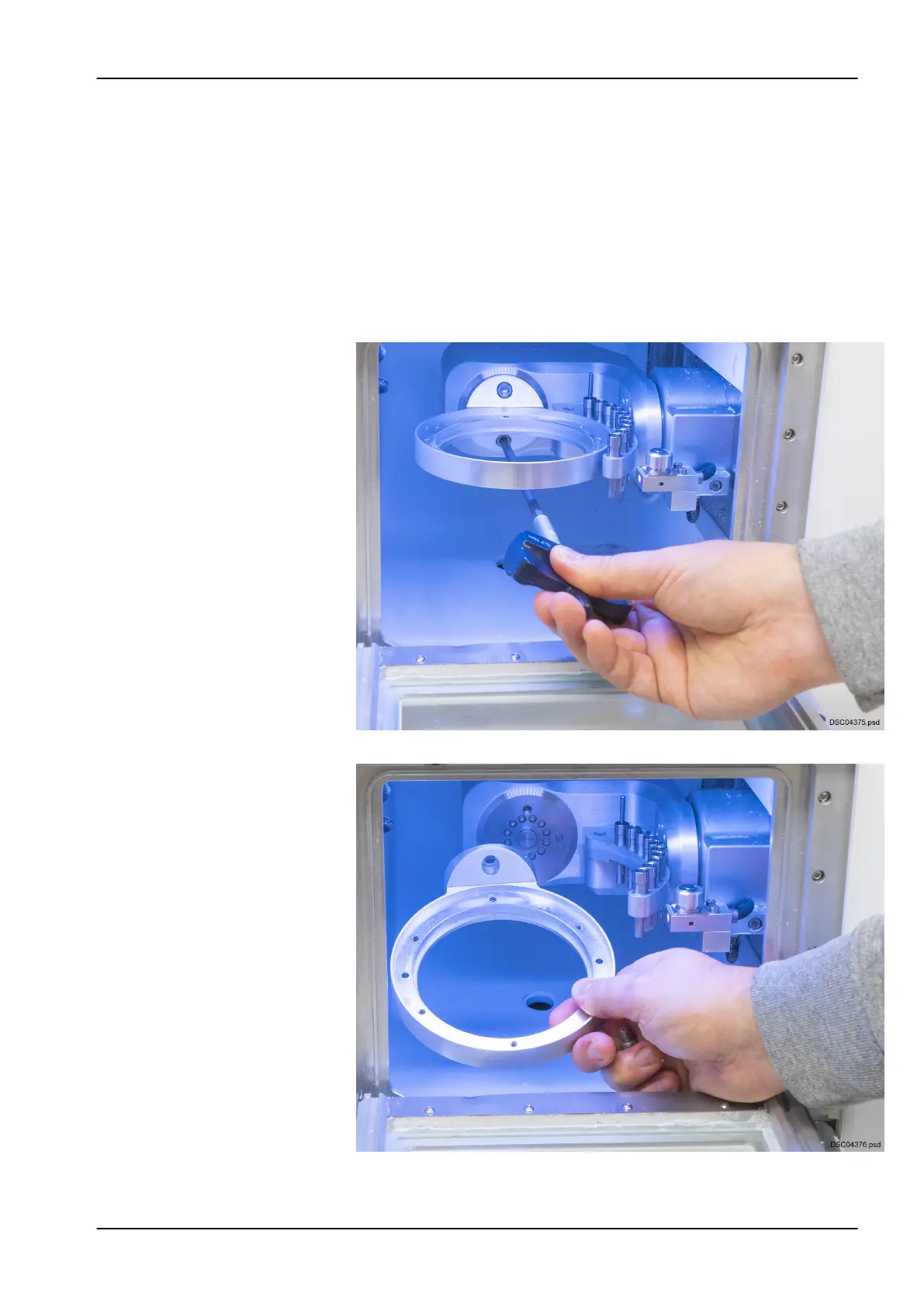
2. Go to Settings > Blank position 0°.
3. When the cover status display lights up, open the protective door.
4. Remove the two bolts with the torque wrench included in the shipment.
5. Remove the workpiece holder.
15 Adapters
User's manual Planmeca PlanMill 60 S 53














 To Next Page