16.2 Inserting workpiece/blank
Steps
1. Press Settings in the
Options
menu.
2. Press Blank position 0° to drive the milling unit to the blank change
position.
3. When the cover status display lights up, open the protective door.
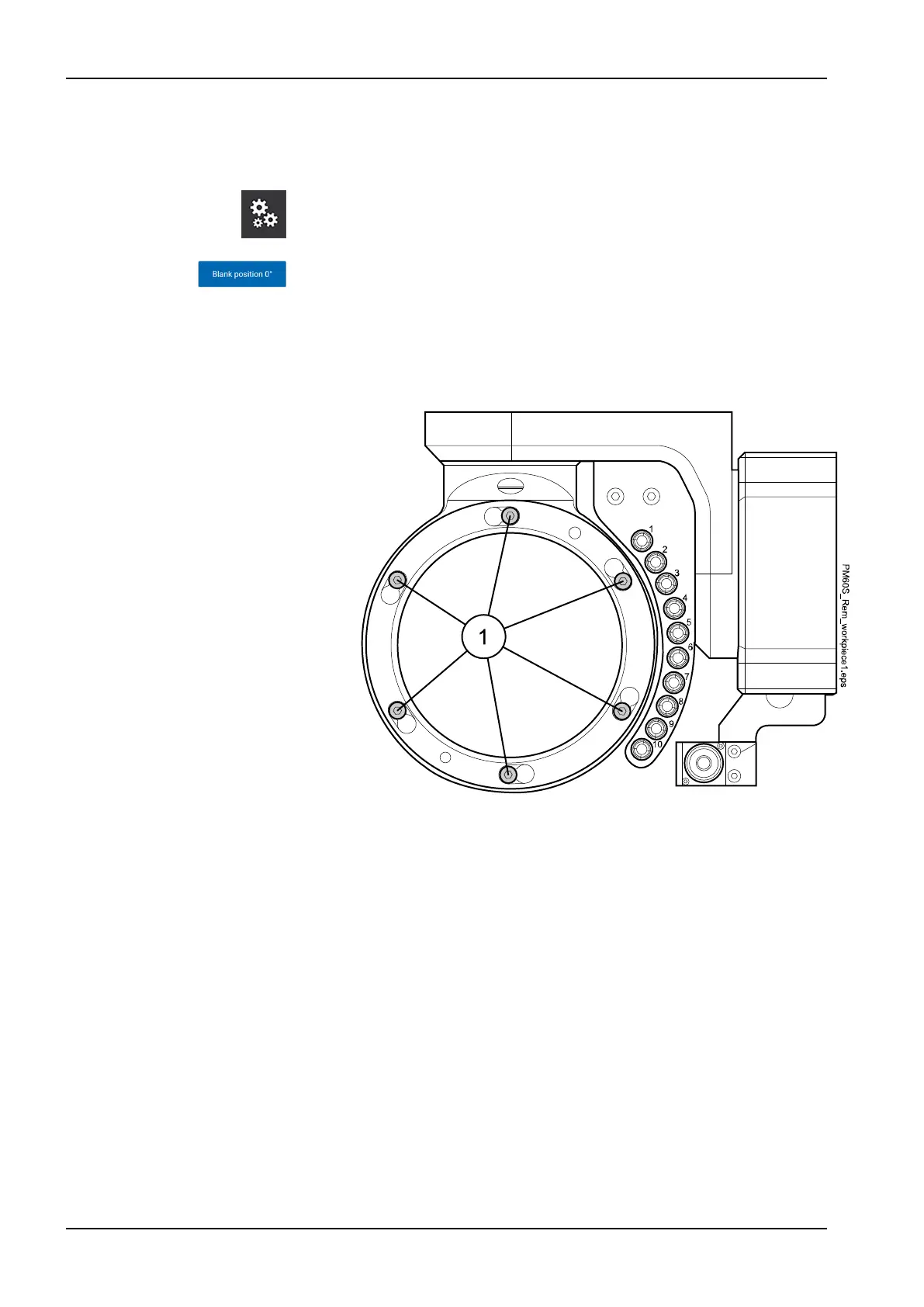
4. Loosen the clamping screws of the clamping ring (1) (do not remove)
using a 3 mm Allen key.
16 Operating milling unit
68 Planmeca PlanMill 60 S User's manual














 To Next Page