Chapter E - DIMAX3 DIGITAL SYSTEM ADJUSTMENT
Planmeca Proline CC panoramic x-ray E-21
Technical Manual
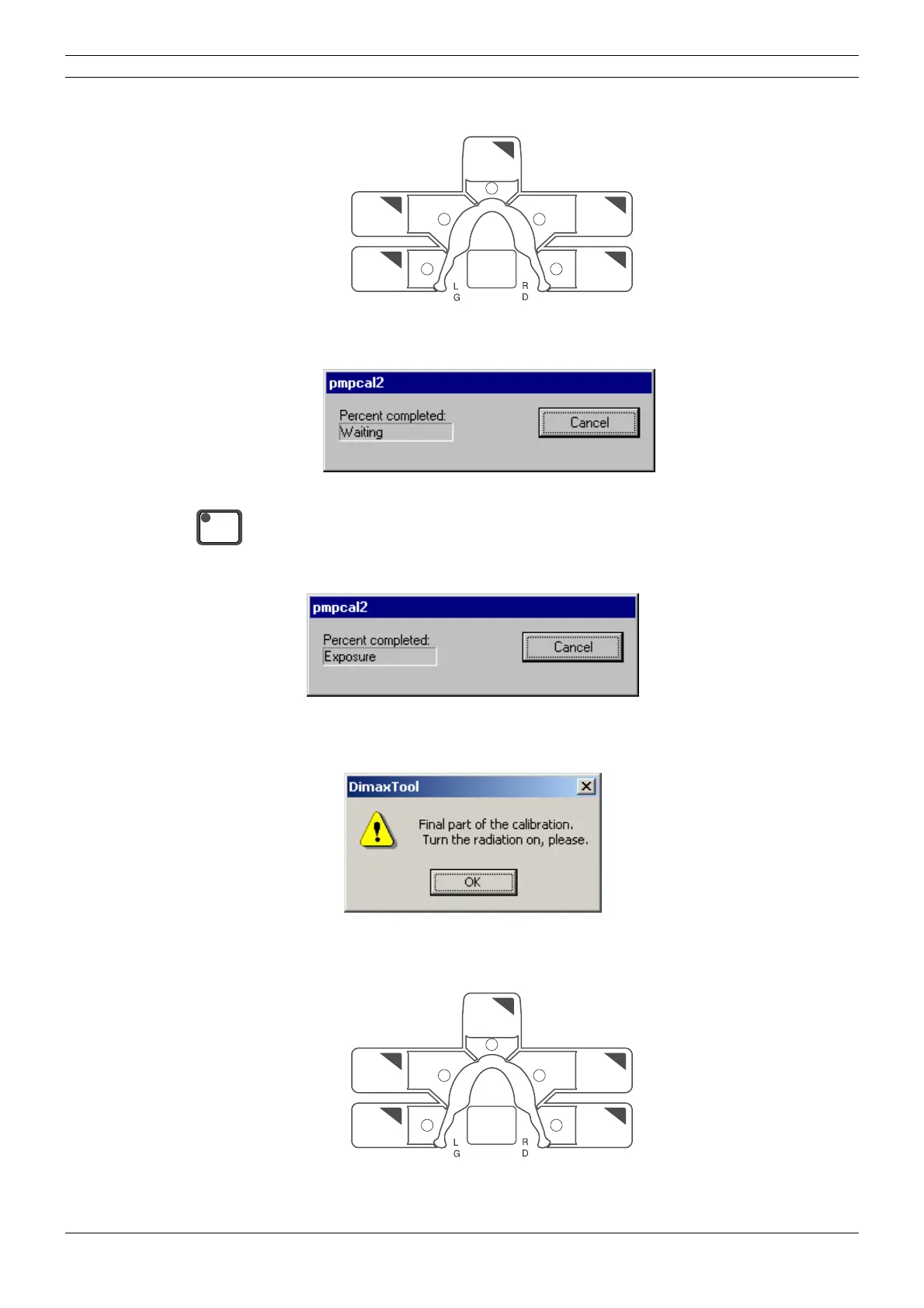
Press all the five sector keys to SWITCH OFF the radiation. The indicator lights will COME ON.
Figure 32
The pmpcal2 window with text Waiting appears.
Figure 33
Press the ready key to drive the x-ray to the exposure position.
The text Exposure appears.
Figure 34
Take an exposure. After the exposure the message window shown below appears.
Figure 35
Press all the five sector keys to SWITCH ON the radiation. The indicator lights will GO OUT.
Figure 36
B
A
D
E
C
P
READY
PRET
B
A
D
E
C
P



 To Next Page