Chapter E - DIMAX3 DIGITAL SYSTEM ADJUSTMENT
Planmeca Proline EC X-ray unit E-9
PANORAMIC X-RAY BEAM ADJUSTMENT
Technical Manual
2.2 Sensor head with quick connector mechanism - removing
the covers
NOTE In certain market areas the movable sensor head is not available, in which case all
cephalostat-equipped units have two fixed sensor heads.
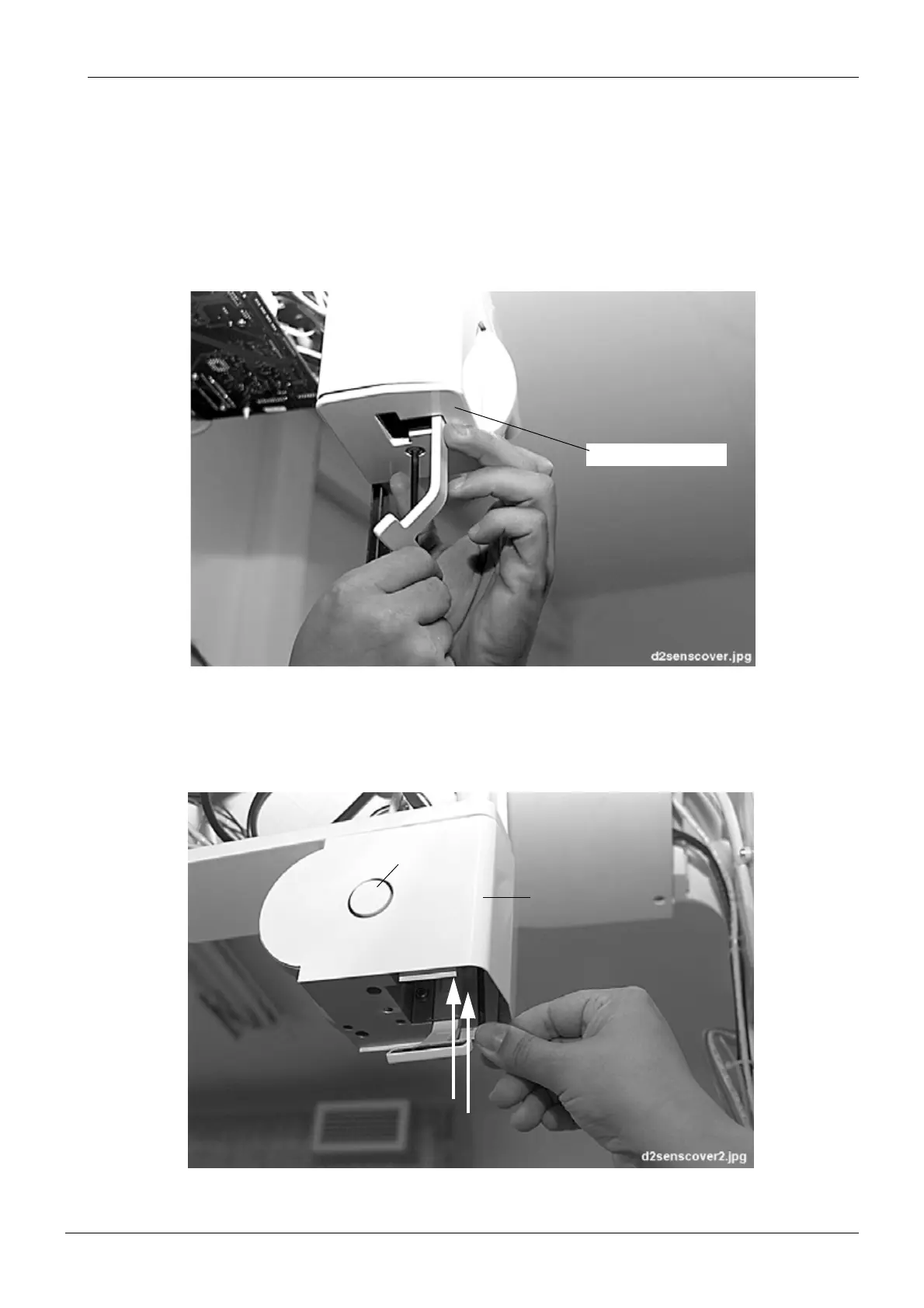
Unscrew the bottom cover plate attachment screw with the 4mm allen key and remove the
cover plate.
Figure 10
Turn the lock disc from above the locking plate and push in the quick connector mechanism
locking knob. Unscrew the two attachment screws of the quick connector mechanism cover
with the 4mm allen screw and slide the cover from its position.
Figure 11
Bottom cover plate
Locking knob
Cover














 To Next Page