Chapter D - ADJUSTMENT & CALIBRATION
Planmeca Proline EC X-ray unit D-25
SETTING THE CLOCK
Technical Manual
6 SETTING THE CLOCK
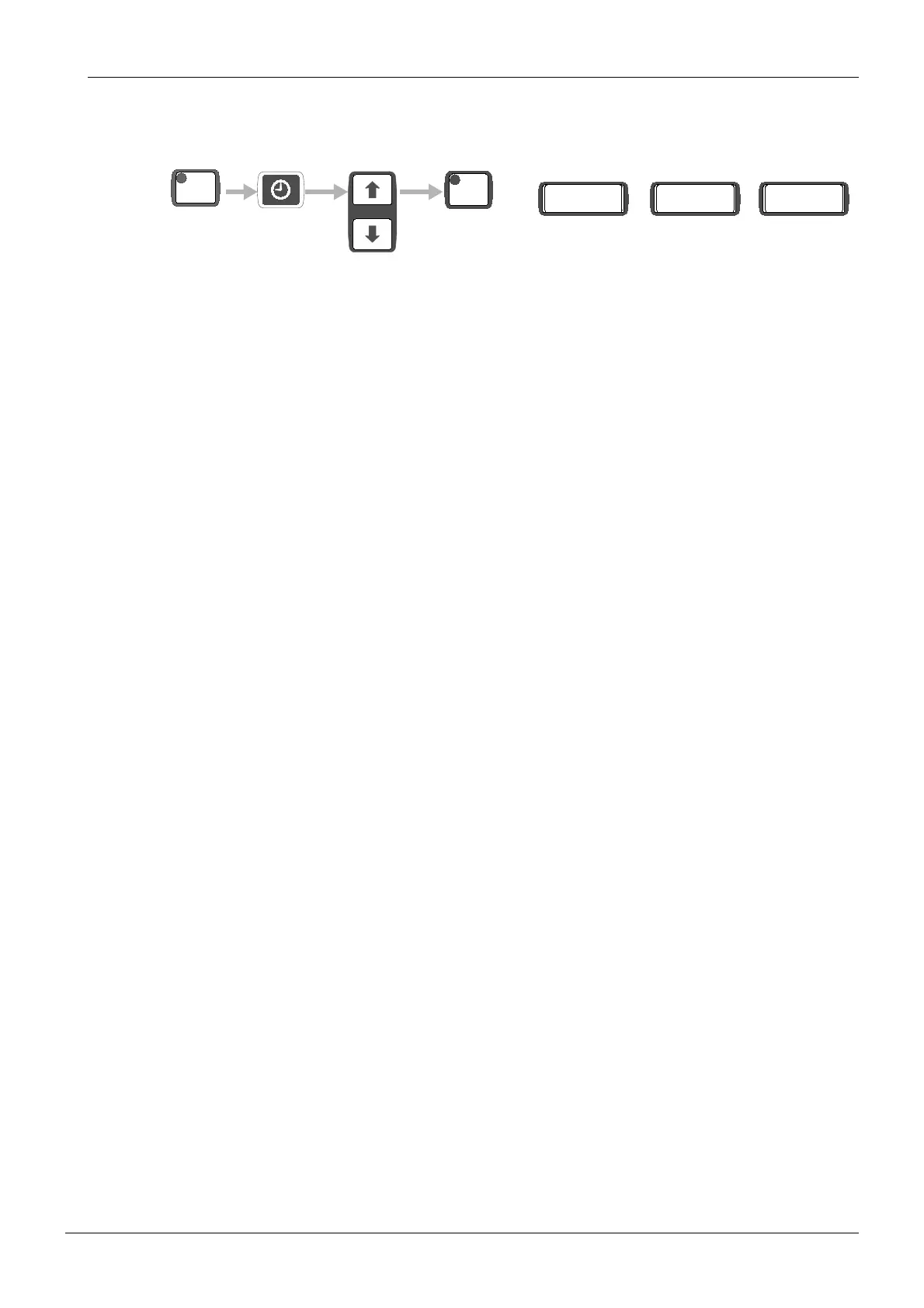
Press the CTL and then the CLOCK- key to enter into the calendar clock set mode. In this
mode the keys CLOCK, READY, UP and DOWN only are operative. The functions of these
keys are:
CLOCK Go to the next number to be adjusted.
UP Increase the number to be adjusted.
DOWN Decrease the number to be adjusted.
READY Exit the set mode and start the clock.
When first entered into this mode the time display unit minutes start blinking indicating that
they can now be adjusted. Note that the clock is still running before the first actual adjustment
is done and exiting this mode now with the READY-key does not modify the clock at all. Using
the UP and DOWN keys the number can be modified, which also stops the clock.
Operating the CLOCK- key allows the setting of the next parameter in the following order:
Minutes (units) 0 - 9
Minutes (tens) 0 - 5
Hours 00 - 23
Day 01 - 31
Month 01 - 12
Year (thousands) 0 - 9
Year (hundreds) 0 - 9
Year (tens) 0 - 9
Year (units) 0 - 9
From unit years the setting returns to the unit minutes. The clock set mode can be exit from
any point. To make it accurate a time signal should be waited and the clock set mode exit
made at the very moment. Exiting this mode clears the seconds (that cannot be seen) and
starts the clock.
CTL
READY
PRET
12:30
13.08 1993
time date year














 To Next Page