Chapter E - DIMAX3 DIGITAL SYSTEM ADJUSTMENT
E-26 Planmeca Proline EC X-ray unit
PATIENT POSITIONING MECHANISM
Technical Manual
4 PATIENT POSITIONING MECHANISM
4.1 Checking the mechanism
You should take an exposure of the ball phantom to check that the patient positioning mecha-
nism is correctly positioned.
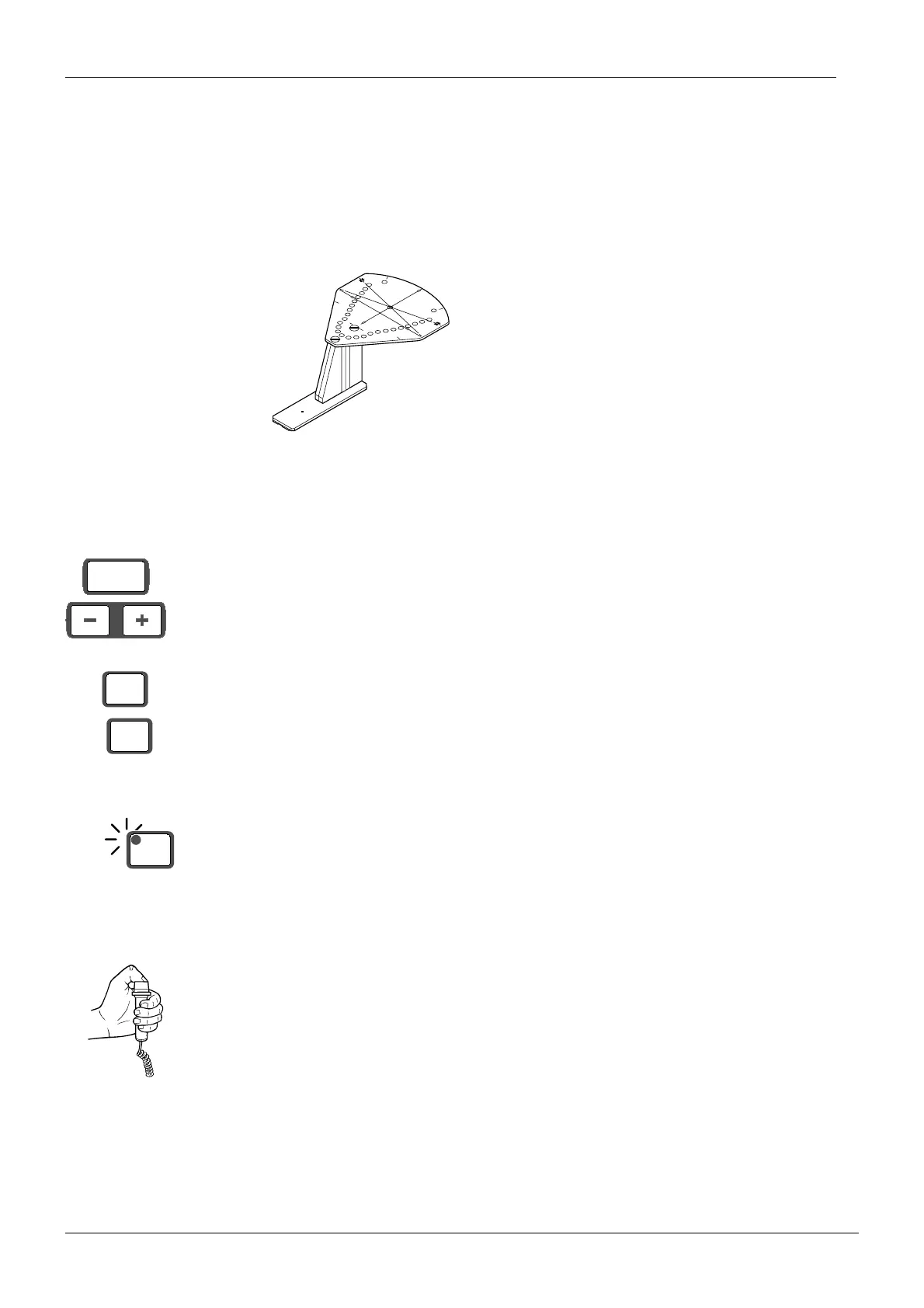
Figure 49
Remove the sensor alignment tool from the quick connector mechanism and attach the sen-
sor head to the quick connector.
Slide the ball phantom into the patient positioning mechanism.
Adjust the position of the patient positioning mechanism to 00.
Enter the service mode.
Select a kilovolt value of 60 and a milliampere value of 2. Note that it is only possible to select
this low mA-value in the service mode.
Exit the service mode.
Drive the X-ray unit to the exposure position. The rotating unit will turn to the start position and
the indicator light will come on.
NOTE The ready indicator light will be flashing if the PC is not in the ready state. Refer to the
Dimaxis user’s manual on how to prepare the system ready for the exposure.
Take an exposure. Hold the exposure down for the duration of the exposure.
CAUTION Radiation is generated when exposure button is pressed.
START
END
PLANMECA No.50971
X-LINE
Y-LINE
mm
00
kV
60
mA
2
READY
PRET














 To Next Page