Chapter B - KEYBOARD FUNCTIONS & MODES
B-14 Planmeca Proline EC X-ray unit
SERVICE MODE KEYBOARD FUNCTIONS
Technical Manual
3.7 Exposure switch selection
The remote exposure switch type can be selected. The new type is equipped with a ready
light that will come on when the unit is correctly se up and ready to take an exposure.
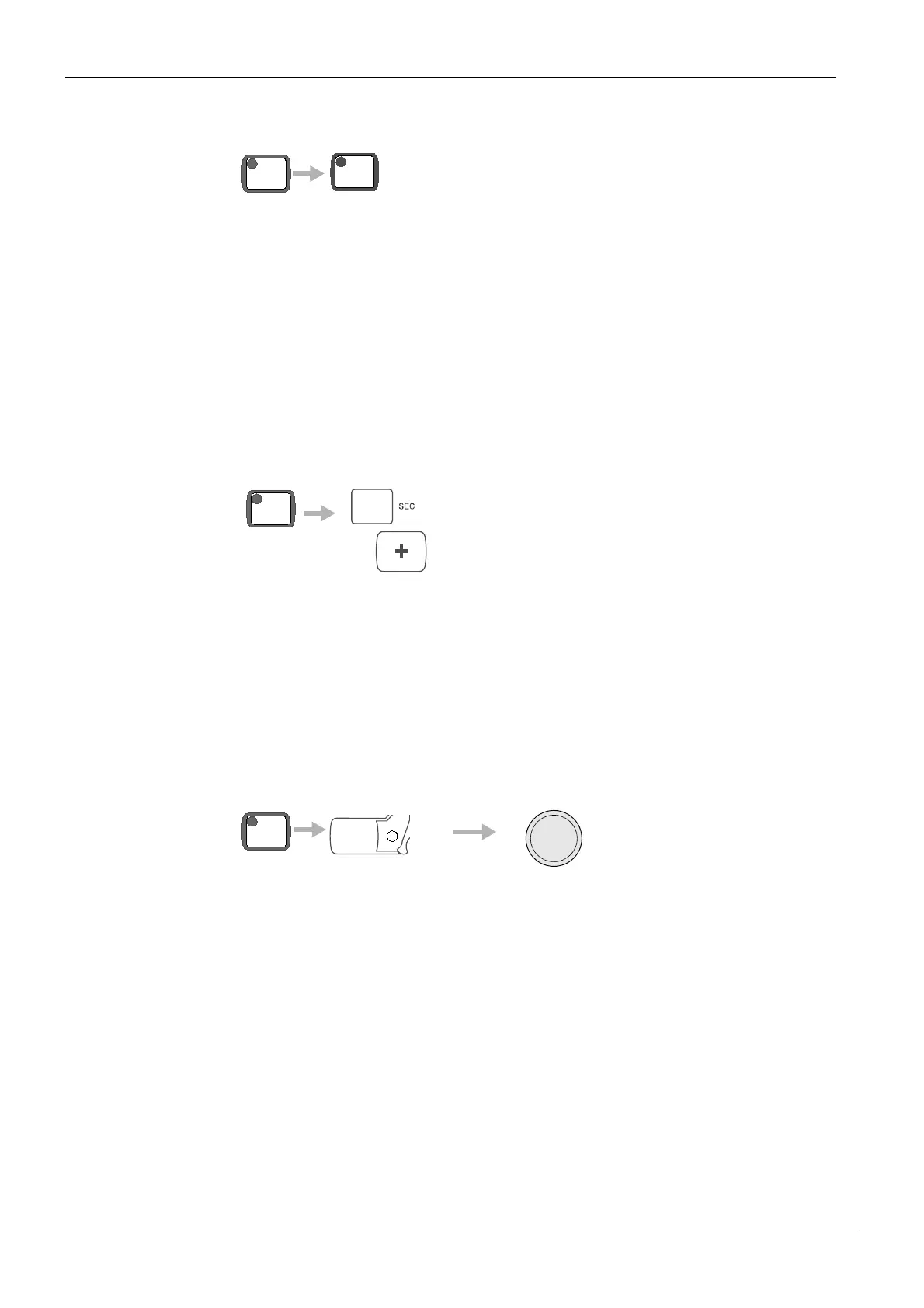
Press the CTL-key and the READY key to select the desired exposure switch type. When the
switch type equipped with the ready light is selected, the ready light on the holder will come
on. If there is not a ready light on the holder, the exposure indicator light will come on to indi
-
cate that the wrong type switch has been selected and you must select the other switch type.
When the switch type without the ready light is selected, the ready light on the holder is off
and indicates that the wrong type switch has been selected.
3.8 Panoramic/cephalostatic setup
The equipment software has been readily equipped with the functions needed for cephalo-
static operation. In the service mode it is determined whether the equipment is equipped with
a cephalostat.
Press the CTL-key and then press the Exposure time + key to change the mode of operation.
The new state of operation is indicated for a few seconds in the main display, PA for pano
-
ramic operation and CE for panoramic/cephalostatic one.
3.9 Tube type programming
Press the CTL-key and press and hold the segment key A, B or C for 4 seconds, the tube fila-
ment definition will start. The display will now show Fd.
To prevent from accidental programming the segment key has to be held down for 4 seconds
before it operates.
CAUTION Always program the tube type into the system when the generator processor board or
the tubehead is replaced. Even if the new tube type is the same than the previous one,
the filament characteristics are not exactly the same and must be reprogrammed. Fail
-
ing to do this may damage the tubehead.
READY
PRET
CTL
CTL
A
C
hold until finished
hold for
4 seconds
EXP
CTL














 To Next Page