Chapter E - DIMAX3 DIGITAL SYSTEM ADJUSTMENT
E-4 Planmeca Proline EC X-ray unit
PANORAMIC X-RAY BEAM ADJUSTMENT
Technical Manual
2 PANORAMIC X-RAY BEAM ADJUSTMENT
NOTE Switch the unit off after all the checks and adjustments have been performed, before
taking any patient exposures.
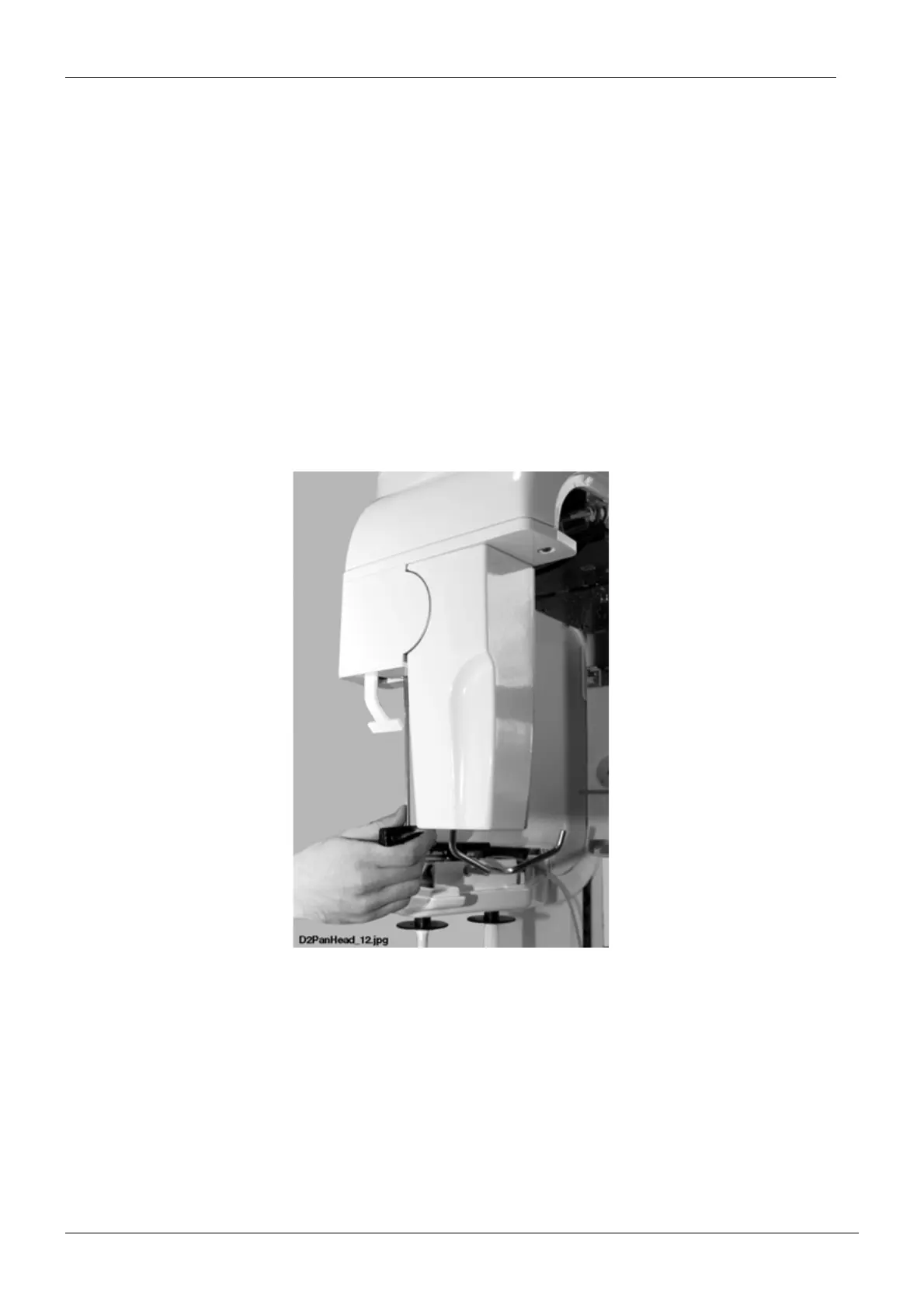
2.1 Removing and attaching the fixed sensor head
Removing the sensor head
Unscrew the bottom cover plate attachment screw with the 4mm allen key and remove the
cover plate.
Figure 1














 To Next Page