Chapter E - DIMAX3 DIGITAL SYSTEM ADJUSTMENT
Planmeca Proline EC X-ray unit E-5
PANORAMIC X-RAY BEAM ADJUSTMENT
Technical Manual
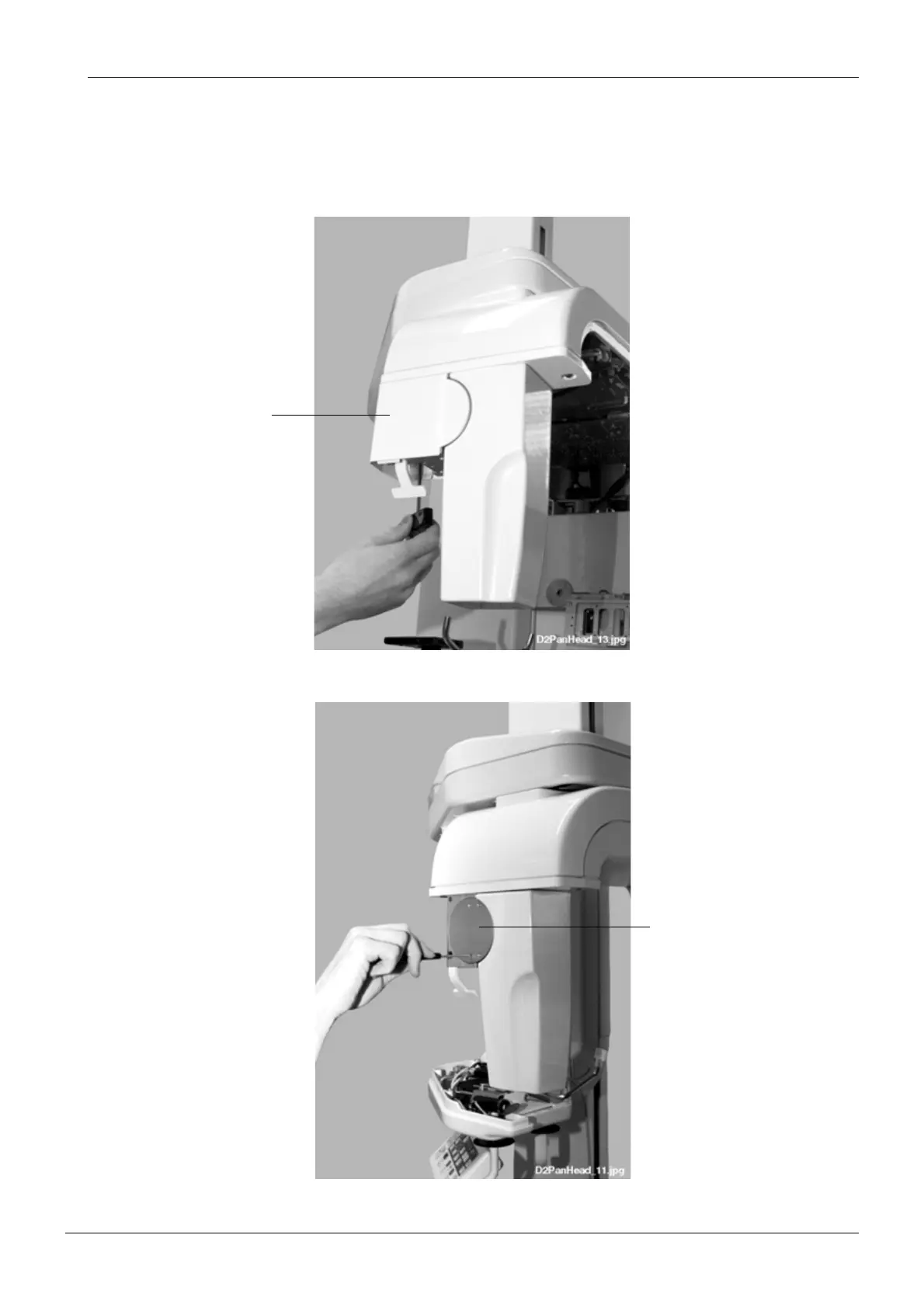
Unscrew the two attachment screws of the quick connector mechanism cover with the 4mm
allen screw and slide the cover from its position.
NOTE In case the X-ray is a pan/ceph unit with two fixed sensor heads, the cover is attached
to two attachment pins. Unscrew the two attachment screws with the 2.5mm allen key
and remove the cover by sliding it horizontally from its position.
Figure 2
Loosen the four screws located on the lock disc.
Figure 3
Cover
Lock disc














 To Next Page