Chapter E - DIMAX3 DIGITAL SYSTEM ADJUSTMENT
Planmeca Proline EC X-ray unit E-51
CEPHALOSTAT ADJUSTMENT
Technical Manual
7.4 Adjusting the cephalostat arm position
The left side of the radiation beam is checked as described in section “Checking the cephalo-
metric beam alignment” on page E-48. If the left side of the radiation beam is too far left or
right the cephalostat arm position must be adjusted.
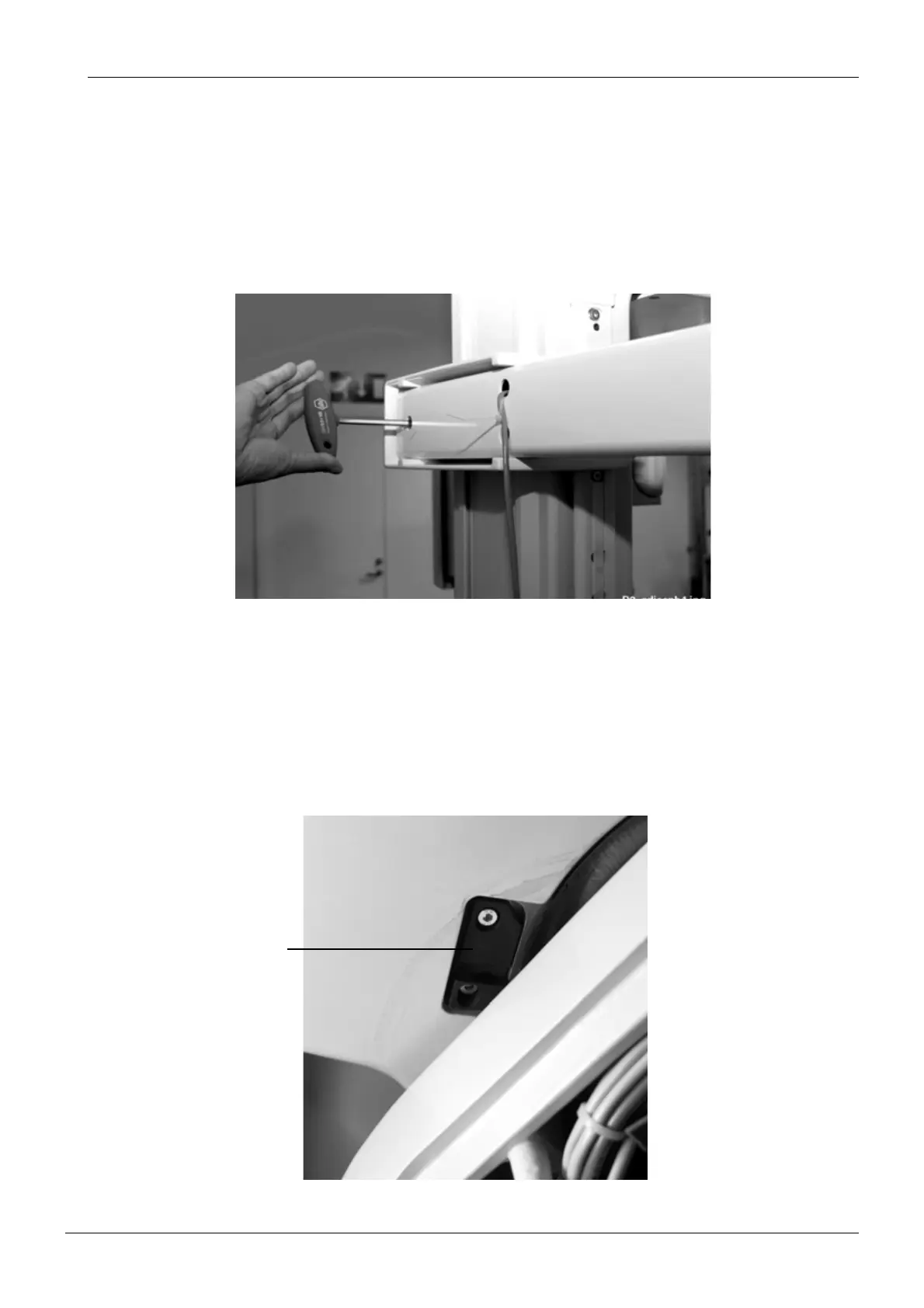
Adjust the arm position by turning the two cephalostat arm adjusting screws. Turning the
other screw clockwise with 4mm allen key will move the beam to the right, and turning the
other screw clockwise with the 6mm allen key to the left.
Figure 90
If the cephalostat arm position adjustment does not enough correct the beam alignment, the
position of the latch of the rotating unit locking solenoid must be adjusted. The adjustment is
possible only when the rotating unit is in the end position.
Enter the test mode (see section “Test mode” on page B-4). Press the exposure button until
the rotating unit has reached the end position. When the rotating unit is in this position you will
be able to see a small recess in one side of the guide block which is located under the upper
shelf.
Switch the unit off. Loosen the latch attachment screws with the 3mm allen key and move the
latch to required direction.
Figure 91
Latch of the rotating
unit locking solenoid














 To Next Page