Chapter B - KEYBOARD FUNCTIONS & MODES
Planmeca Proline EC X-ray unit B-9
SERVICE MODE KEYBOARD FUNCTIONS
Technical Manual
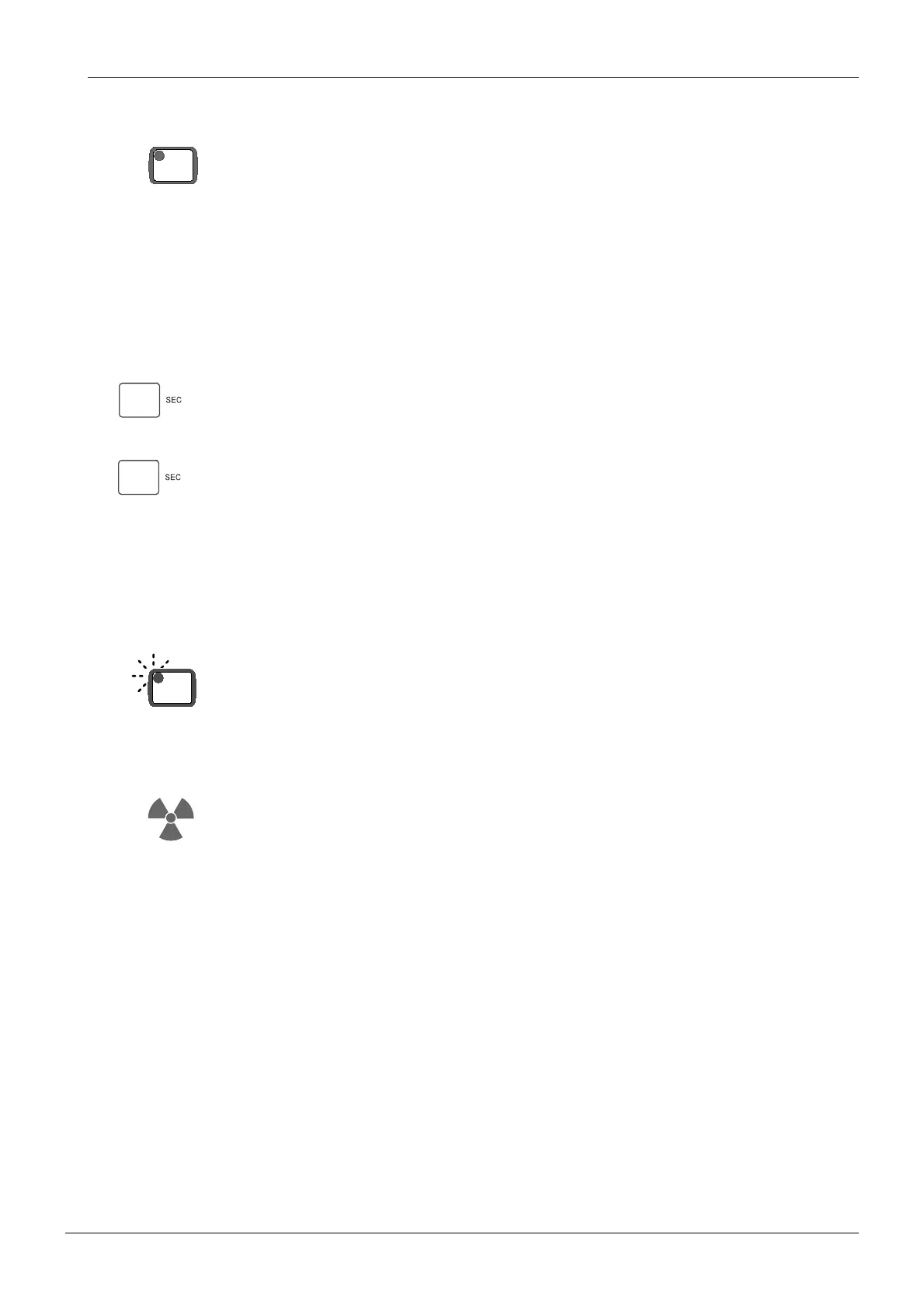
Control (CTL) -key and indicator light
The CTL - key does not activate any operations by itself. It is used either to clear an error indi-
cation, when no further actions are taken, or to give the other keyboard keys special func-
tions. When the key is pressed once, the CTL indicator light comes on, indicating that the
other keys have special functions if operated. If CTL is pressed while the indicator is on, the
indicator goes off and the keyboard keys have their normal functions.
Exposure time display
In the service mode this display shows the type of the X-ray tube. The codes correspond to
the following:
Toshiba D-052 SB focal spot 0.5 X 0.5 mm
If the letters Fd is shown on the display, it indicates that the system has not been adjusted for
the filament parameters of the current tube and must be allowed to do this by pressing the
exposure switch down.
During exposure in the service mode this display shows the measured tube filament voltage.
Ready key and indicator light
The ready key indicator is blinking continuously to indicate that the exposures can be started
at any time by operating the exposure switch.
Exposure indicator light
The yellow exposure indicator light is on whenever the X - ray generator is on and produces
radiation.
CTL
T.5
Fd
READY
PRET














 To Next Page