Chapter D - ADJUSTMENT & CALIBRATION
D-28 Planmeca Proline EC X-ray unit
AUTOMATIC EXPOSURE CONTROL (AEC) CALIBRATION
Technical Manual
Load the cassette with a film and slide it into the cassette holder.
Protect yourself from radiation and press the exposure button.
CAUTION Radiation is generated when the exposure button is pressed. Take adequate protection
measures. Keep the exposure time as short as possible.
During the exposure the AEC-signal is shown on the main display. Adjust the slot position in
horizontal direction until the signal reaches its maximum value as follows.
Planmeca Proline EC panoramic unit:
Adjust the primary slot position: loosen the two screws that hold the primary slot plate in posi-
tion and move the plate until the beam is correctly positioned. The primary slot adjustment in
horizontal direction is described in section
“Radiation beam too far to the right or left” on page
D-6.
Planmeca Proline EC pan/ceph unit:
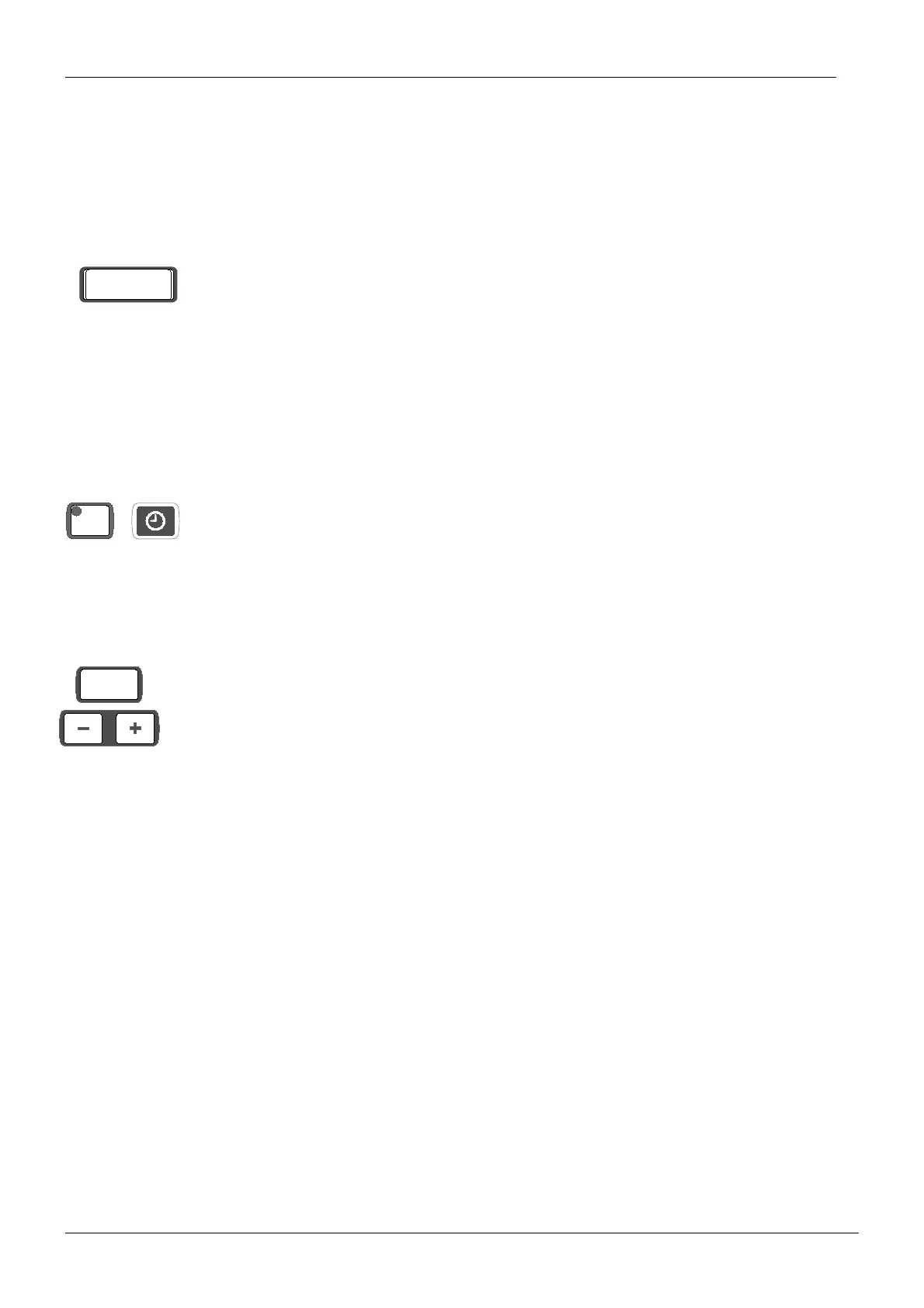
Press the CTL and press and hold down the clock key for 4 seconds to enter the beam align-
ment mode.
Adjust the position of the beam by pressing the patient positioning (mm) keys. The minus key
will move the slot mechanism, and beam to the left, and the plus key will move the slot mech-
anism, and beam to the right. The primary slot adjustment in horizontal direction is described
in section
“Radiation beam too far to the right or left” on page D-9.
Check the X-ray beam position with the beam alignment tool after the adjustment. If the beam
image is not within the borders of the rectangle marked on the alignment tool, adjust the
beam position slightly.
U nn
hold for
second
CTL
mm














 To Next Page