1-13
November 2012
Booklet Maker
Installation
BOOKLET MAKER INSTALLATION
Interface to SR5030 Finisher
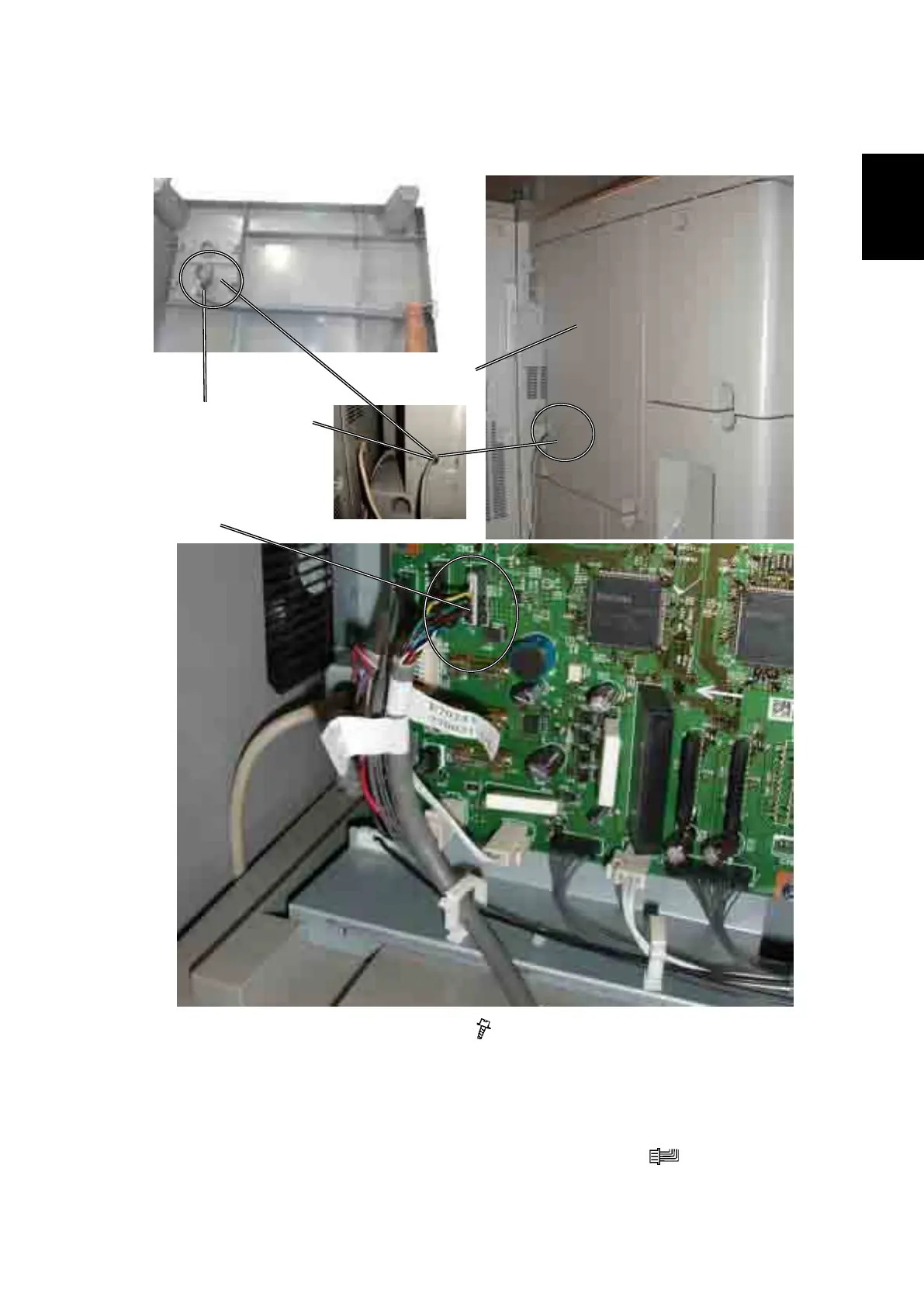
1. Remove Finisher Back Cover [A] ( x 5).
2. Guide the communication cable through opening [B] on back cover (The cable
is part of the installation kit).
3. Make a loop on the cable [C] and attach a Cable tie.
4. Install the communication cable, to connector CN2 [D] ( x1)onthenisher
main board.
[C]
[A]
Finisher Main PCB
[D]
[B]



 To Next Page