1-15
November 2012
Booklet Maker
Installation
BOOKLET MAKER INSTALLATION
1. If installing a Rail unit, install it now.
NOTE: If the Rail unit is installed at a later time the height adjustment of the
Booklet maker has to be redone.
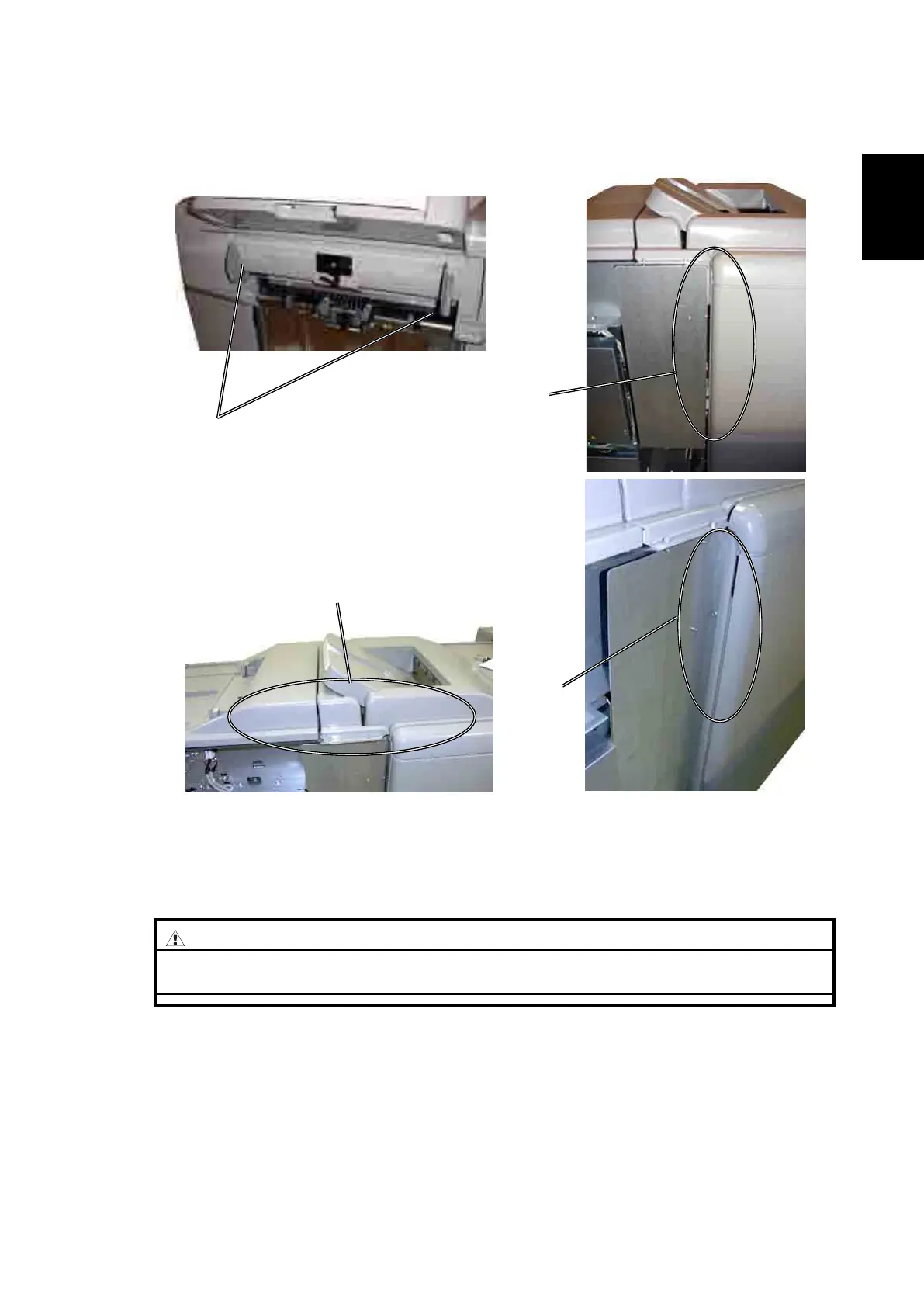
[A]
CAUTION
Before docking, make sure the Jogger Fence [A] is in the upper position.
Ifnot,withprinterpoweredon-openandclosenisherdoor.
2. Dock the Booklet maker to the Docking assembly.
3. ThecoversoftheBookletmakerandthenishershouldlineup.
Pay attention to vertical and horizontal referens points [B], [C] and [D].
Docking the BK5030 to the SR5030 nisher
[B]
[C]
[D]



 To Next Page