1-16
November 2012
BOOKLET MAKER INSTALLATION
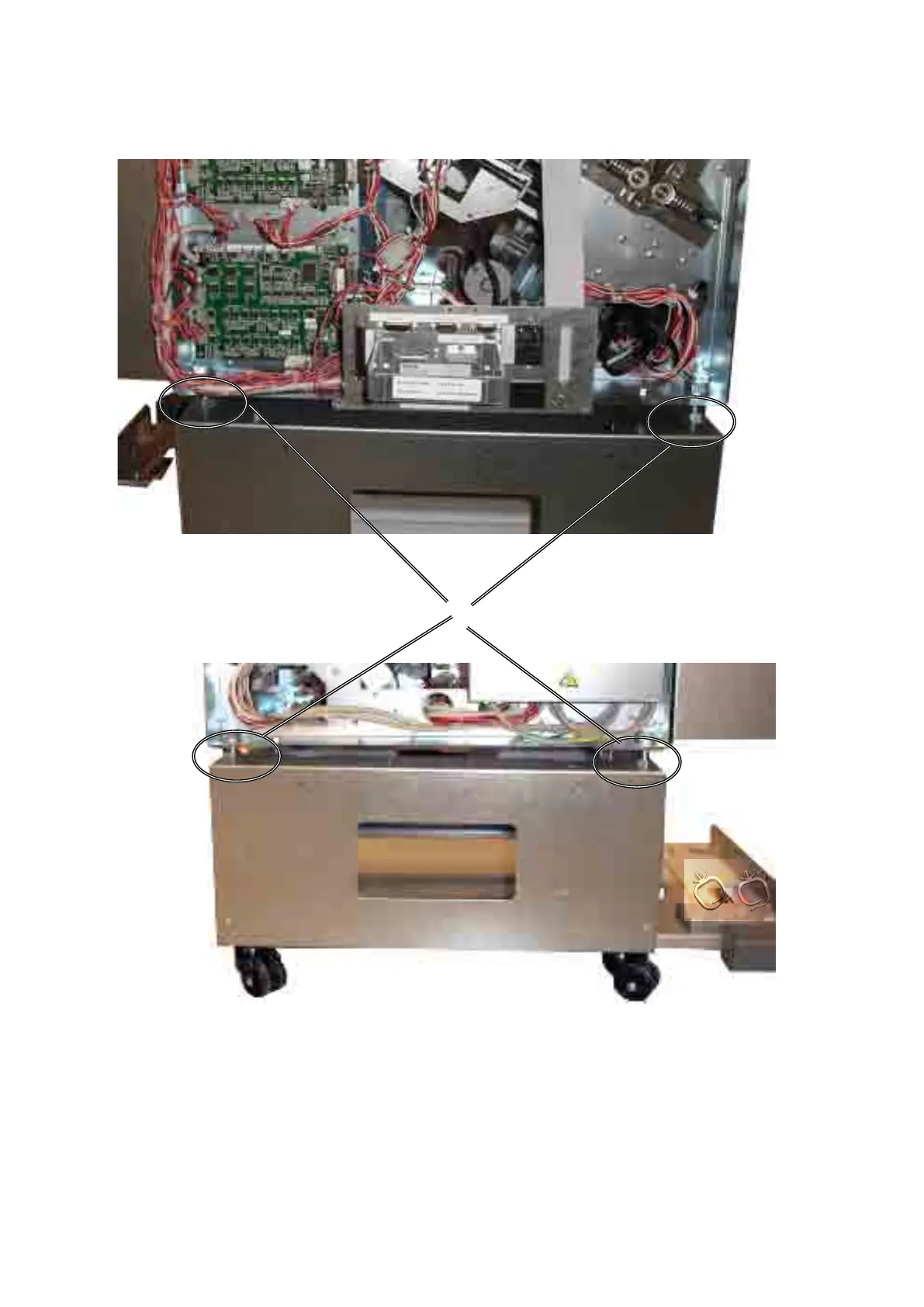
4. To adjust the position of the Booklet Maker use the four adjustment nuts [I].
5. To move the Booklet Maker upwards/downvards turn all four adjustment nuts
the same amount. One revolution equals 2 mm difference in height.
6. To adjust the Booklet Maker side to side turn only the two adjustment nuts on
the front side or the two on the rear side.
[I]
Booklet Maker, rear view
Booklet Maker, front view



 To Next Page