1-17
November 2012
Booklet Maker
Installation
BOOKLET MAKER INSTALLATION
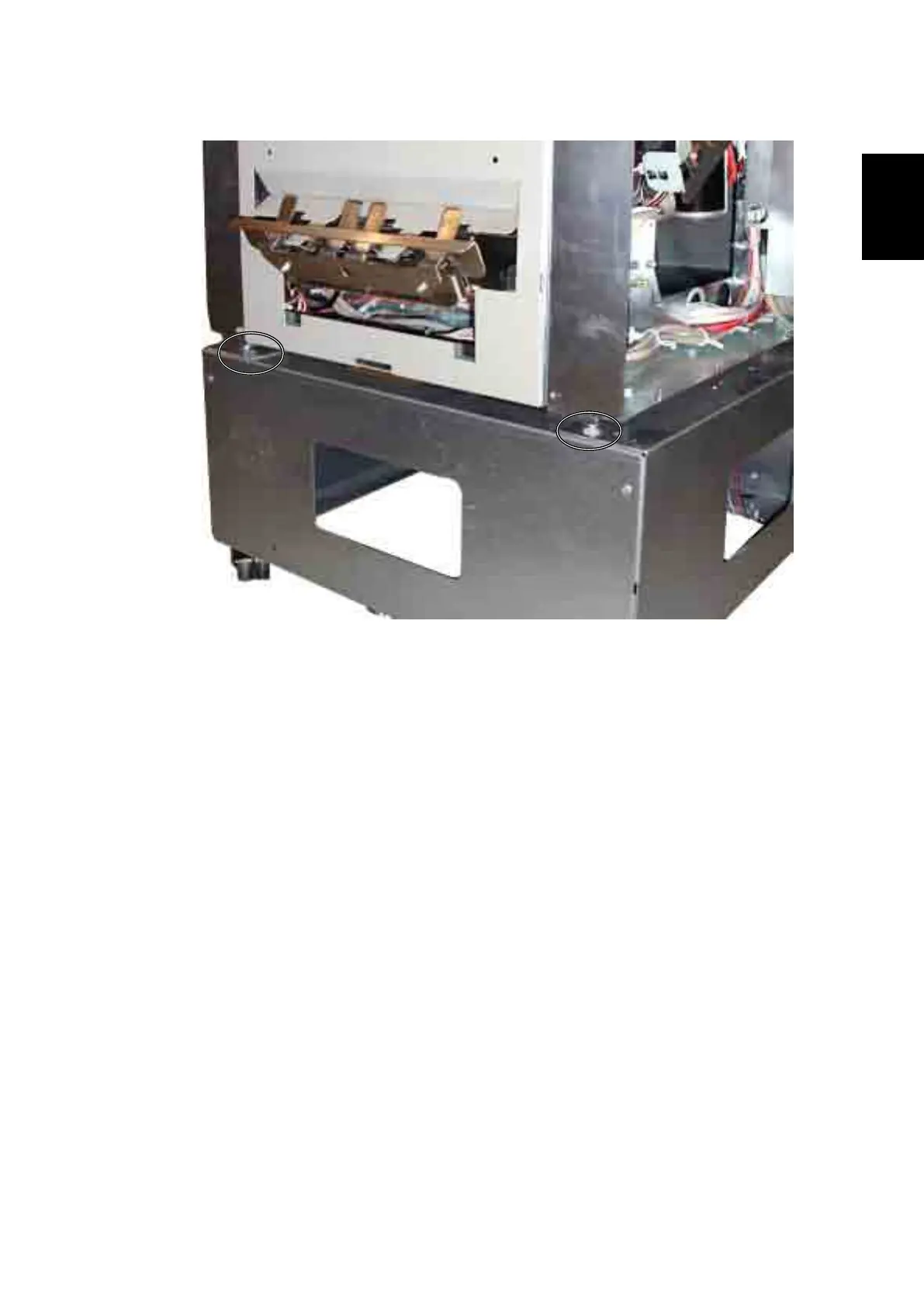
7. To adjust the position of the Booklet Maker in the infeed / outfeed direction,
turn only the two adjustment nuts on the infeed side or the two on the outfeed
side.
8. Repeat adjustments 5, 6 and 7 until the position of the Booklet Maker is
correct.
9. Undock the Booklet Maker.
10. Reinstall the Booklet Maker front and rear covers.
NOTE: Not necessary if the next moment is installation of a cover feeder
CF5030.
Booklet Maker, outfeed view



 To Next Page