1-35
November 2012
TRIMMER INSTALLATION
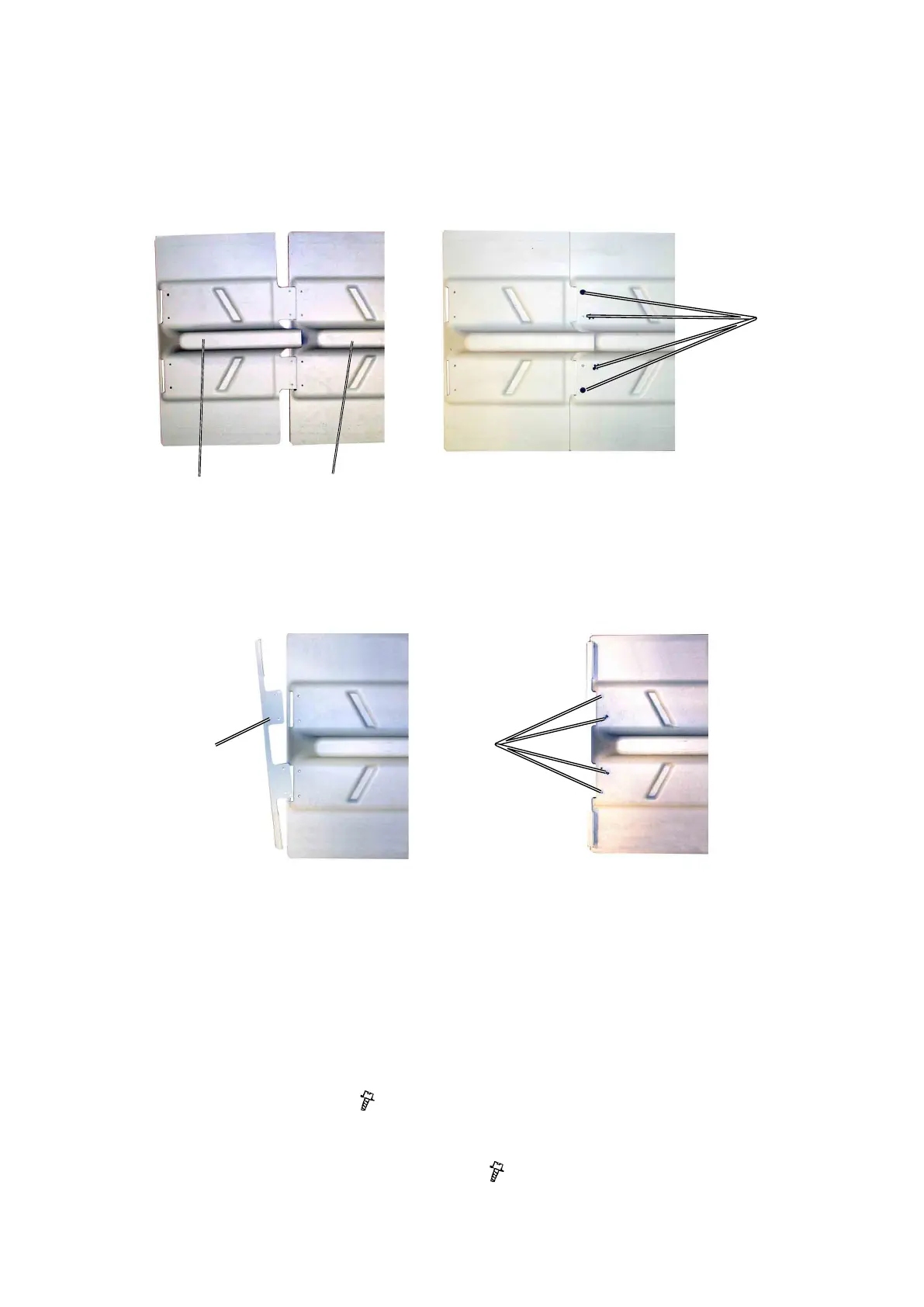
Install Rail Extension
1. Remove the Rail stop from the Rail under the Boklet Maker.
2. Insert the Rail extension [A] into the Rail under the Booklet Maker [B].
3. Press the plugs [C] into the holes in the Rail under the Trimmer and press/
hammer down the plugs ( x 4).
4. Insert the Rail stop [D] into the Rail extension.
5. Secure the Rail stop with the screws [E] ( x 4).
[A]
[C]
[B]
[D] [E]



 To Next Page