55
3. Tools
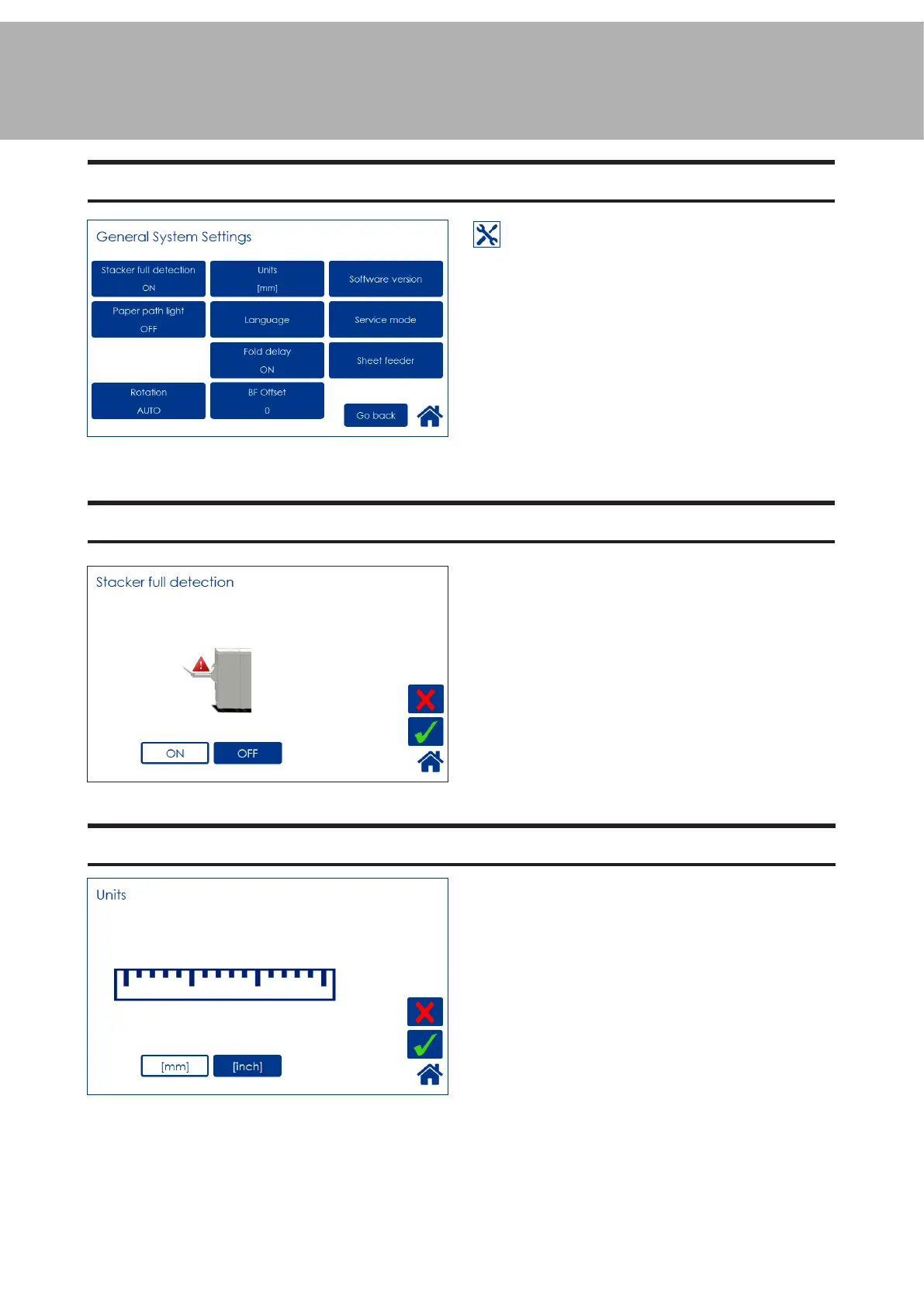
The Tools screen
From the Start screen or the Settings
for Booklet Production screen, press the
[Tools] button to get to the General System
Settings screen. Select the setting you want to
change by pressing the corresponding button.
Press the green [check] button to save your
changes.
Units
Select millimeters or inches by pressing the cor-
responding button.
Stacker full detection
Set Stacker Full Detection to ON if you want
the system to stop and cycle down when the
stacker is full.



 To Next Page