78
6
General fault codes
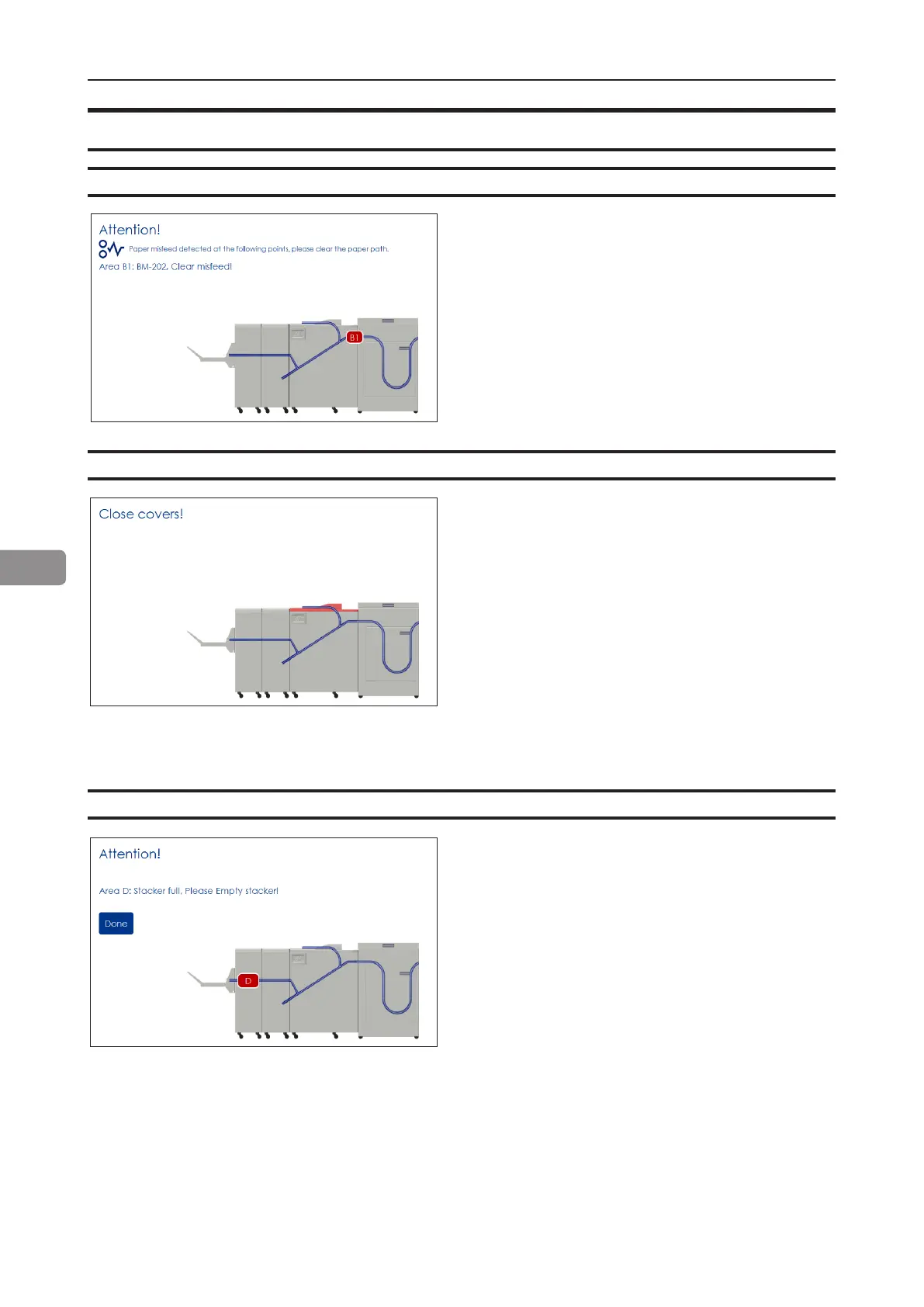
Clear Misfeed(s)
In general, fault codes indicate a misfeed
condition. When a misfeed occurs, a code,
the message “Clear misfeed(s)” and the
jam area will be displayed. See section
5, “Clearing Misfeeds”, for how to clear a
misfeed.
This message will be displayed when
the stacker is full. Empty the belt stacker
and press the [Done] button to continue
operation.
Close cover(s)
Empty stacker!
When the message “Close Cover(s)” is
displayed any of the interlock switches are
actuated.
1 Check that the top cover is in down
position.
2 Make sure that the cover of the Belt
Stacker is in normal position, see section
5, “Clearing Misfeeds”, Belt stacker.
3 Make sure power cables between
Booklet Maker, BookFold and Trimmer
are connected



 To Next Page