56
3
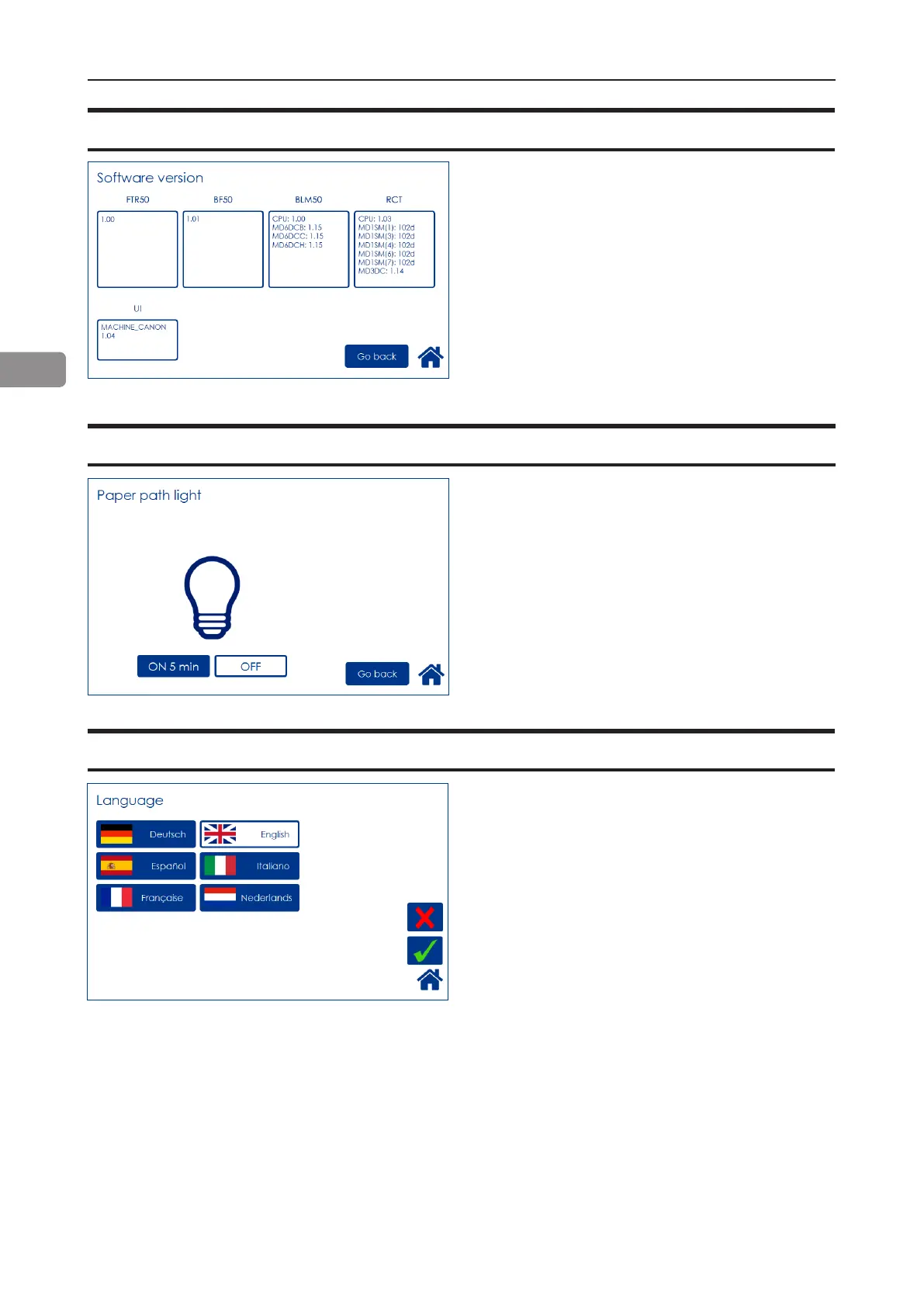
Select module by pressing the corresponding
button to display the software version. Press
[Exit] button to go back to the Settings screen.
Software version
This function is for service purposes.
To turn the paper path light on, press [ON 5 min]
button and save by pressing the [OK] button.
Paper path light
Language
Select desired language by pressing the corre-
sponding button.



 To Next Page