95
7
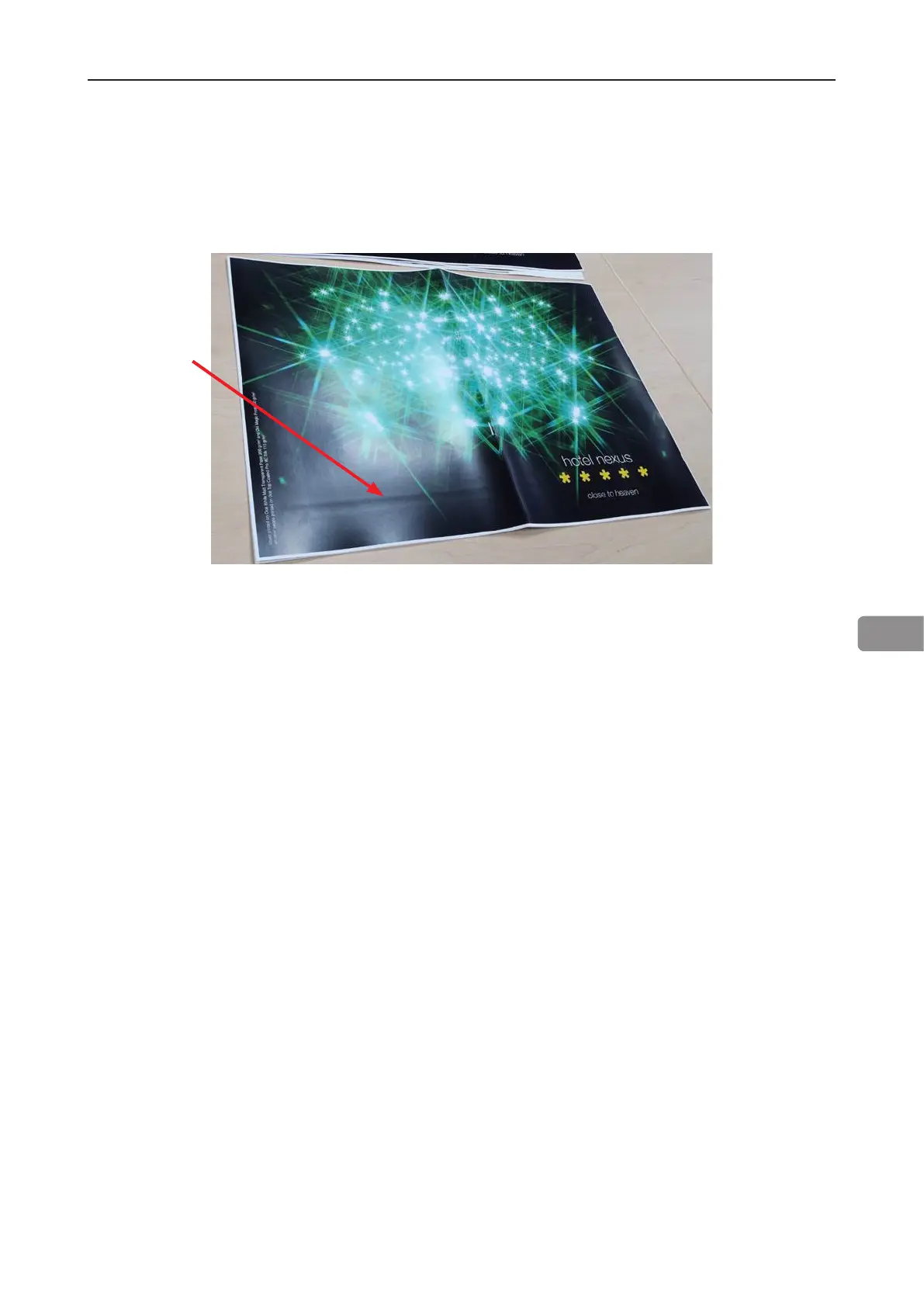
• Sheets may show marks from the “registration rollers” in the RCT module, as shown in the im-
age below. These marks are more commonly seen on silk/coated paper and on darker images.
Changing media will improve the situation.
Limitations of the BLM 35/50 system, cont.
These marks have been seen consistently on the following media:
• Océ Top Coated Plus Silk
• Océ Top Coated Plus Gloss
• Océ Top Colour Zero
• Neenah Smooth
• On some coated media, staples may not completely penetrate the set resulting in a faulty
staple. If problem persists, consider changing media. Staple may not be able to penetrate the
number of sheets indicated by the “Set Size Guide”. Some uncoated extra “dense” paper may
show the same limitation. The following list shows examples of media where this has been
observed:
• Futura Laser Gloss 80c
• Hammermil Laser Print
• OPUS Gloss
• On brand new Booklet Maker units, paper may show trace of oil coming from the fold mecha-
nism. Oil is applied to the mechanism during production. The problem will be eliminated after
initial production.
• When trimming small amount (less than 5mm or 0.2”) in the Trimmer Module on books made
from more than 2 sheets, the cut may not be clean, leaving trim waste hanging from the book.
• Paper can show markings on the lead edge of the set from the compiler area. If this occurs the
use of the Trimmer Module will eliminate this
• For thick booklets, the clinch quality of the staples may show limitations resulting in the staple
legs to be spaced away from the sheets.
• Heavy media above 250gsm/14lb Index may show feeding problems in the RCT Module. This
issue will be more common on smaller sheet sizes A4 and 8,5” x 11”



 To Next Page