BF9500 车载台使用说明书
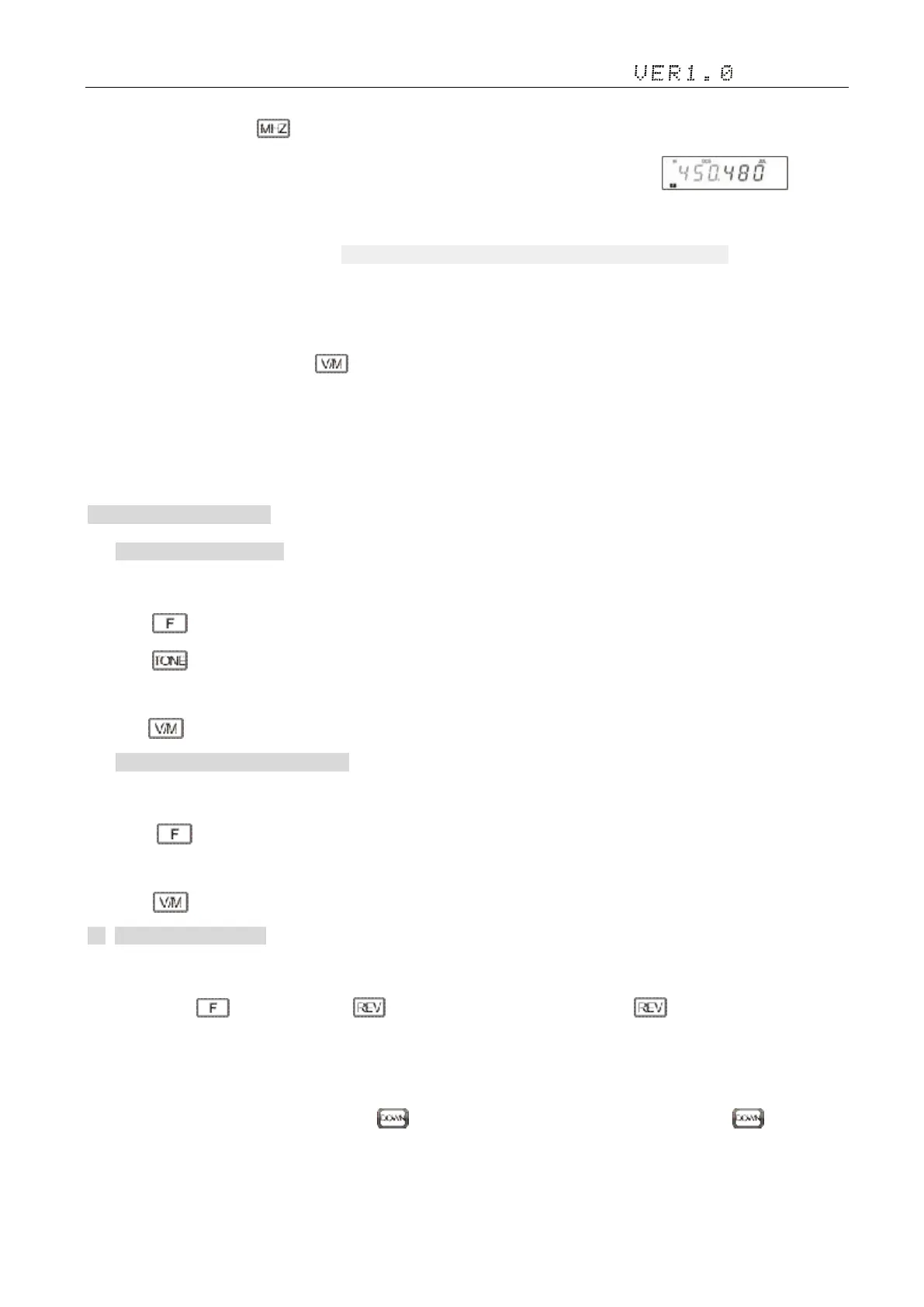
① In VFO mode, press the key, the frequency of the screen display area MHZ digital flicker.
② Turning the knob to select the required value MHz. Main knob clockwise control increases MHZ, rotate
counterclockwise to reduce MHZ. Rise and fall MHZ or use hand microphones F key values.
③ Press any key to set the selected frequency and return to normal VFO mode .
3) Incoming Frequency
① In standby mode, press the key, switch to VFO mode.
·Must be in VFO mode to use.
② Press numeric keys ([0] to [9]) enter the required frequency (the three decimal point as the MHZ, three decimal places for
KHZ).
9. Channel memory 信道存储
1) Frequency to save channel:
① Under frequency mode (VFO), turn selector knob to select the desired frequency or input frequency by MIC's numeric keys;
④ Press Key,LCD appears F, channel number icon flashing;
⑤ Press key to enter CTCSS/DCS signaling setup, turn selector knob to select the desired signaling;
④ Turn selector knob to select the desired channel number to store;
⑤ Press key, , F icon and channel number disappears and emit a prompt voice, thus the channel storage succeed.
2) Channel storage channel 信道存信道:
① Under channel mode,turn selector knob to select the desired channel;
② Press Key,LCD appears F, channel number icon flashing;
③ Turn selector knob to select the desired channel number to store;
④ Press key, , F icon and channel number disappears and emit a prompt voice, thus the channel storage succeed.
10. Channel Delete 删除信道
1)Under channel mode, turn selector knob to select channel which you want to delete;
2)Short press the key, then press the key, the screen appears SURE?Short press again, current channel will be
deleted and emitted a prompt voice.
11. Transmitting Tone-Pulse 发射中转导频频率(即单音脉冲)
Press and hold [PTT] key, then press Microphone key to transmit 1750Hz tone-pulse signal;loosen the key to cancel
the transmit 1750Hz tone-pulse signal.


 To Next Page