BF9500 车载台使用说明书
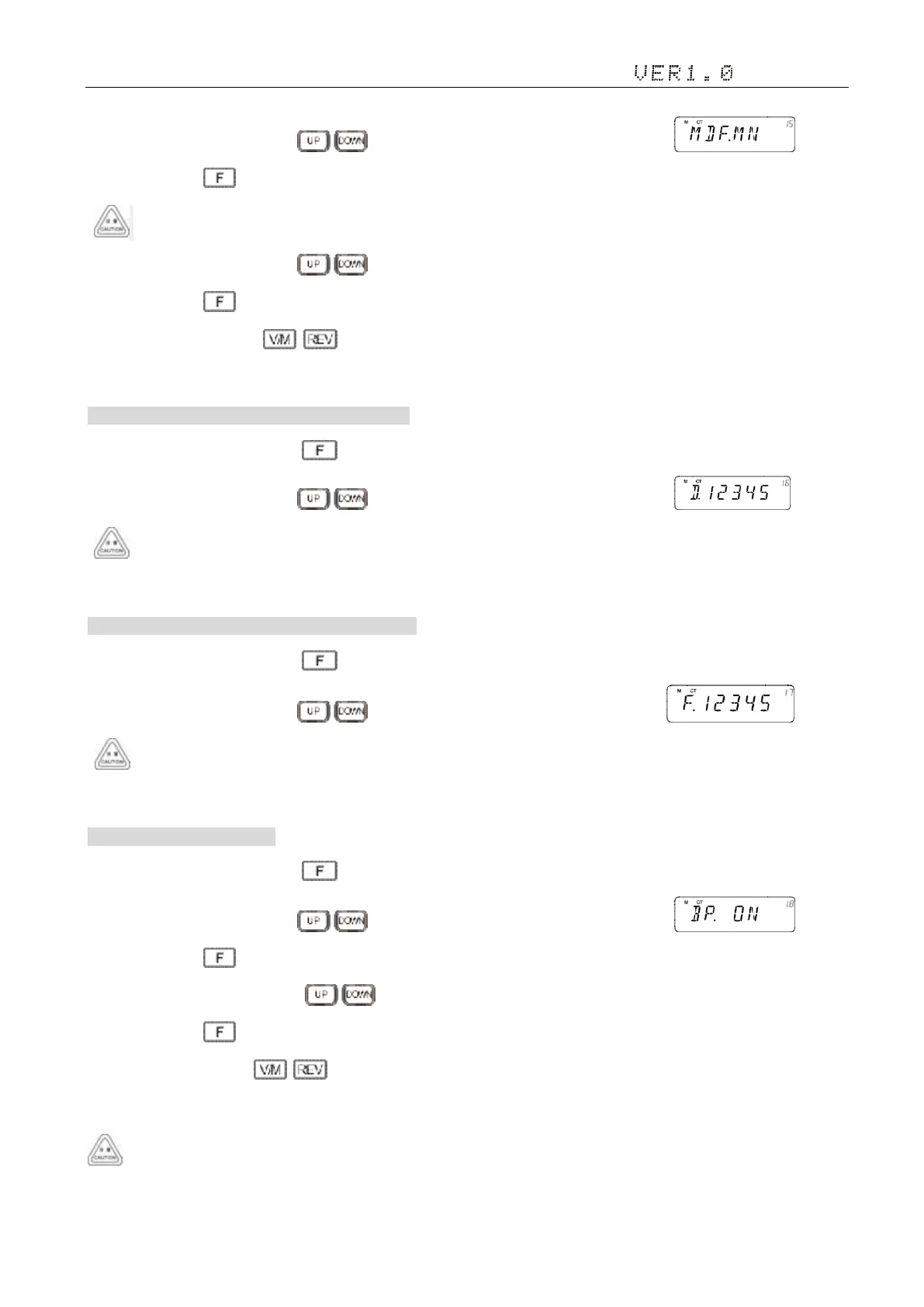
2)Adjust the knob switch or Mic's key, and select 15 menu option, the screen display ;
3)Short press the key, enter the function menu, the screen flashing "MN", Options are "MN/FRQ";;
In frequency mode cannot be set, MN: name of the channel, FRQ: channel frequency
4)Adjust the knob switch or Mic's key;
5)Short press the key, save and exit the Settings;
6)Setup process short press , then cancel save , and switch to the on a menu or next a menu;
7)Press to other keys , cancel the save and return to main interface.
16. Radio's DTMF SELF ID ENQUIRY 本机 DTMF ID 查询
1)In standby mode, press and hold key to enter general setting menu;
2)Adjust the knob switch or Mic's key, and select 16 menu option, the screen display
DTMF ID code only by write frequency software Set.
3)Press to other keys , cancel the save and return to main interface.
17. Radio's 5TONE SELF ID ENQUIRY 本机 5TONE ID 查询
1)In standby mode, press and hold key to enter general setting menu;
2)Adjust the knob switch or Mic's key, and select 17 menu option, the screen display
5TONE ID code only by write frequency software Set.
3)Press to other keys , cancel the save and return to main interface.
18. Voice Prompt 提示音设置
1)In standby mode, press and hold key to enter general setting menu;
2)Adjust the knob switch or Mic's key, and select 18 menu option, the screen display ;
3)Short press the key, enter the function menu, the screen flashing "ON", Options are "ON/OFF";
4)Adjust the knob switch or Mic's key;
5)Short press the key, save and exit the Settings;
6)Setup process short press , then cancel save , and switch to the on a menu or next a menu;
7)Press to other keys , cancel the save and return to main interface.
Suggestion: Enable this function to check incorrect operation and malfunctions.


 To Next Page