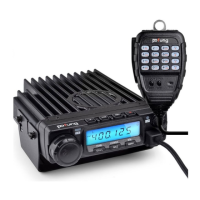
BF9500 车载台使用说明书
DTMF sending content editor
See the microphone
programmable key definitions
See the microphone
programmable key definitions
See the microphone
programmable key definitions
See the microphone
programmable key definitions
Restore to default setting
This Mobile Radio is equipped with 2 levels operation menu.From No.1 to No.15 are channel function setup, From No.15 to
No. 29 are general setting setup.
■ General Setting 菜单设置操作详细说明:
1. Frequency Channel Step Setup 步进频率设置
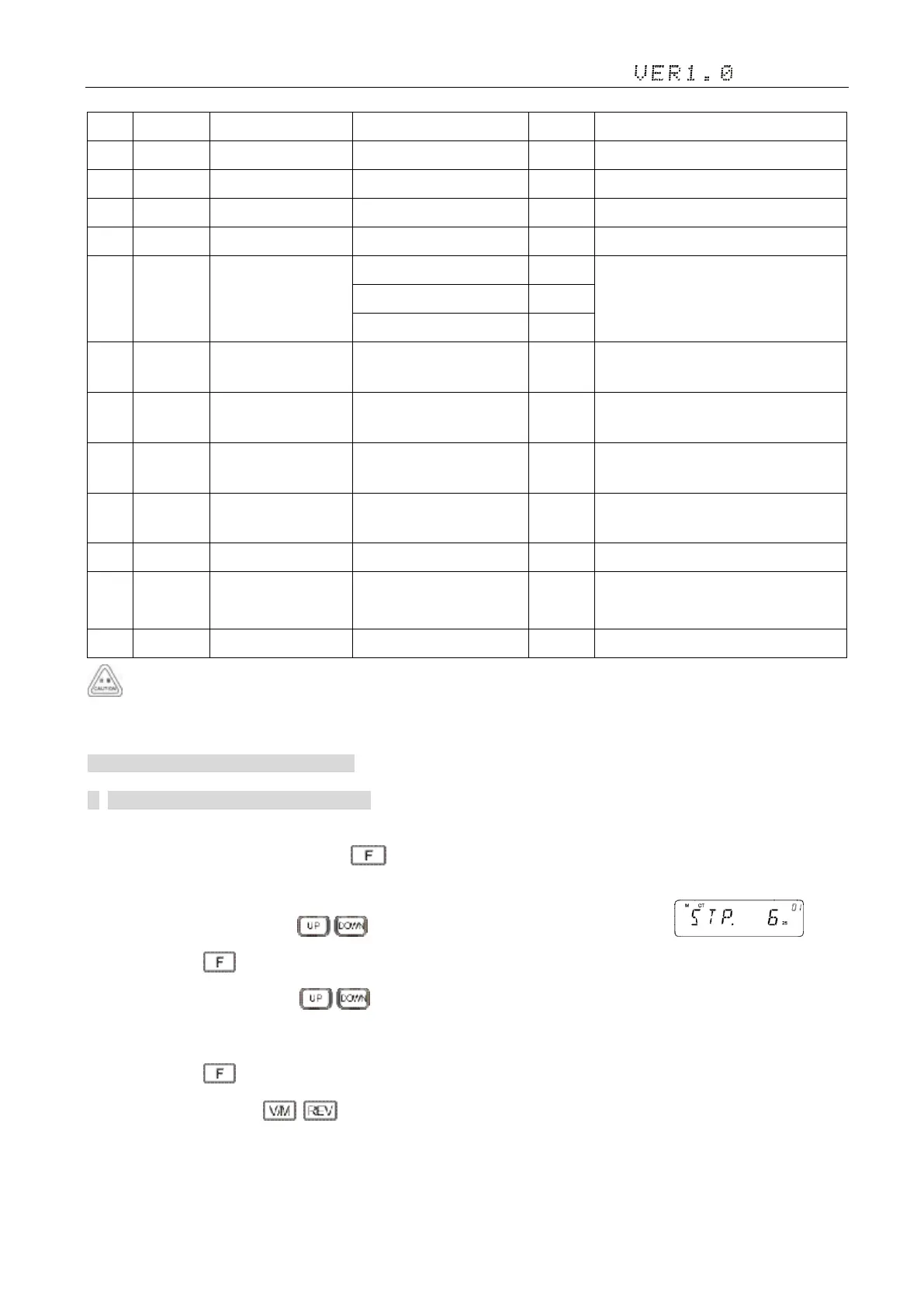
1)In frequency (VFO) mode, press and hold key to enter general setting menu;
2)Adjust the knob switch or Mic's key, and select 01 menu option, the screen display ;
3)Short press the key, enter the function menu, the screen flashing "6
25
";
4)Adjust the knob switch or Mic's key, Select the desired, there are 2.5 K, 5 K, 6.25 K, 8.33 K, 10 K, 12.5 K, 20 K and
25 K, 50 K, 100 K;
5)Short press the key, save and exit the Settings;
6)Setup process short press , then cancel save , and switch to the on a menu or next a menu;
7)Press to other keys , cancel the save and return to main interface.


 To Next Page