BF9500 车载台使用说明书
12. Transmitting OPTIONAL SIGNALING 发射可选信令
Press and hold the Microphone [PTT] key, then press key to transmit pre-stored and selected DTMF/2Tone/5Tone optional
signaling.
13.Transmitting DTMF 发射 DTMF
Slide DTMF key to DTMF position, press and hold the [PTT] key, transmitting the desired DTMF signaling by the numeric key
directly.
14. KEYPAD LOCKOUT 键盘锁定
Avoiding unintentional operation, this function will lock main keys, all keys except and [PTT] key are invalid.
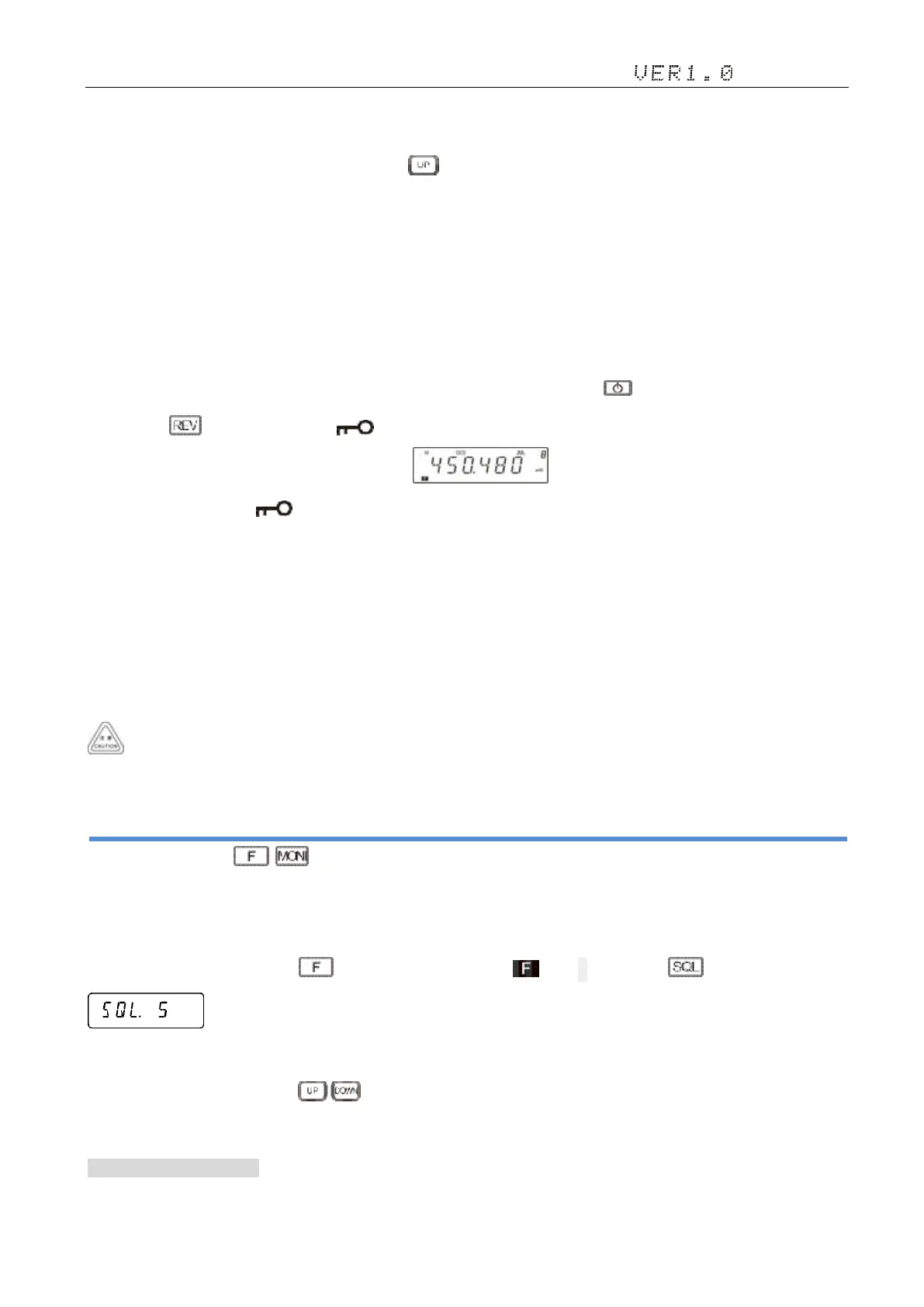
1)Long press key until LCD displays icon, it indicates keypad lockout function is valid.
2)Repeat above operation, icon disappears, it indicates keypad lockout function is invalid.
15. Power supply voltage display function 电源电压显示功能
After the machine is connected to the power supply, long hands the microphone [PF4] key can confirm that the power supply
voltage, the display screen displays the machine power supply voltage. When the supply voltage changes, the display will
immediately change. When restart the power supply or repeat the above operation, the machine will return the user operation
mode.
Voltage range shown only from 7 v - 16 v dc voltage, as shown in the numerical value is for reference only, if you want to
have more accurate readings, please use the voltmeter.
Shortcut Operations 快捷功能操作
1. Squelch level Setup( + )
Setting the radio to a tight squelch level,you can avoid unwanted signals or noise,but you may not receive a weak signal.
Therefore,it will be better for you to select the normal squelch level.
1 ) While standby, press the key, the screen display icon, then press , screen display
。
·The display screen shows the current squelch level。
2)Turn selector knob or press Mic key to set desired squelch level, Press any key to exit and save the Settings.
2. Frequency/Channel Scan 频率及信道扫描
1)Frequency Scan 频率扫描


 To Next Page