BF9500 车载台使用说明书
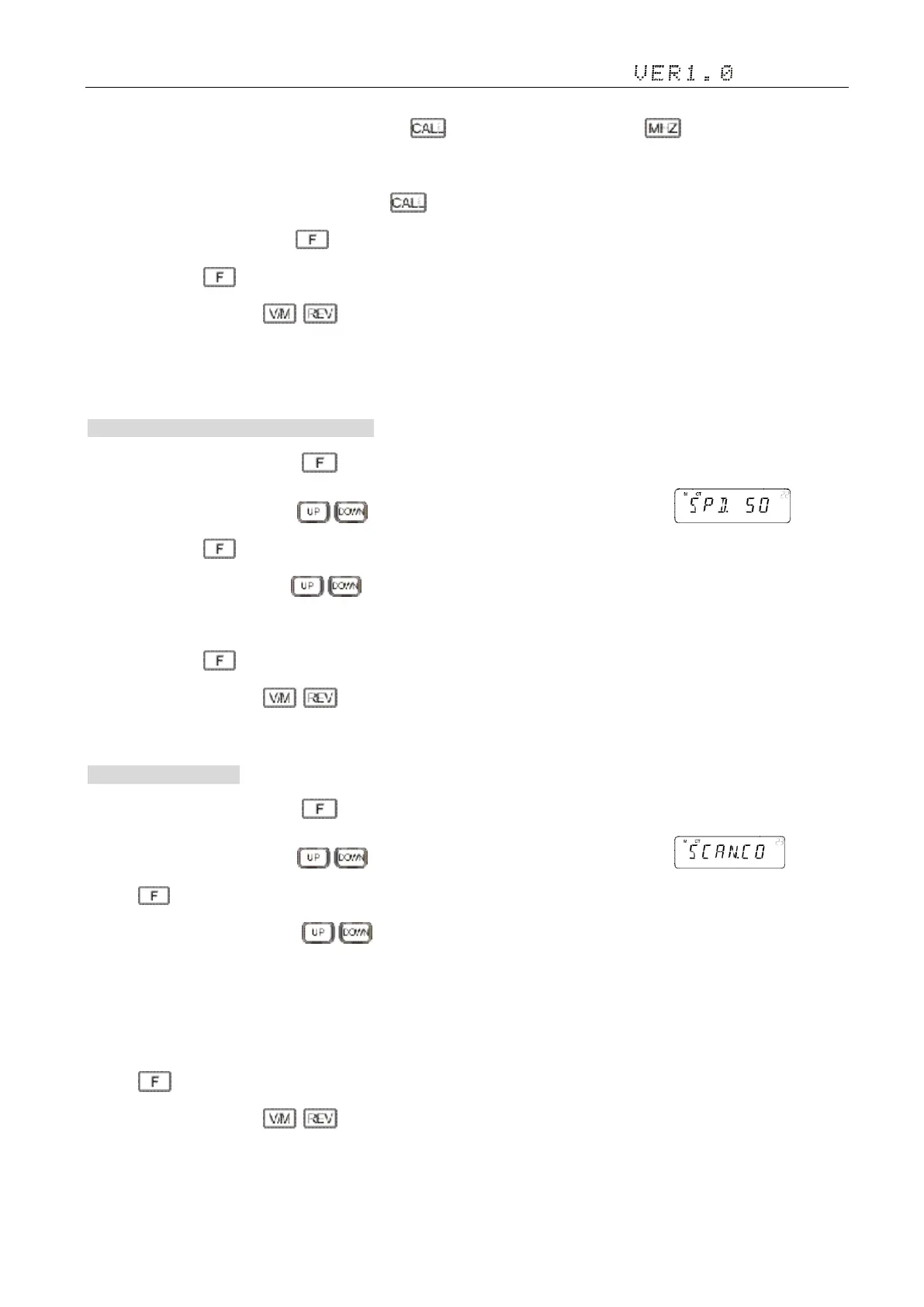
cofirm but not save and go on edit the next word. Press to edit the left word. Short press to delete the cursor and the
words on the right side.
Caution: When the cursor is on the left, short press the radio do not save automatically return to the previous menu. When
the cursor is on the left, short press , the radio save the operate to return to the previous menu.
5)Short press the key, save and exit the Settings;
6)Setup process short press , then cancel save , and switch to the on a menu or next a menu;
7)Press to other keys(includes PTT) , cancel the save and return to main interface.
22. DTMF Transmitting Time DTMF 发射时间
1)In standby mode, press and hold key to enter general setting menu;
2)Adjust the knob switch or Mic's key, and select 22 menu option, the screen display ;
3)Short press the key, enter the function menu, the screen flashing “50”.
4) Adjust the knob switch or Mic's key to choose “50/100/200/300/500”, which indicates each DTMF being sent.
Default: 50ms。
5)Short press the key, save and exit the Settings;
6)Setup process short press , then cancel save , and switch to the on a menu or next a menu;
7)Press to other keys(includes PTT) , cancel the save and return to main interface.
23. Scan Mode 扫描方式
1)In standby mode, press and hold key to enter general setting menu;
2)Adjust the knob switch or Mic's key, and select 23 menu option, the screen display ;
3)Press ,the screen flashing “TO”.
4) Adjust the knob switch or Mic's key
■TO:It pauses 5s once scanning a matching signal, then resume scan.
■CO:it pauses once scanning a matching signal, signal disappeared then resume scan.
■SE:it stops once scanning a matching signal.
5)Press to confirm the selection and exit;
6)Setup process short press , then cancel save , and switch to the on a menu or next a menu;
7)Press to other keys(includes PTT) , cancel the save and return to main interface.


 To Next Page