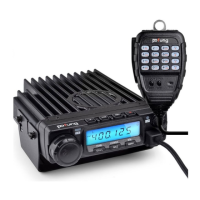
BF9500 车载台使用说明书
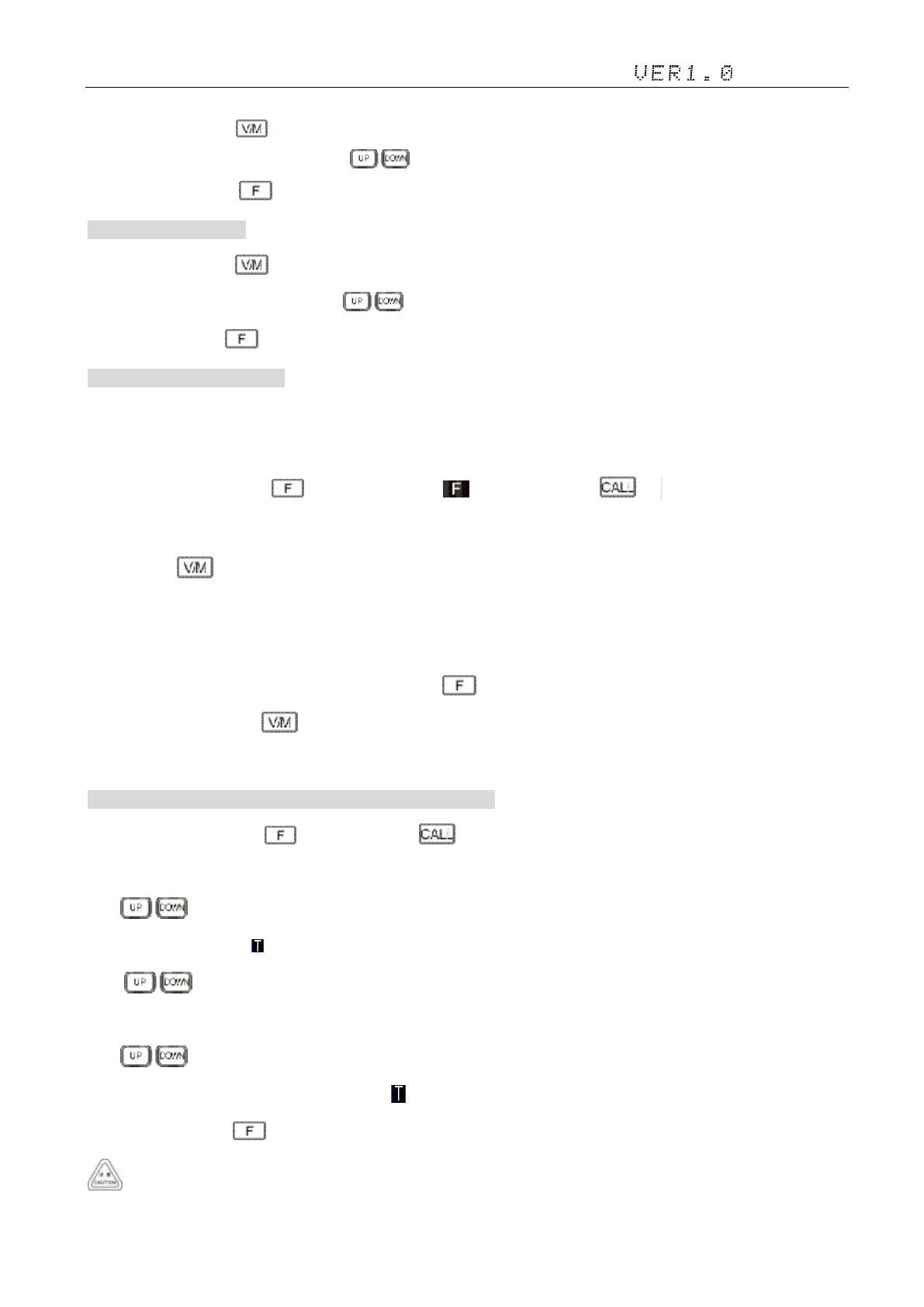
①In VFO mode,long press to enterinto frequency scan;
② Turn selector knob or press Microphone key to change scan direction;
③ Press any key except key to exit.
2)Channel Scan 信道扫描
① In channel mode,Press key to enter into channel scan;
② Turn selector knob or press Microphone key to change scan direction;
③Press any key except key to exit.
3)CTCSS/DCS SCAN 扫描
When CTCSS or DCS functions activation, walkie-talkie to stop on the busy frequency, and decoding the CTCSS or DCS
signaling.If CTCSS or match the DCS signaling, cancel the mute interphone.Otherwise, the intercom restore scanning.
① Standby mode, Short press key, the screen display icon,then shore press key, until the screen display "CTCSS"
or "DCS";
② Long press key, Begin CTCSS or DCS signaling scanning;
③ When decoding to match the CTCSS or DCS signaling, automatic exit CTCSS/DCS scan mode, display the current signal value,
press any key to exit in the process of scanning scanning state;
④ If you want to save the current data, short press the key, the channel number flashes, main knob choose channel
number, short press the key, save the current data to the specified channel.
4. CTCSS/DCS Encode and Decode setup CTCSS/DCS 编解码设置
1)Standby mode, Short press key, then shore press key,
·When LCD appears CT icon, it means current channel with CTCSS CODEC, turn selector knob or press Microphone's
key to select desired CTCSS CODEC.
·When LCD appears icon, it means current channel with CTCSS encode, turn selector knob or press Microphone's
key to select desired CTCSS encode.
·When LCD appears DCS icon, it means current channel with DCS encode, turn selector knob or press Microphone's
key to select desired DCS encode.
2)Repeat steps(1),Switch the CTCSS encode( )/ CTCSS CODEC (CT)/ DCS CODEC (DCS)/OFF。
3)Press any key except key to Standby mode.
Under channel mode,this operation can be temporarily used by user. Once the radio is turned off or switched to another


 To Next Page