BF9500 车载台使用说明书
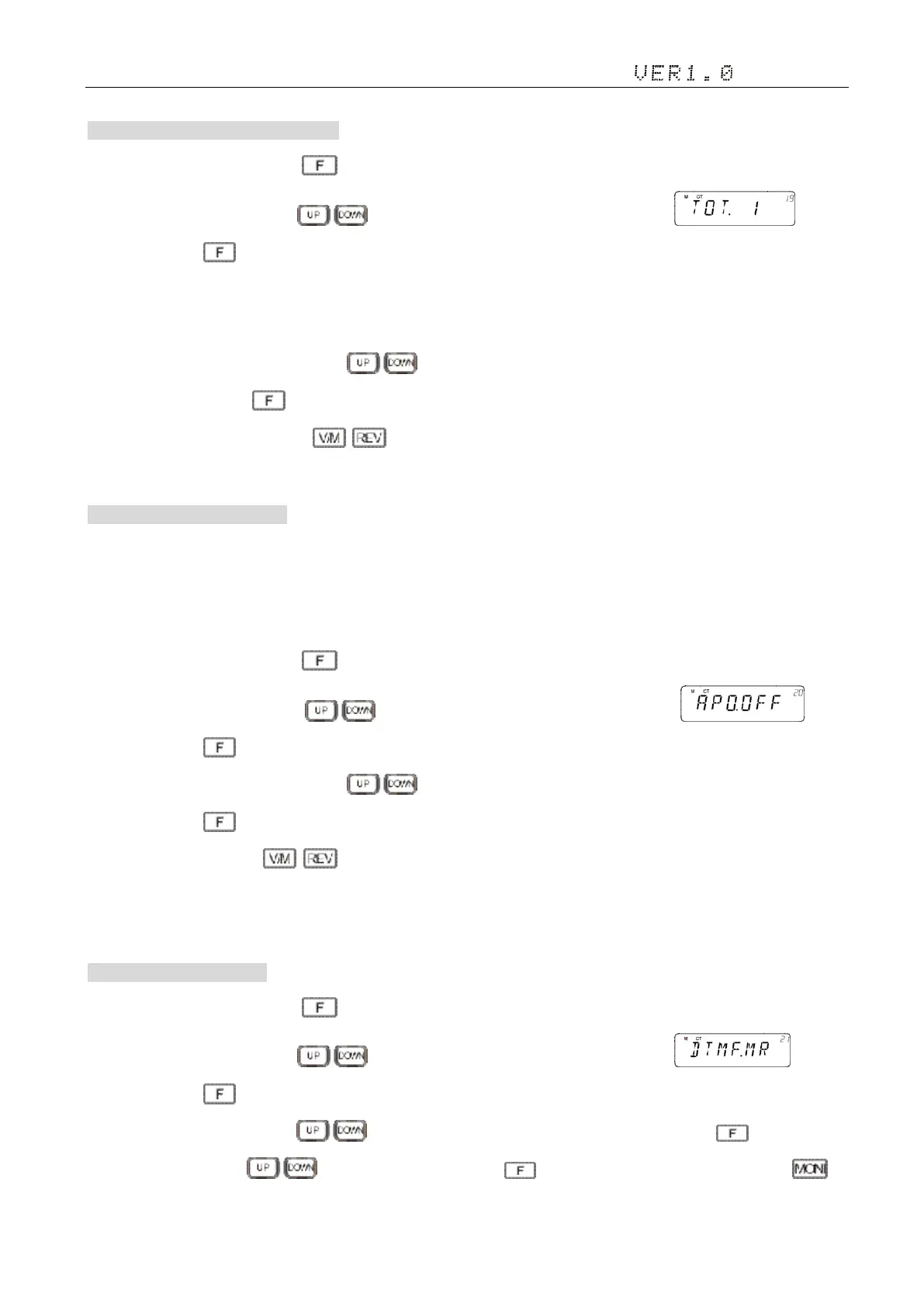
19. TOT (Time-out timer) 发射限时 TOT
1)In standby mode, press and hold key to enter general setting menu;
2)Adjust the knob switch or Mic's key, and select 19 menu option, the screen display ;
3)Short press the key, enter the function menu, the screen flashing "3", Options are "OFF/1-30 Minute";
■1 ~ 30 minutes: a total of 30 minutes time to choose, each level interval of 1 min.
■OFF:Close the function, the set is not recommend to OFF
4)Adjust the knob switch or Mic's key;
5)Short press the key, save and exit the Settings;
6)Setup process short press , then cancel save , and switch to the on a menu or next a menu;
7)Press to other keys , cancel the save and return to main interface.
20. Auto Power Off 自动关机设置
Open this function, if the selected period of time without any operation, the radio will automatically be turned off.A minute
before shutdown, walkie-talkie warning beep sound, And the flashing "APO" .Selection of APO time OFF (forbidden), 30, 60, 90,
120 or 180 minutes.
1)In standby mode, press and hold key to enter general setting menu;
2)Adjust the knob switch or Mic's key, and select 20 menu option, the screen display ;
3)Short press the key, enter the function menu, the screen flashing "OFF", Options are " OFF/0.5H/1H/1.5H/2H/4H ";
4)Adjust the knob switch or Mic's key;
5)Short press the key, save and exit the Settings;
6)Setup process short press , then cancel save , and switch to the on a menu or next a menu;
7)Press to other keys , cancel the save and return to main interface.
21.DTMF Code DTMF 码编辑
1)In standby mode, press and hold key to enter general setting menu;
2)Adjust the knob switch or Mic's key, and select 21 menu option, the screen display ;
3)Short press the key, enter the function menu, the screen flashing “CH?X”(0~9),“X” is for the serial Number
4)Adjust the knob switch or Mic's key to select the serial Number which you need, then press to edit it. Adjust
the knob switch or Mic’s key to enter the words. Press again to save and edit the next word. Press to


 To Next Page