BF9500 车载台使用说明书
4)Adjust the knob switch or Mic's key choose to ON;
5)Short press the key, save and exit the Settings;
6)Setup process short press , then cancel save , and switch to the on a menu or next a menu;
7)Press to other keys , cancel the save and return to main interface.
10.Editing Channel NAME 信道名称编辑
1)In standby mode, press and hold key to enter general setting menu;
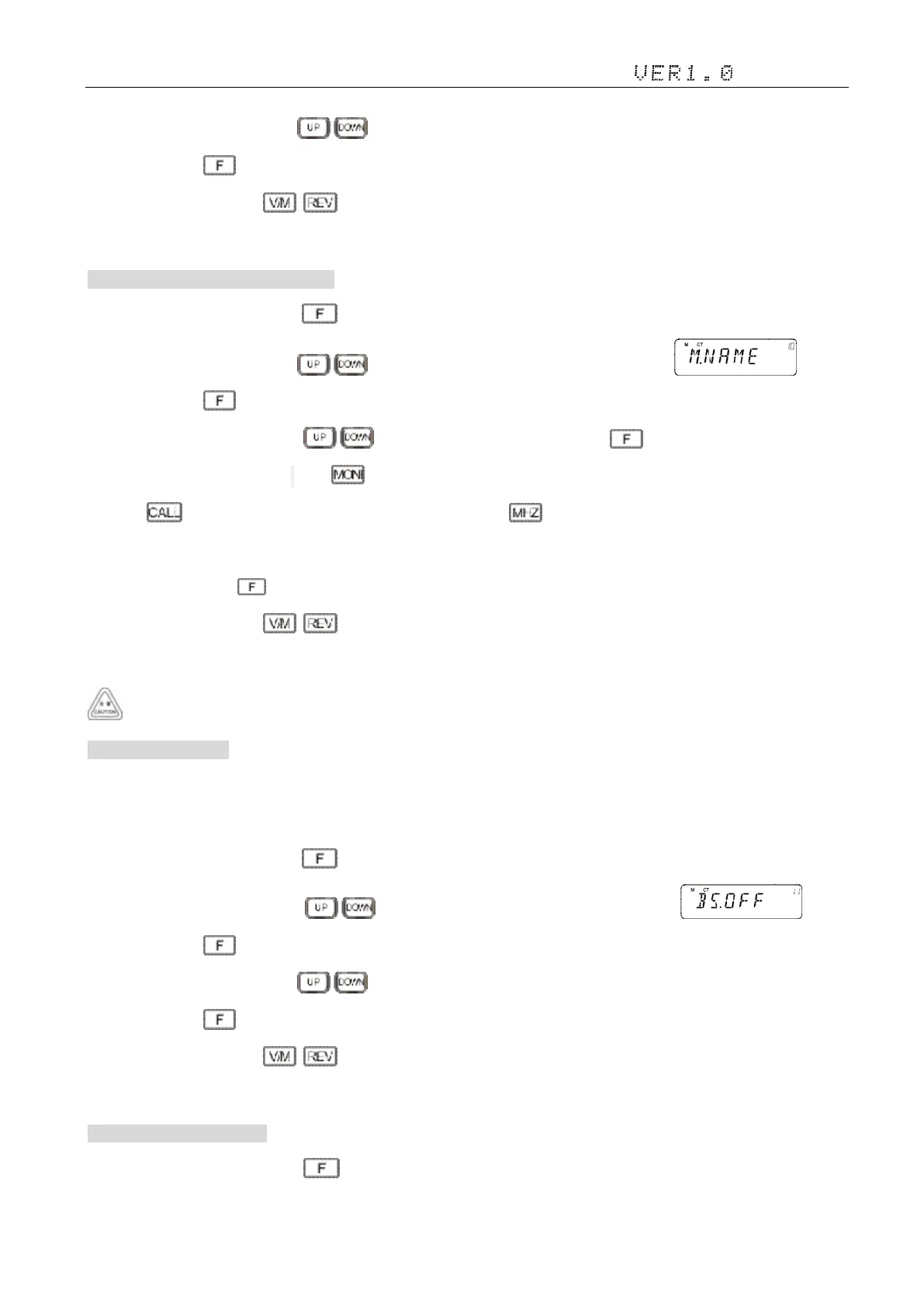
2)Adjust the knob switch or Mic's key, and select 10 menu option, the screen display ;
3)Short press the key, enter the function menu,the screen cursor flashing;
4)Adjust the knob switch or Mic's key choose the desired content, press to save the current character and
into the next character to edit, press to confirm the current character (don't save) and into the next character editing,
Press to move to the left one character edit, Short press the key to delete the cursor and on the right side of the
content.
5)Repeatedly press the key, save and exit the Settings;
6)Setup process short press , then cancel save , and switch to the on a menu or next a menu;
7)Press to other keys , cancel the save and return to main interface.
VFO mode, this option will automatically be hidden.
11. Beat frequency 拍频
Mobile Radio using microprocessor to control its various functions, may sometimes CPU clock oscillator on the receive
frequency interference. In this case, you can open the beat frequency offset function.
1)In standby mode, press and hold key to enter general setting menu;
2)Adjust the knob switch or Mic's key, and select 11 menu option, the screen display ;
3)Short press the key, enter the function menu, the screen flashing "OFF", Options are "OFF/ON";
4)Adjust the knob switch or Mic's key choose to ON;
5)Short press the key, save and exit the Settings;
6)Setup process short press , then cancel save , and switch to the on a menu or next a menu;
7)Press to other keys , cancel the save and return to main interface.
12. Scan skip 扫描跳过设置
1)In channel mode, press and hold key to enter general setting menu;


 To Next Page