Point Grey Flea3 GigE Technical Reference C GenICam Features
C GenICam Features
The following features are included in the XML device description file on the camera to control, monitor, and query the
camera operation. Not all operations can be controlled using the XML file; those not included are controlled via CSRs.
Except where noted, these features conform to the GenICam Standard Features Naming Convention
(SFNC) v1.5. The full SFNC can be found on the EMVA.org website and contains more details than
provided below. Not all features are available on all cameras.
Non-SFNC features are noted with a grey background.
This file can be accessed via First URL bootstrap register 200h (GigE Vision Bootstrap Registers).
C.1 Device Control
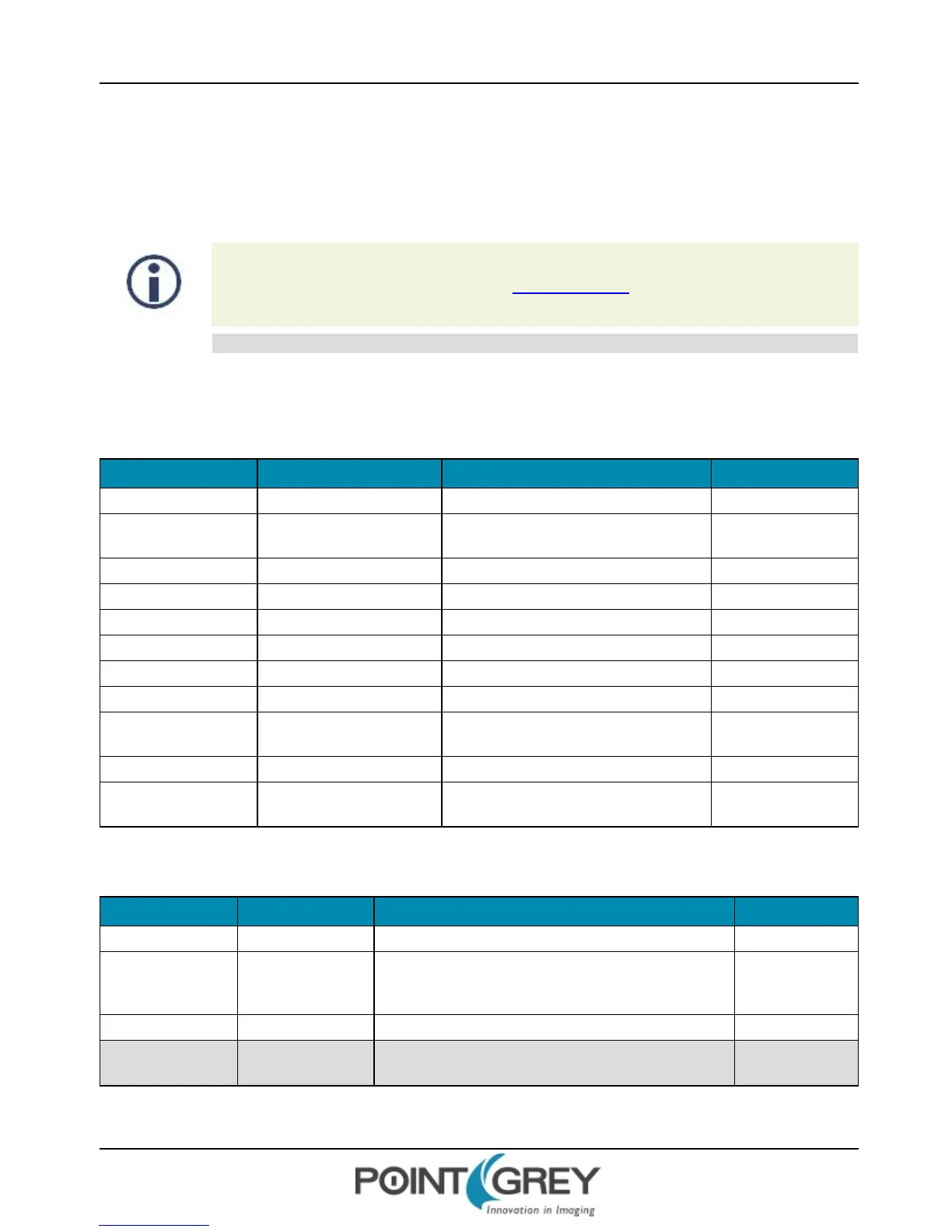
Name Display Name Description Value
DeviceVendorName Vendor Name Name of the manufacturer Point Grey Research
DeviceModelName Model Name Model name of the device
Flea3 GigE <model
number>
DeviceFamilyName Family Name Family name of the device Flea3 GigE
DeviceVersion Device Version FPGA version
DeviceFirmwareVersion Device Firmware Version Firmware version
DeviceID Device ID Camera Serial Number
DeviceScanType Device Scan Type Scan type of the sensor Areascan (2D sensor)
DeviceTemperature Device Temperature (C) Device temperature in degrees Celsius
DeviceReset Device Reset
Resets the device to its initial state and
default settings
Write Only
DeviceUserID Device User ID User defined name
DeviceMaxThroughput Device Max Throughput
Indicates maximum data in bytes from the
camera each second
C.2 Analog Control
Name Display Name Description Value
Gain Gain (dB) Gain applied to the image in dB
GainAuto Gain Auto Controls the mode for automatic gain adjustment
Off
Once
Continuous
BlackLevel Black Level (percent) Analog black level (brightness) in percent
BlackLevelEnabled Black Level Enabled Enables/disables black level adjustment
True
False
Revised 10/29/2013
Copyright ©2010-2013 Point Grey Research Inc.
100



 To Next Page