Point Grey Flea3 GigE Technical Reference 2 Flea3 GigE Installation
2.3 Installing Your Camera
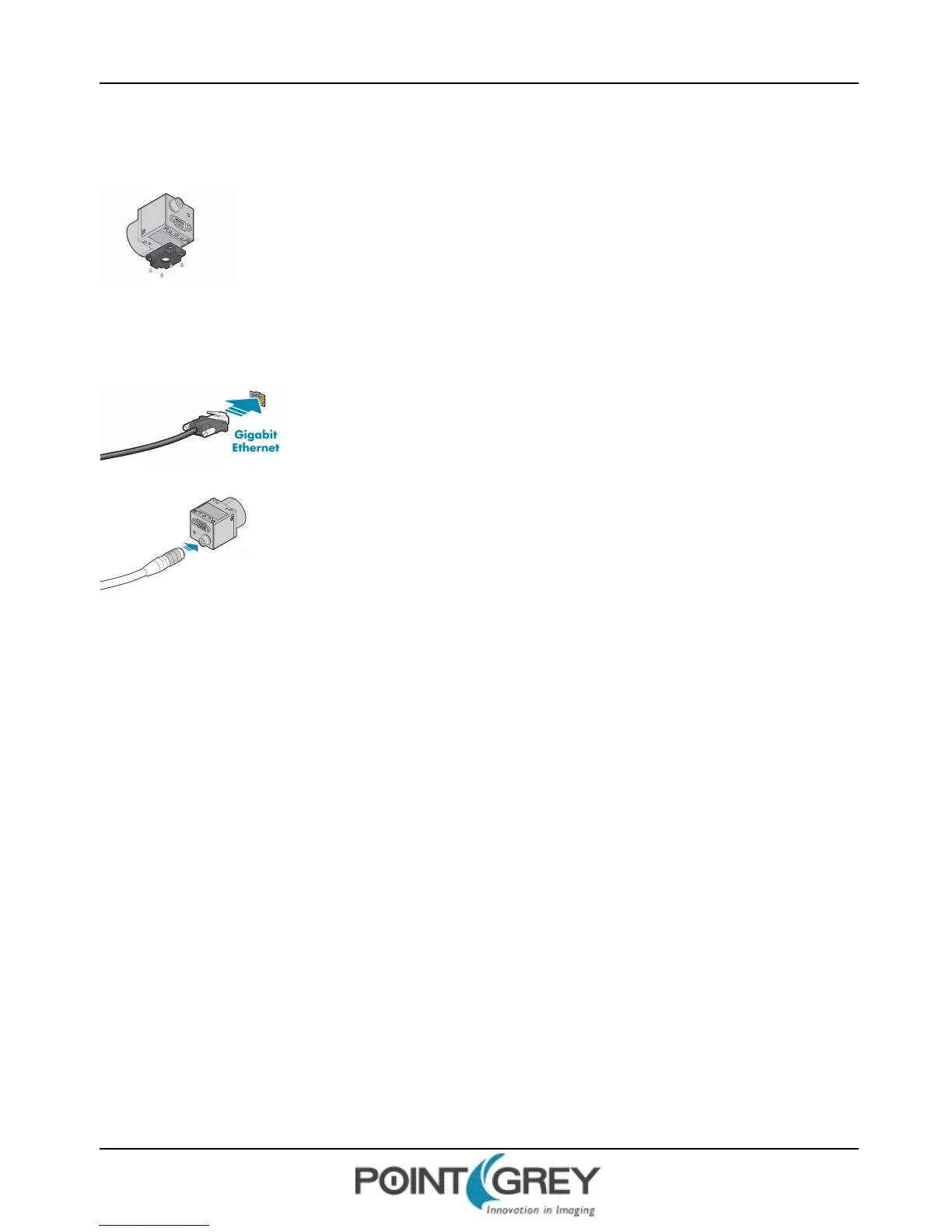
1. Install the Tripod Mounting Bracket (optional)
The ASA and ISO-compliant tripod mounting bracket attaches to the camera using the included
metal screws.
2. Attach a Lens
Unscrew the dust cap from the C-mount lens holder to install a lens.
3. Connect the interface Card and Cable to the Camera
Plug the interface cable into the host controller card and the camera. The cable jack
screws can be used for a secure connection.
4. Plug in the GPIO connector
GPIOis used for power, trigger, pulse width modulation, serial input output, and strobe.
The wiring harness must be compatible with a Hirose HR25 8-pin female GPIOconnector.
5. Configure IPSettings
In the GigEConfigurator:
a. In the left pane, select your GigEVision camera. (Note: there may be a delay of several seconds before the
camera is detected by the GigEConfigurator on startup.)
n Under "Current IPConfiguration," review the IP address. By default, a dynamic IPaddress is assigned to
the camera according to the DHCP protocol. If DHCP addressing fails, a link-local address is assigned. If
necessary, change the IPaddress of the camera to be on the same subnet as the NIC. If the subnets do
not match, the camera is marked "BAD" on the left pane.
n Under "Packet Size Discover,"click Discover Maximum Packet Size and note the value.
b. Close the GigEConfigurator.
6. Confirm Successful Installation and Configure Packet Size
a. Run the FlyCap program: Start-> FlyCapture SDK-> FlyCap
b. In the camera selection dialog, select the GigE camera that was installed and click Configure Selected.
c. In the Camera Control dialog, click Custom Video Modes. By default, Packet Size is set to 1400 bytes. We
recommend increasing this value to the size noted in the GigE Configurator, as maximizing packet size reduces
processing overhead.
The FlyCap program can be used to test the camera's image acquisition capabilities through the Ethernet connection.
Revised 10/29/2013
Copyright ©2010-2013 Point Grey Research Inc.
9



 To Next Page