39
6.9 Reset
This feature resets every setting to the factory defaults, except USER MMSI and BUDDY LIST.
GROUP MMSI, ATIS MMSI
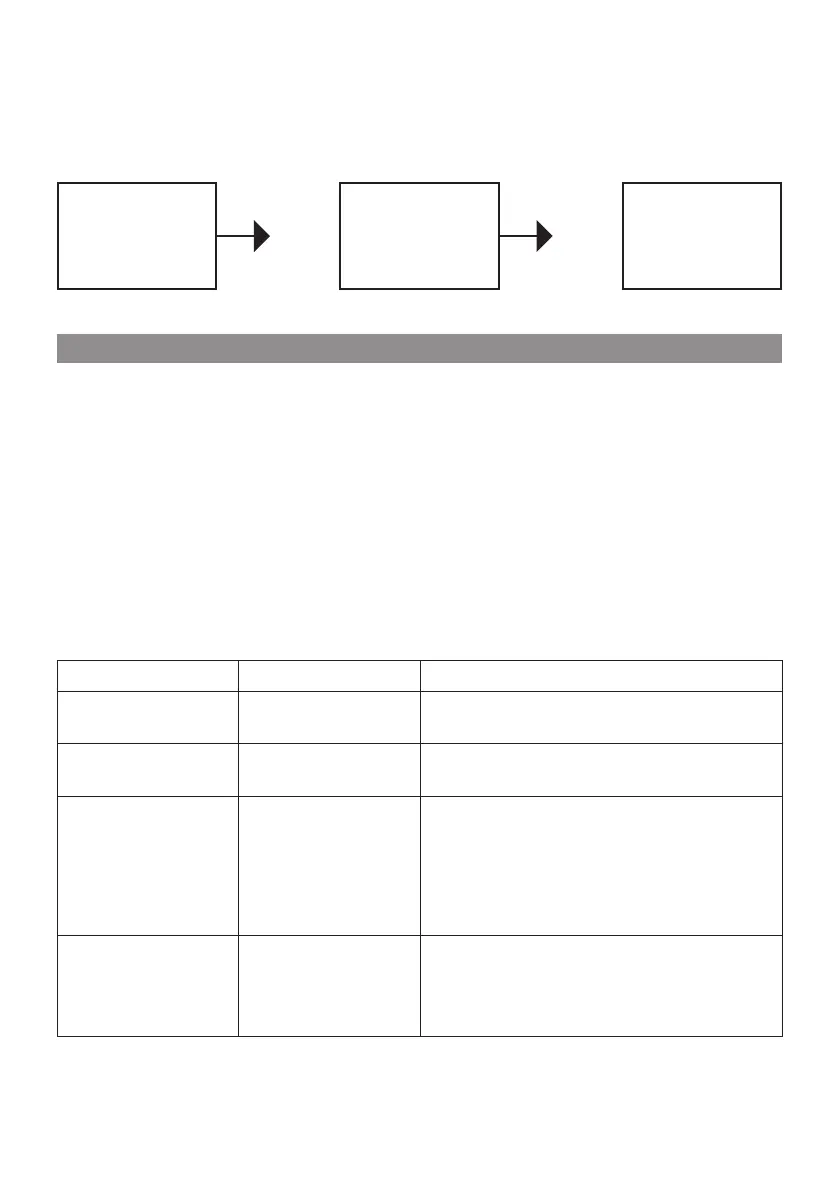
1 Select RESET, press CH key, the radios asks for confirmation
2 Select yes, press CH key to reset the radio and return to the menu.
RADIO SETUP
DSC SETUP
>RESET
EXIT
RESET
ARE YOU SURE
>NO
YES
ALL USER
SETTINGS
RESTORED
TO DEFAULTS
Your VHF Marine Radio Shark is a marine radio of water proof who can meet the requirement
of JIS level 7, gives you a good reliability when using in marine circumstance.
The equipment is designed to be maintenance free. To keep your radio in good working
condition:
Never unscrew the equipment, either the base station or handset, For in such case, the water
proof performance will be greatly damaged.
If the radio becomes dirty and dusty, wipe it clean with a moisture cloth, but pay attention to
never using such solvents as benzene or alcohol, for they may damage the radio surfaces.
Once your equipment does not work properly, never allow an unqualified person to tamper
with internal adjustments. Please contact the local dealer for help.
•
•
•
7. MAINTENANCE
Item Symptom Cause/Remedy
1
Unit can not be
powered on.
Check the connection to the base station.
Check the volume control.
•
•
2
No sound comes
from the speaker
Set [VOL] to a suitable level.
Set squelch to the threshold point.
•
•
3
Transmitting is impos-
sible, or high power
can not be selected.
Check to see if the PTT switch is defective.
Check to see if the microphone or MIC jack
is defective.
Some channels are for low power or recei-
ve only, change to another channel.
Push H/L to select high power.
•
•
•
•
4
Low receiver
sensitivity.
Check to see if the antenna being bad con-
nected.
Check the connection between coaxial ca-
ble and base station.
•
•



 To Next Page