■ 4 Modes of operation and operating
26
4.6 How the menu control operates
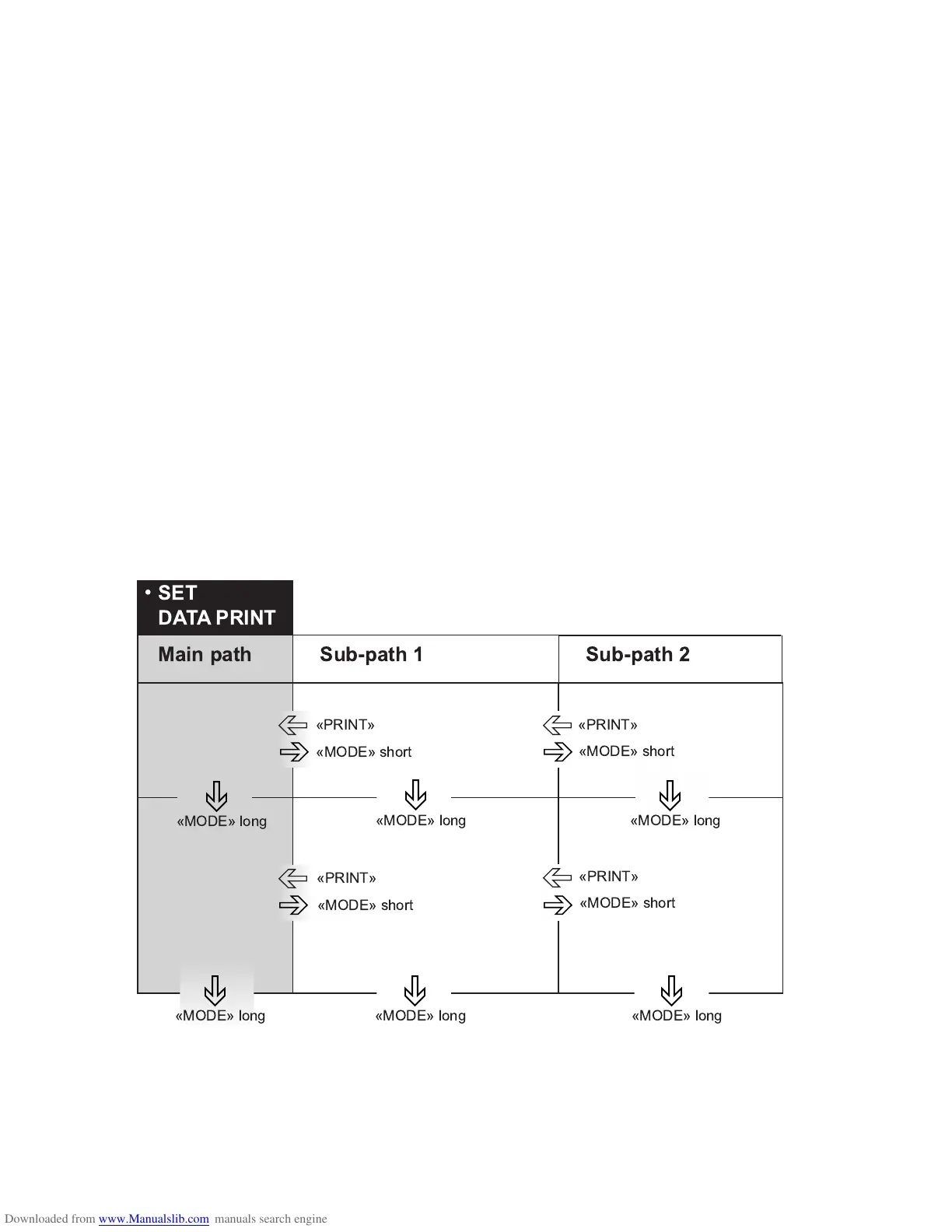
The configuration menu and the application menu each have a main
path and up to two sub-paths in which the parameters for the different
function programs of the balance are defined.
Moving in the menu path:
•«MODE»-short: In path to the right or start input.
•«MODE»-long: In path downwards.
•«PRINT»-button: In path to the left (in main path exit menu).
Input:
•«MODE»-short: Change value or position.
•«MODE»-long: Change one position to the right or terminate
input.
•«PRINT»-button: Terminate input.
)
*
)
*
)
*
,
)
*
,
,
,
,
,













 To Next Page