17
System Updates Menu
Version Info Menu
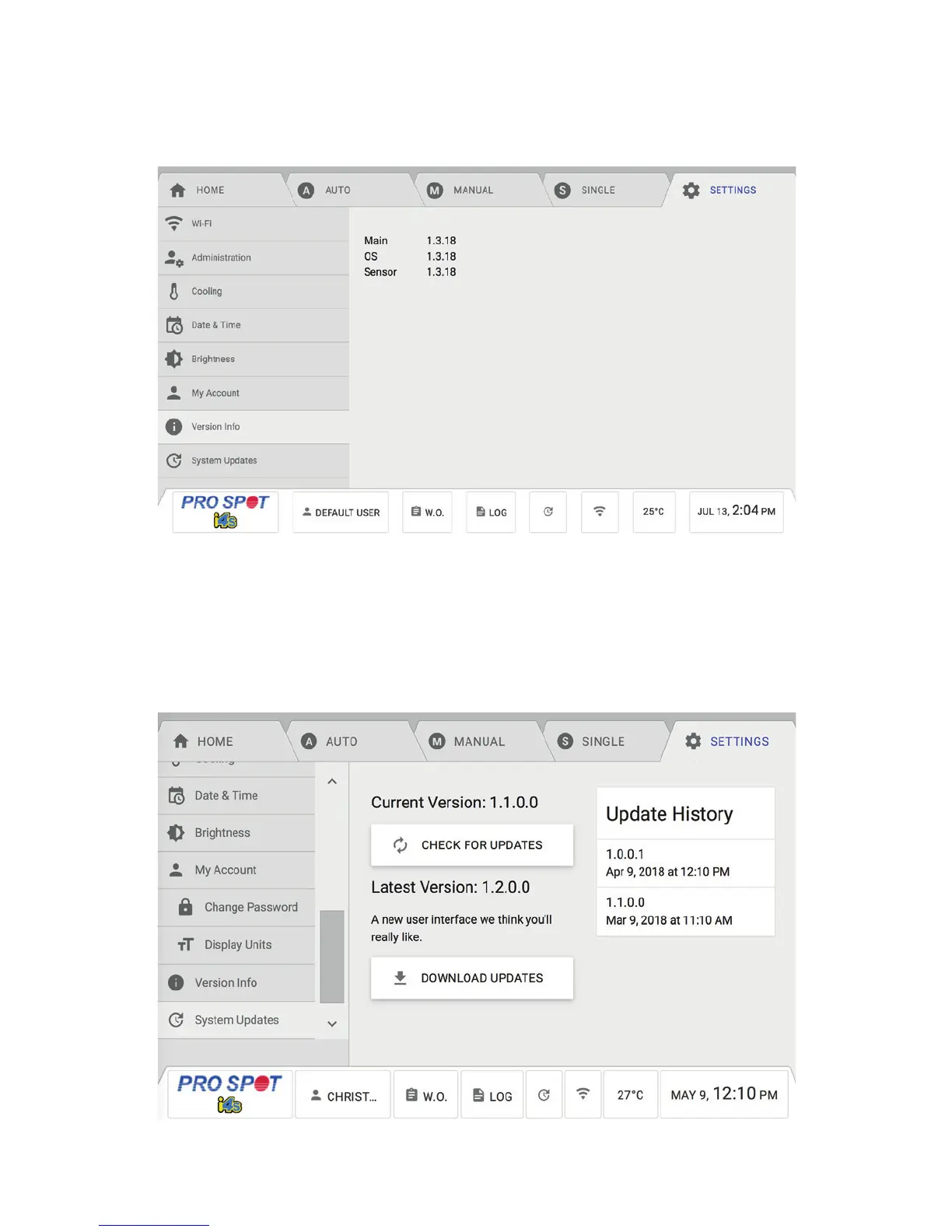
The System Update Menu allows you to check for software updates and to download the latest updates from Pro
Spot. It also displays the Update History of the machine. After the update is done downloading, press the Install Up-
dates button. The machine will automatically reboot and install the new software (Figure 4.20).
The Version Info Menu displays the hardware versions the machine has. This information may be useful when looking
to see if your machine is up to date (Figure 4.19).
Figure 4.19
Figure 4.20



 To Next Page