18
4.7 i4s Administration Settings Menus
To access the Administration Settings:
1. Select the Settings tab.
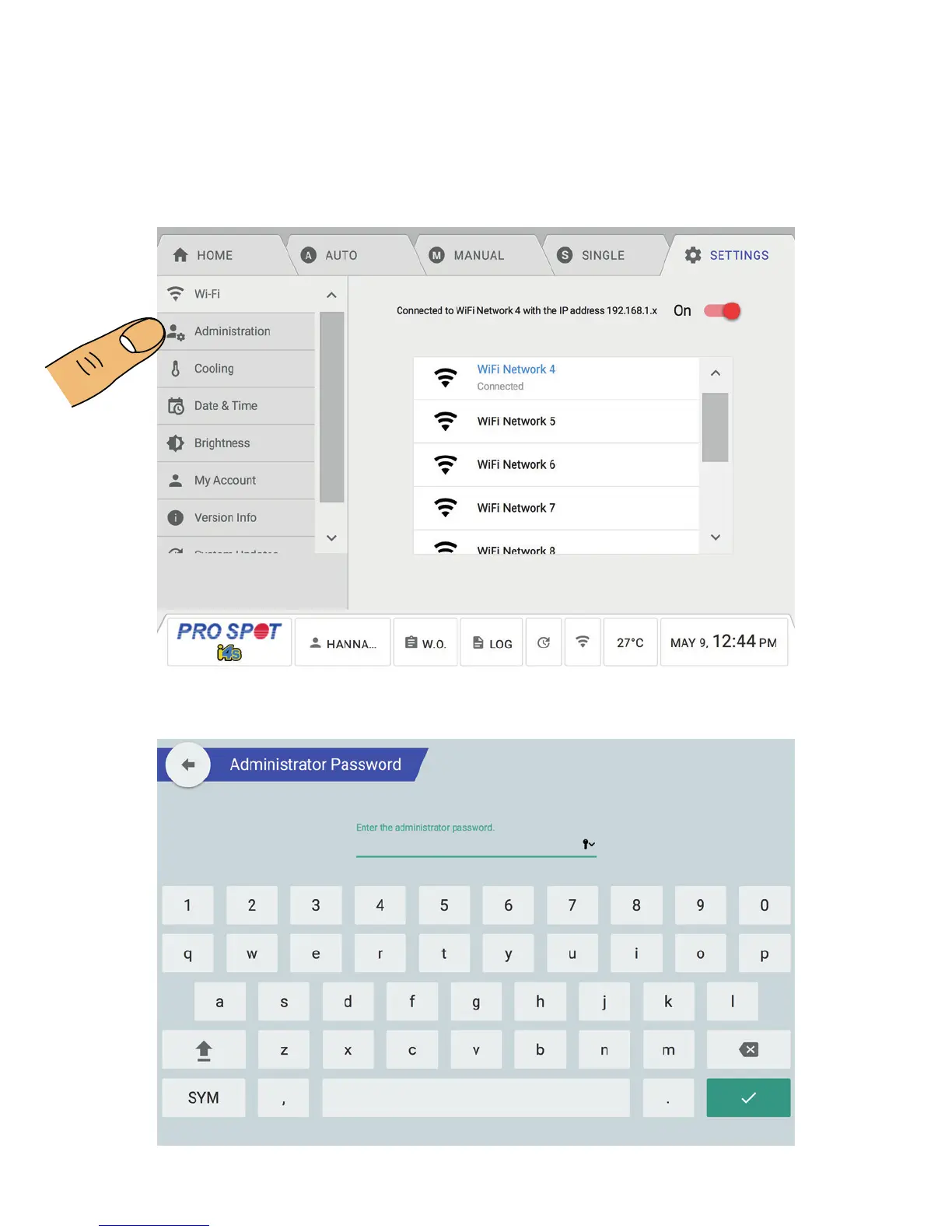
2. Once you’re on the Setting tab, select Administration (Figure 4.21).
3. Once you see the Administration Menu, you will be prompted with a password screen (Figure 4.22).
4. Enter the password to get access to the Administration Menus. NOTE: Administration Password: asdf (lowercase)
NOTE: As a safety precaution, the Administrators access logs out after 2 minutes.
4.7 Administration Settings Menus
Figure 4.21
Figure 4.22



 To Next Page