ProtaSteel 2021 - Quick Start Guide 17
Detailing Definitions). The Capacity Ratio is automatically calculated = Design force divided by the
actual capacity of the member. Hence, Capacity Ratio x Overdesign Factor = Final Factor.
➢ For example, under Steel Detailing ensure the following
• Plates : Preferred Plate Material = S355
• Bolts : Preferred Bolt Material = Class 8.8
• General Weld : Preferred Weld Material = Class 42
➢ Apply
→
OK
14. Base Plate Connection
In order to create a base plate connection to columns, we can use the base plate macros. There are two
base plate macros in ProtaSteel for creating the base plate connection.
• Base Plate Connection (without design)
• Simple Base Plate Connection (with design)
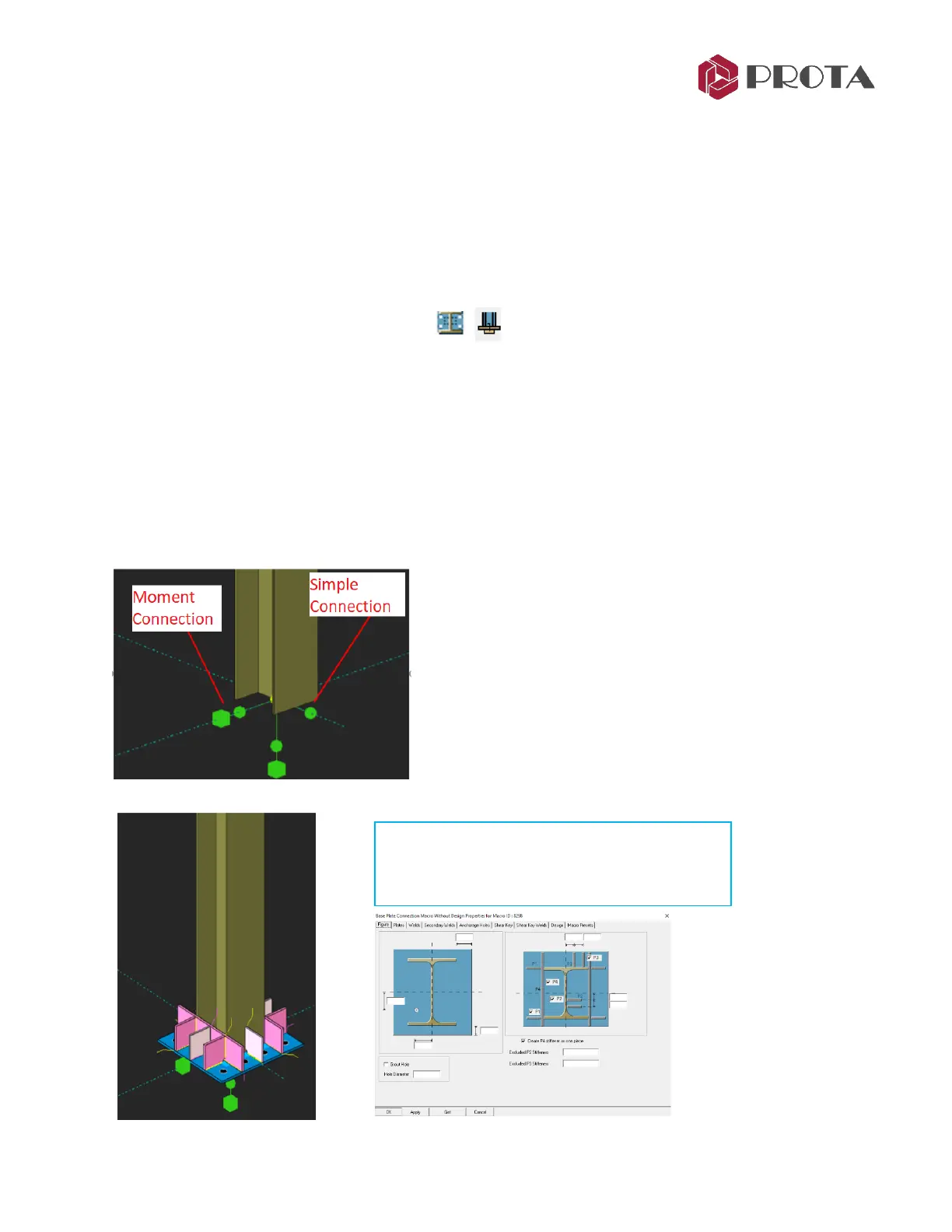
In ProtaSteel, restraints are indicated with the ball and cubic objects in green. If the connection is
defined as moment connection in ProtaStructure, it is shown with ball+cubic object. If the connection is
designed as a pinned connection, it is shown with only a ball object.
Using with “Base Plate (without design) Macro”, all types are created.



 To Next Page