ProtaSteel 2021 - Quick Start Guide 18
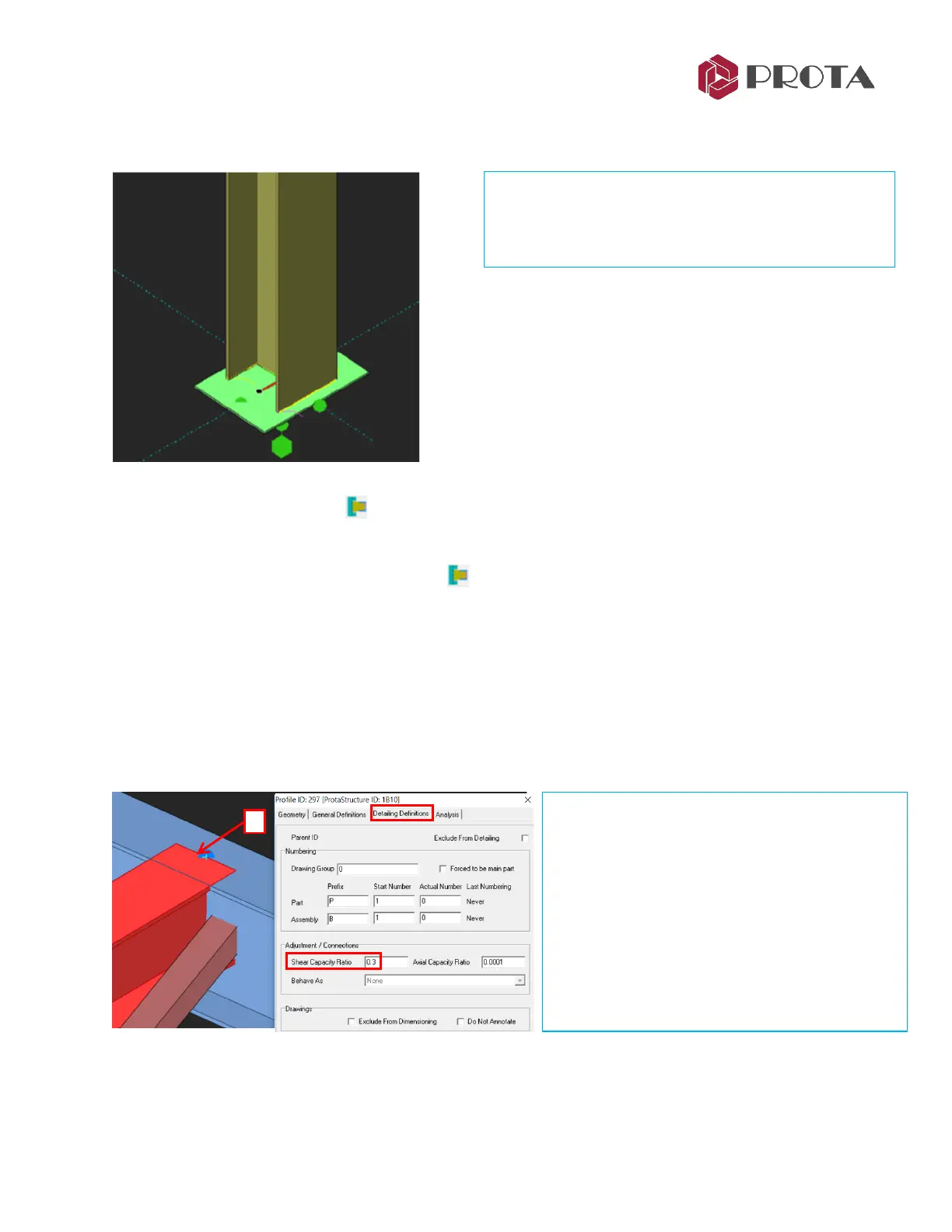
Pinned connections can be created by the “Simple Base Plate Macro”. This macro can design and create
calculation report. All parameters can be changed in macro properties.
15. Fin Plate Connection
We will create a fin plate connection between the adjacent main & primary beam joint.
➢ Right-click of the Fin Connection macro
The Fin Plate Macro dialog will appear which allows you to customize the connections.
➢ Go to the Design Tab & ensure the following :
• Design Standard = EC3
Note : Slip Coefficient is blank & hence will follow the Project Preferences
→
Bolts settings
➢ Pick Get to make it default settings for this connection type for all projects from now on.
➢ Zoom GL 2/B-C to the previous joint where the secondary, main beam & 2 “L” brace meet.
Important Note : The capacity ratio works in combination with General Overdesign factor for
Connections (in Project Preference). Hence, Capacity Ratio x Overdesign Factor = Final Factor.
➢ Double-click on the secondary beam
➢ In Profile Properties, go to Detailing
Definitions tab
The Capacity Ratio defaults to 0.3 for this beam.
This will be used to calculate the minimum
design shear used for the connection.
The Analysis tab shows the geometric properties
of the member.
➢ Apply
→
OK



 To Next Page