ProtaSteel 2021 - Quick Start Guide 51
39. DXF Export
All the drawings created in ProtaSteel can be exported as DXF format :
➢ Double-click on Drawing Manager (or F6)
➢ Under DXF Export
→
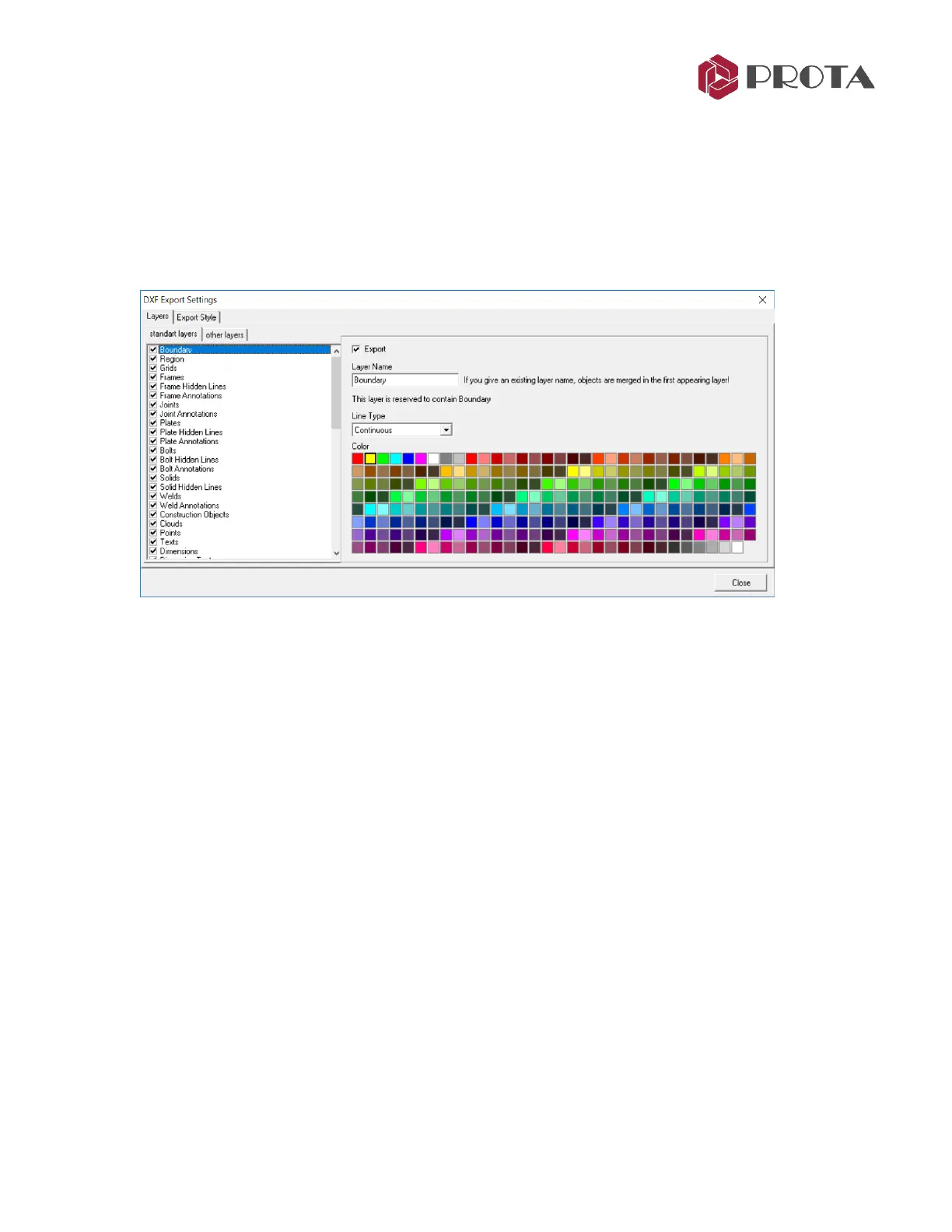
Pick Settings
In the DXF Export Settings, you can choose the layers to be exported, change the Layer Name & Line
Type.
➢ Close the Dxf Export Settings
➢ Pick Export
→
Choose the destination folder
→
OK
The dxf drawing will be created in the folder selected.
40. IFC File Export
ProtaSteel model can be exported as Industry Foundation Classes (IFC) file. IFC is a Building Information
Modeling (BIM) data structure created by buildingSmart International and is the ISO 16739: 2013
standard. IFC File format is implemented by most design software on the market including leading Building
Information Model (BIM) platforms like Autodesk Revit, Bentley and Tekla Structures. This enables
sharing of building information models between various BIM platforms.
➢ Select objects to be exported as IFC file format.
If no object is selected, then all objects will be exported.
➢ The File
→
Export
→
IFC Export



 To Next Page