ProtaSteel 2021 - Quick Start Guide 50
New Part
Similar to “Modified Settings”. Only applies to newly created objects. Hence, there is no option to “Keep
the Number If Possible”.
❖ Compare to Old : Compares and assigns the part-marks from previous numbering if possible.
❖ Take New Number: Assigns new part-marks.
38. Creation of Parts and Assembly Drawings
If there are no problems after Audit Model, Clash check and Numbering, the parts and assembly drawing
can be produced.
You can create the part & assembly drawing for the entire model, or only for some objects.
➢ Select the entire model or objects
➢ Go to Drawings & Reports
→
Drawings
→
Create Assembly Drawing / Create Part Drawing
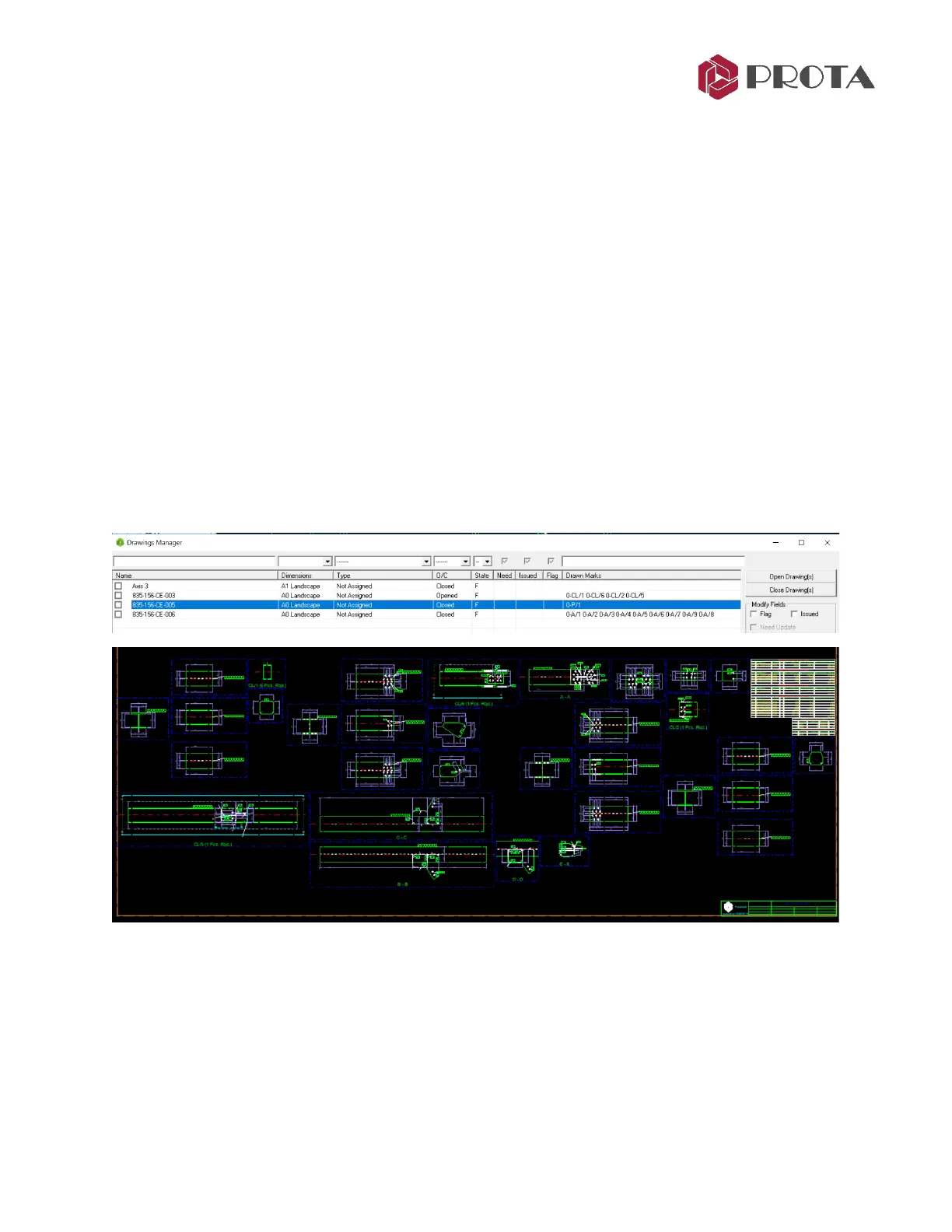
The Drawing Module will be launched and the drawings created.
➢ In the Drawing Manager
→
Double-click to open & review the drawing



 To Next Page