40
5 Operations and settings
5.1 Touch keys
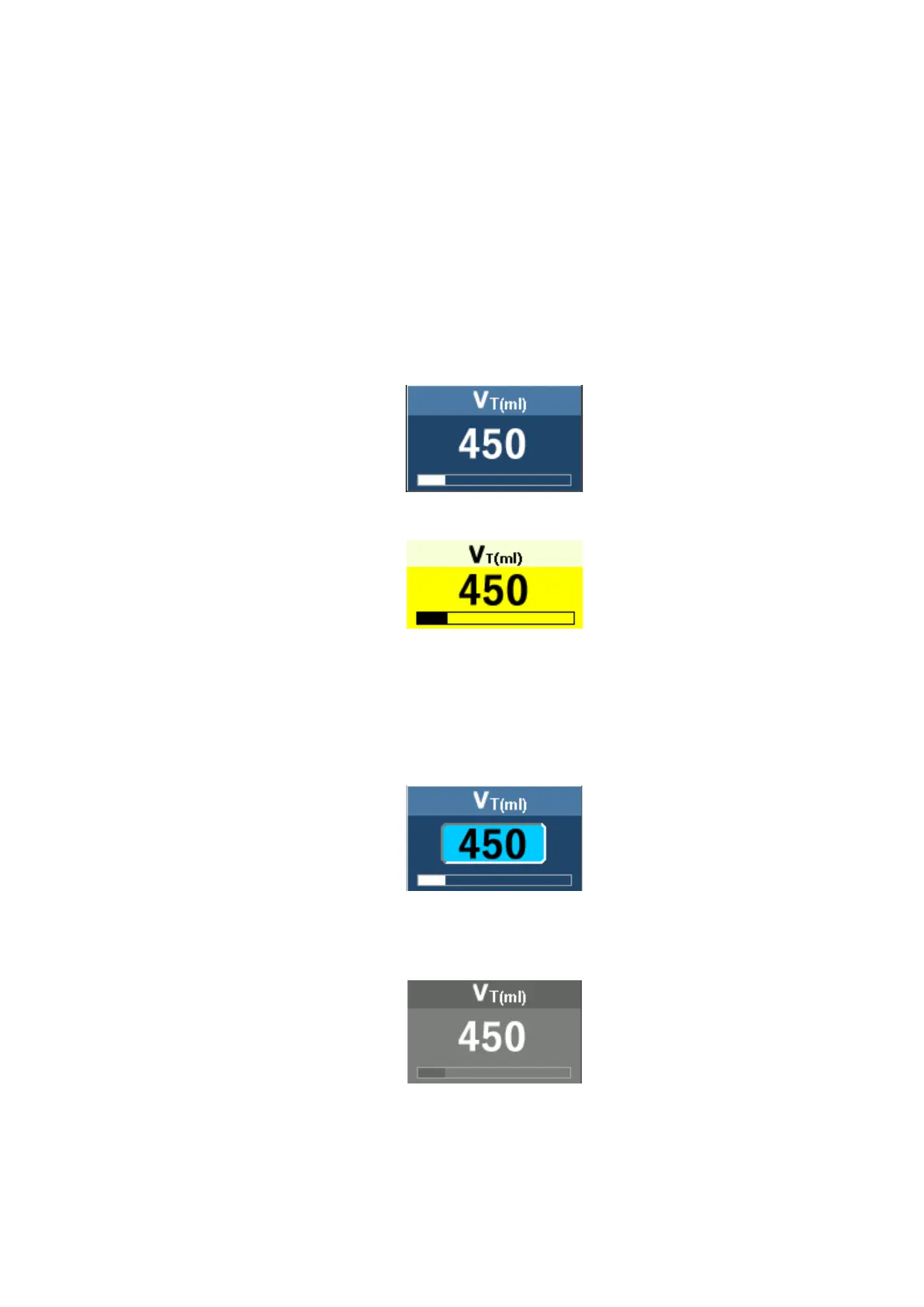
Different color of touch keys shows the ventilator in different status:
- The blue key pad indicates the normal status, you can select or active the key by
using the dial or touch. For example:
- The yellow key pad indicates the selected status, and its display highlight.
- The light blue frame indicates the active status, and the user can adjust the
parameter by the navigation wheel. Rotate the navigation wheel with clockwise
to increase the parameter, and rotate the navigation wheel with counterclockwise
to decrease the parameter.
- The gray pad indicates the unusable status, the function is disabled, or the
parameter can not be adjusted currently.



 To Next Page